In the digital economy of 2026, Adobe remains the dominant force in creative software. However, its transition to the "Creative Cloud" SaaS model has introduced one of the most sophisticated and legally complex billing structures in the world. For designers, agencies, and enterprise users, the challenge of 2026 is navigating "Subscription Inertia"—the combination of early termination fees (ETFs), obscured cancellation paths, and "zombie" billing cycles. This whitepaper provides a comprehensive framework for understanding Adobe’s billing architecture, the technical steps for termination, and how virtualized payment layers like Buvei serve as the ultimate "Kill Switch" for consumer financial protection.
How Adobe Subscription Billing Works
Adobe’s billing infrastructure in 2026 utilizes a Continuous Authority model, leveraging tokenized payments that are deeply integrated into the global banking grid.
The "Annual Plan, Paid Monthly" Trap
The most common friction point in Adobe's billing is the distinction between a "Monthly Plan" and an "Annual Plan, Paid Monthly."
-
The Legal Distinction: While users often perceive a monthly charge as a month-to-month commitment, Adobe’s default setting is an annual contract. This grants Adobe the legal right to charge a significant percentage of the remaining balance upon early cancellation.
-
Network Tokenization: In 2026, Adobe uses EMVCo Network Tokens. Even if you change your physical card or it expires, the bank automatically "updates" Adobe with your new card details via the network, ensuring the billing remains uninterrupted unless the merchant token itself is revoked.
The 14-Day "Window of Reversal"
Adobe typically offers a 14-day window from the initial purchase for a full refund. Beyond this window, the account enters the "Contractual Lock" phase, where algorithmic retention bots take over the user interface.

Step-by-Step Guide to Cancel Adobe Subscription
Navigating the 2026 Adobe "Account Management" portal requires a precise sequence to ensure the termination is written to the primary database and not just "paused."
The Termination Protocol
-
Identity Verification: Log in via a secure browser. In 2026, Adobe often requires multi-factor authentication (MFA) specifically to access the "Cancel" page, a tactic designed to slow down the process.
-
The "Plan Management" Layer: Navigate to "Manage Plan" and select "Cancel Your Plan."
-
The Algorithmic Retention Gauntlet: Adobe will present a series of "Save Offers"—often offering 2–3 months of free service or a downgrade to a cheaper "Photography Plan."
-
Final Confirmation: You must proceed through at least four screens of warnings regarding "Cloud Storage Data Deletion" before reaching the final confirmation.
-
The Digital Receipt: In 2026, a "Cancellation Number" is your only legal defense against future charges. Ensure this is screenshotted and saved in your Buvei metadata vault.
Common Issues and Cancellation Fees
Adobe's "Retention AI" is designed to maximize Customer Lifetime Value (CLV), often resulting in significant financial friction during exit.
The 50% Early Termination Fee (ETF)
For "Annual, Paid Monthly" plans, Adobe historically charges 50% of the remaining contract balance. For a user six months into a $52.99/month plan, this can result in a "Surprise Charge" of over $150.00 the moment they click "Cancel."
The "Cloud Data Hostage" Factor
Adobe leverages its cloud storage as a retention tool.
-
The Grace Period: Upon cancellation, your storage is typically reduced to 2GB. In 2026, if you do not migrate your assets within 30 days, Adobe’s automated "Storage Purge" protocols may permanently delete your professional portfolio.
Using Virtual Cards to Avoid Future Charges
When a merchant utilizes "Network Tokens" to follow you from card to card, the only permanent solution is to use a Virtualized Payment Firewall.
Decoupling the Financial Root
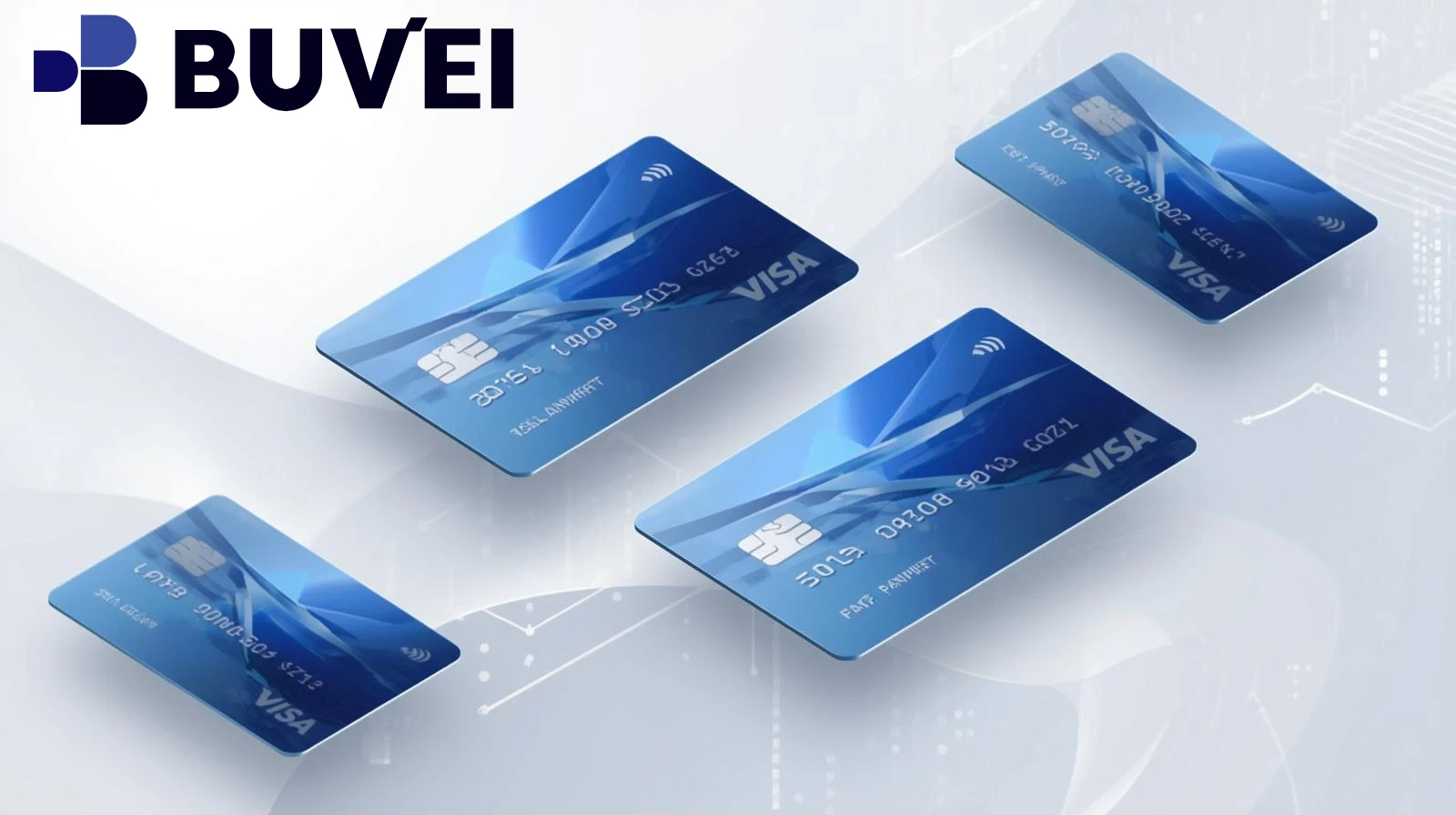
A virtual card acts as a proxy. By giving Adobe a virtual token instead of your primary bank card, you create a "Programmable Boundary."
-
The "Hard-Decline" Strategy: If you are in a dispute over an unfair ETF, you can simply "Delete" the virtual card. When Adobe’s billing engine attempts to pull the 50% penalty, it receives a Code 05 (Do Not Honor) response. Unlike a bank-level "Stop Payment," which can be expensive and temporary, a deleted virtual card is a permanent architectural block.
Preventing "Zombie Billing"
"Zombie Billing" occurs when a system error re-activates a cancelled account. Because a virtual card is a standalone PAN (Primary Account Number), there is no "Path of Least Resistance" for Adobe to follow back to your actual bank account.
Using Buvei Virtual Cards for Subscription Control
Buvei is the 2026 market leader for "Subscription Sovereignty," specifically engineered for high-friction merchants like Adobe.
High-Authority BIN Reputation
Adobe’s payment gateway is hyper-sensitive to "Burner Cards."
-
Premium Commercial BINs: Buvei provides high-authority US-issued Commercial BINs. Adobe recognizes these as legitimate business cards, ensuring you can sign up and manage your account without the "Suspicious Activity" flags common with low-tier virtual providers.
The "Zero-Balance" Firewall and API Management
-
Instant Freezing: With the Buvei dashboard, you can "Freeze" your card 24 hours before you cancel the subscription. This ensures that no "Last-Minute" charges are pulled during the cancellation process.
-
Verifiable US Billing: Buvei allows you to use a US-based address that passes AVS (Address Verification System) checks, preventing Adobe from flagging your account for regional "Pricing Arbitrage" or location mismatches.
-
Real-Time Webhooks: Receive an instant notification the micro-second Adobe pings your card for an authorization. This provides a "Live Pulse" of the merchant's billing behavior.
 Final Thoughts: The Future of Digital Contracts
In 2026, the "Subscription" is the new contract. As software moves further into the cloud, the power dynamic has shifted heavily in favor of the merchant. To protect your financial health, you must move beyond traditional banking. Utilizing a Buvei Virtual Card is not just about convenience—it is about ensuring that you, not the software provider, hold the "Kill Switch" to your own capital.