Introduction
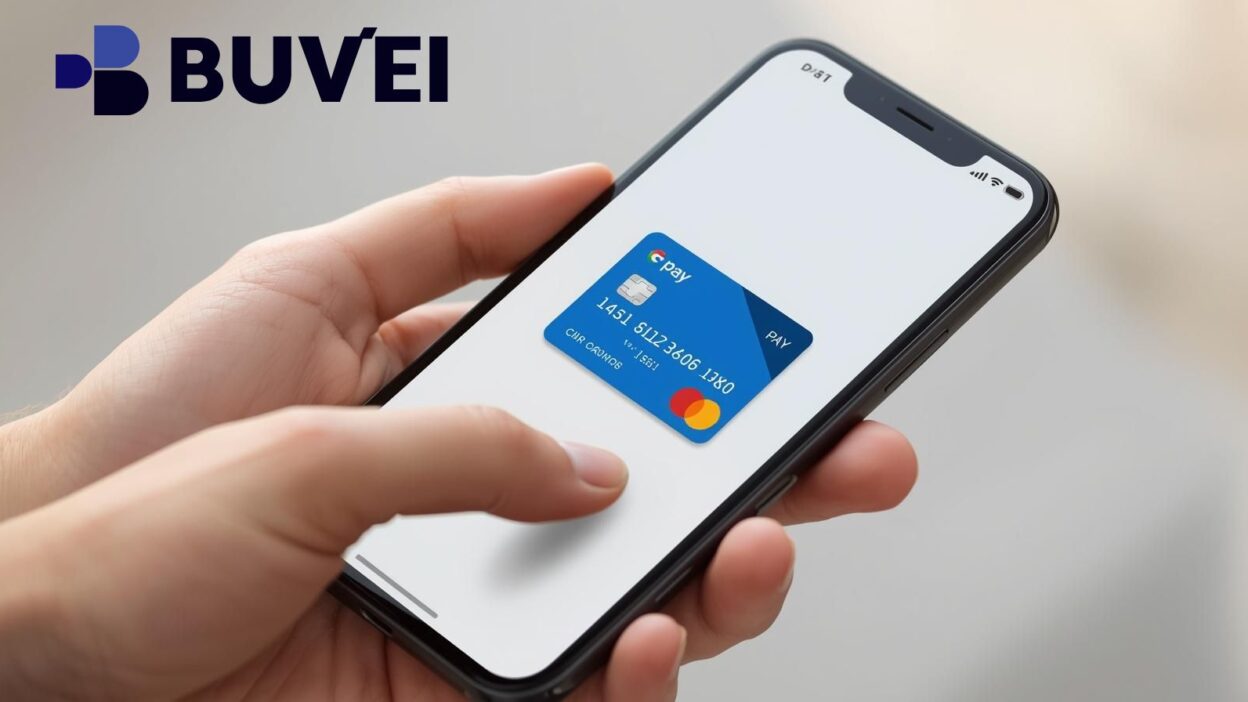
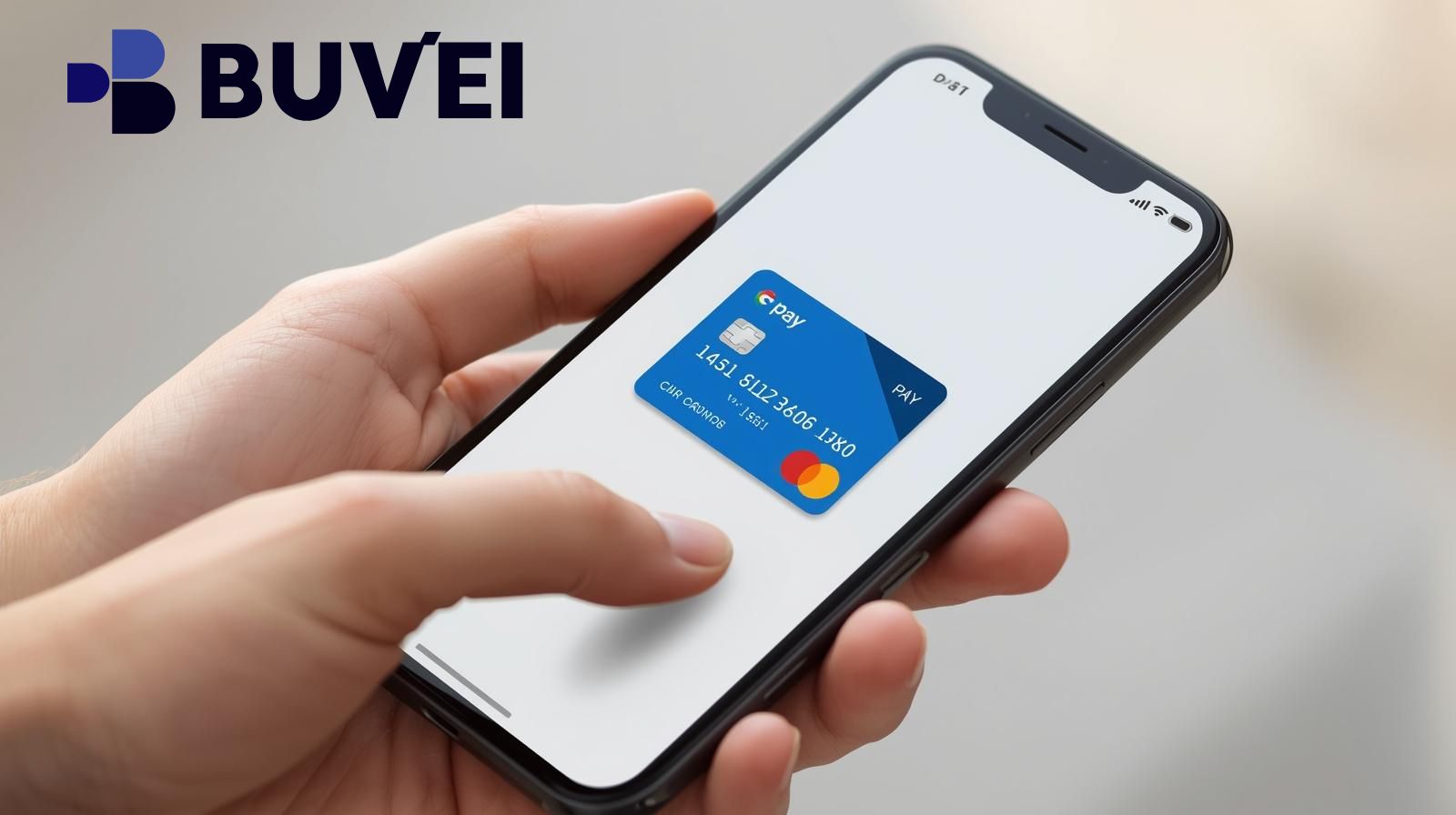
As digital payments continue to grow, more users are turning to virtual cards for safer and more flexible online transactions. Google Pay makes it easy to store, manage, and use virtual cards for both online and in-store payments. Whether you're using a virtual card from your bank or a third-party provider like Buvei, the process is simple once you understand how it works.
This guide explains how to add a virtual card to Google Pay, how to use it for payments, common issues, and why virtual cards are becoming the preferred choice for online security and cross-border payments.
What Is a Virtual Card and Why Use It in Google Pay?
A virtual card is a digital payment card containing a unique card number, expiry date, and CVV—just like a physical card, but fully online. It can be added to Google Pay and used for purchases on websites, apps, and NFC-enabled terminals.
Why use a virtual card?
-
Enhanced security – Your real banking information stays hidden.
-
Easy online payments – Works for subscriptions, e-commerce, and travel.
-
Convenience – No physical card required.
-
Privacy protection – Reduces exposure to fraud and hacking.
Virtual card providers like Buvei offer additional benefits such as rapid issuance, multiple BIN options, and strong compatibility with global platforms, making them especially useful for digital marketing, SaaS tools, and international payments.
How to Add a Virtual Card to Google Pay
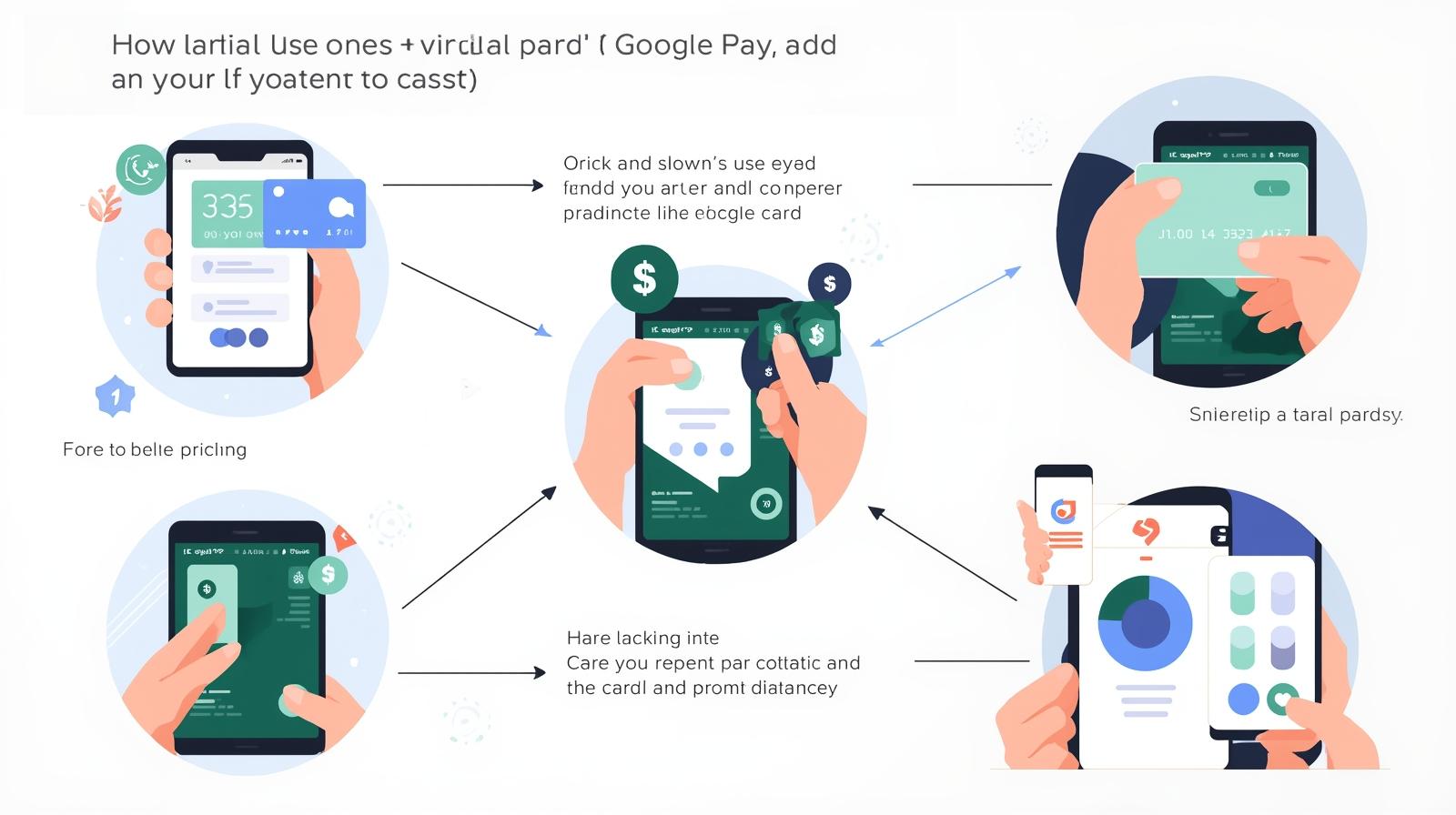
Adding a virtual card to Google Pay is straightforward. Follow these steps:
Step-by-step guide
-
Open Google Pay on your Android device.
-
Tap “Add a Card” under the Payment section.
-
Select Credit or Debit Card.
-
Enter your virtual card number, expiration date, and CVV.
-
Complete verification (SMS or email, depending on the provider).
-
Once approved, your virtual card will appear in your wallet.
Requirements
-
Google Pay app installed
-
A valid virtual card (Visa or Mastercard)
-
Device with NFC (if paying in-store)
Where Buvei Helps
Buvei offers instant virtual card issuance, allowing users to generate Visa/Mastercard cards quickly without complex KYC steps. These cards can then be added to Google Pay for seamless use.
How to Pay With a Virtual Card in Google Pay
After your virtual card is added, using it is simple.
For online payments
-
Choose Google Pay at checkout.
-
Google Pay uses your virtual card automatically.
-
Confirm the purchase and complete the transaction.
For in-store NFC payments
-
Unlock your phone.
-
Hold it near the payment terminal.
-
Wait for the confirmation beep or vibration.
For app subscriptions and digital tools
Virtual cards work perfectly for:
-
Entertainment apps
-
Online courses
-
Travel bookings
-
SaaS platforms like ChatGPT, Notion, Canva
If you're using a Buvei virtual card, its strong payment compatibility helps ensure stable use across multiple digital platforms, including Google Ads, Meta Ads, TikTok Ads, and Microsoft Ads.
Common Issues and How to Fix Them
Even though virtual cards are easy to use, problems can occur.
1. Virtual card can't be added
-
Card issuer doesn’t support Google Pay
-
Incorrect region or restricted BIN
-
Temporary verification failure
2. Payment decline
-
Insufficient balance
-
Merchant not accepting virtual cards
-
Incorrect billing information
3. Identity or verification issues
Some providers require additional verification, which may delay activation.
How Buvei Helps
Buvei minimizes these issues with:
-
Multiple BIN support to increase acceptance rates
-
Transparent fees so you always know your available balance
-
USDT fast top-up for quick funding
-
Real-time customer service for troubleshooting
These features make Buvei particularly useful for users who need reliable virtual card performance for online advertising, international purchases, and recurring services.
Summary
Google Pay makes it simple to add and use virtual cards, offering stronger security, faster payments, and greater convenience for both online and offline transactions. Whether you're using a bank-issued virtual card or a flexible third-party solution like Buvei, the setup process is straightforward, and the benefits are substantial.
If you need a fast, secure, and globally compatible virtual card, Buvei provides instant issuance, multiple BIN options, strong merchant compatibility, and transparent management tools—making digital payments smoother and easier than ever.