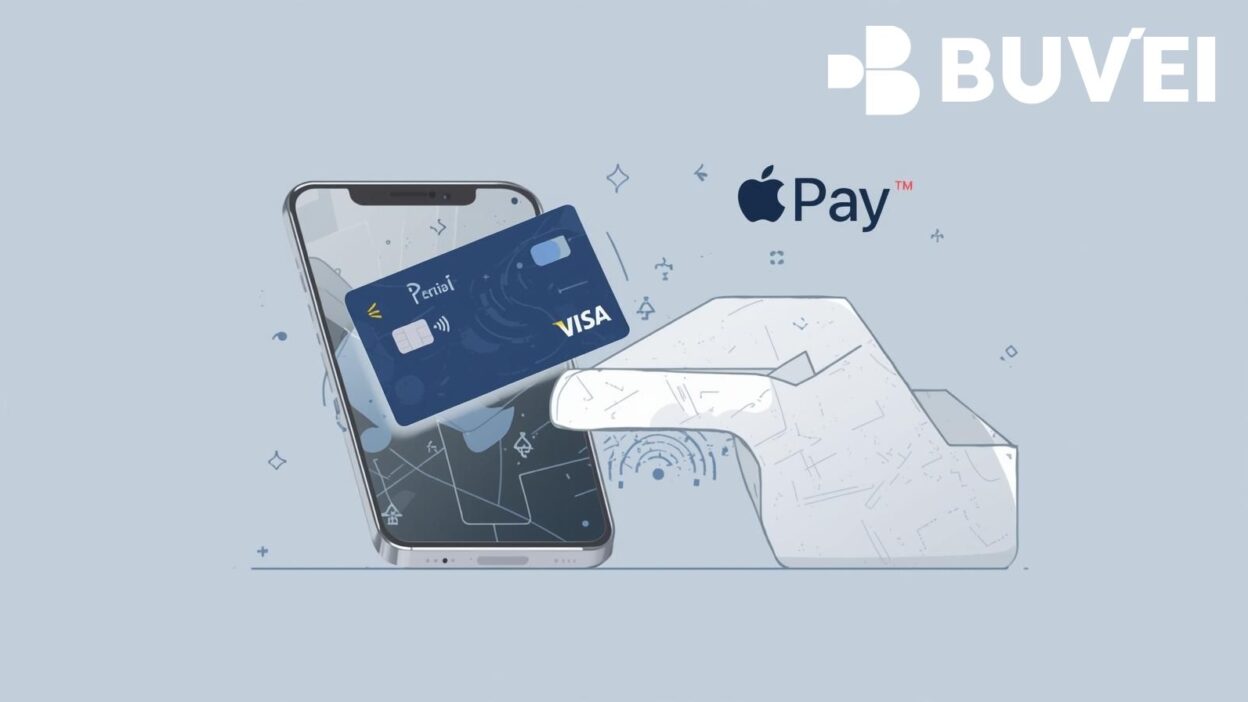
Apple Pay has become one of the most widely used mobile payment methods, offering fast, secure, and convenient transactions across online, in-app, and in-store environments. If you’re using a Buvei virtual card, adding it to Apple Pay allows you to enjoy seamless NFC payments, enhanced privacy protection, and flexible multi-card spending control—all from your iPhone or Apple Watch.
This guide provides a clear, step-by-step walkthrough on how to add a Buvei virtual card to Apple Pay in 2025.
What You Need Before Adding a Buvei Virtual Card
Before connecting your virtual card, make sure the following requirements are met.
Required items:
-
A Buvei virtual Visa or Mastercard
-
An iPhone, iPad, or Apple Watch with Apple Pay enabled
-
Latest iOS or watchOS
-
Region settings that support Apple Pay
-
A stable internet connection
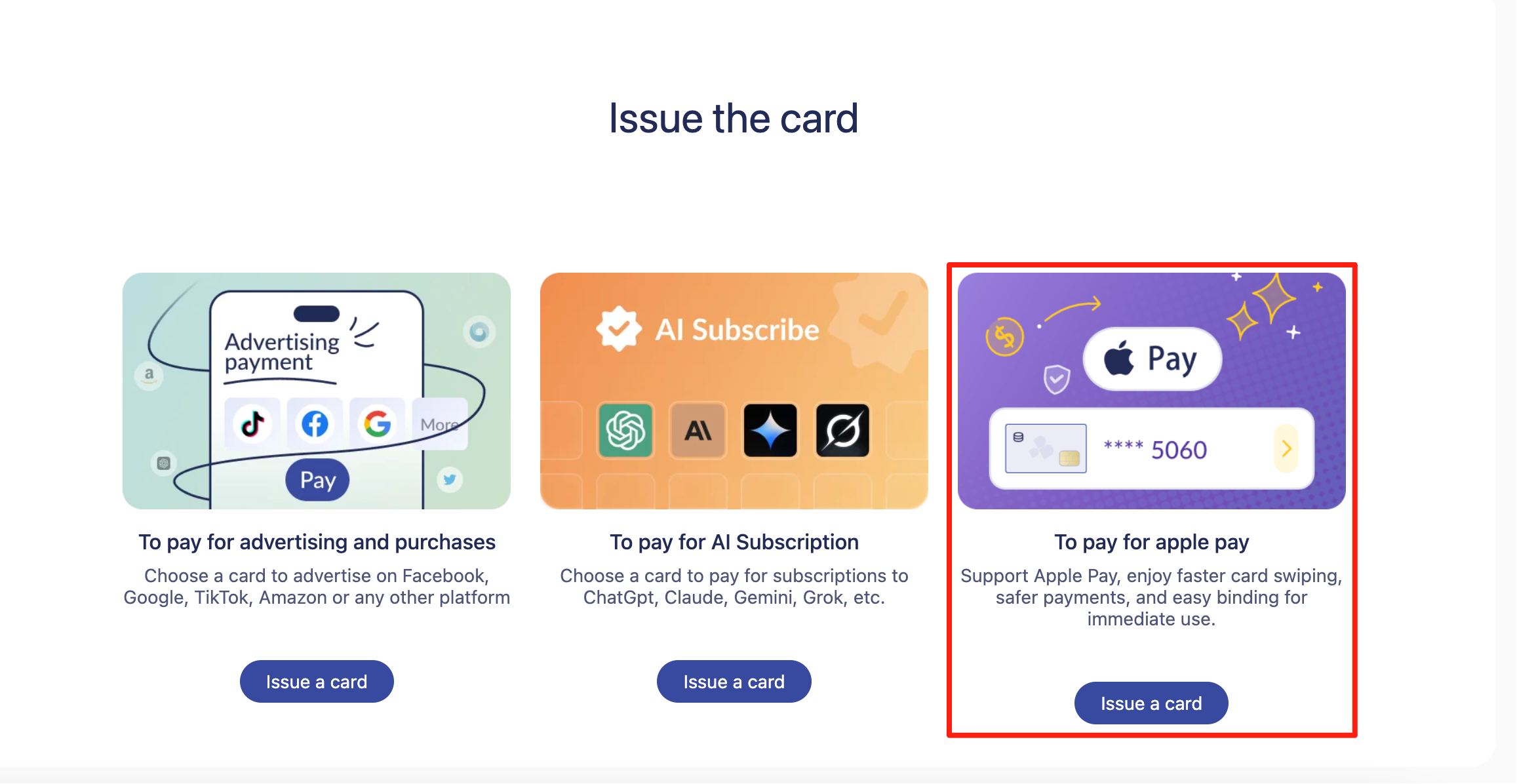
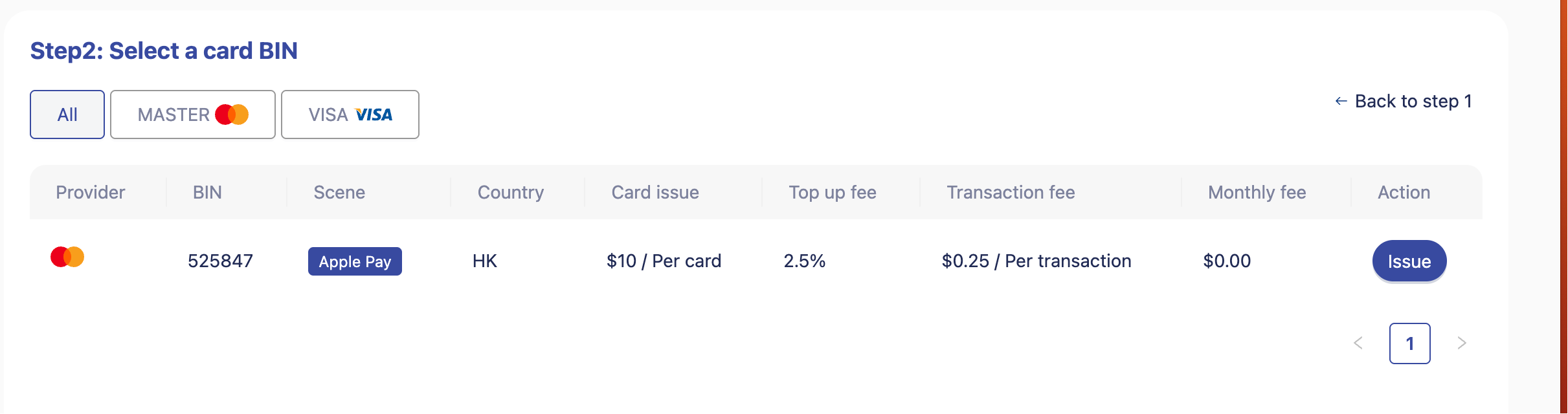
Buvei provides instant card issuance, allowing users to activate a virtual card without complicated KYC steps. Its multiple BIN support increases global payment compatibility, improving the success rate when binding cards to digital wallets like Apple Pay.

How to Add a Buvei Virtual Card to Apple Pay
Follow these steps to bind your card smoothly:
Step 1: Open the Wallet App
Launch the Wallet app on your iPhone.
Step 2: Tap the “+” Icon
In the top-right corner, tap Add Card.
Step 3: Select “Credit or Debit Card”
Choose Credit or Debit Card to enter your Buvei virtual card details manually.
Step 4: Input Card Information
Fill in the required fields:
-
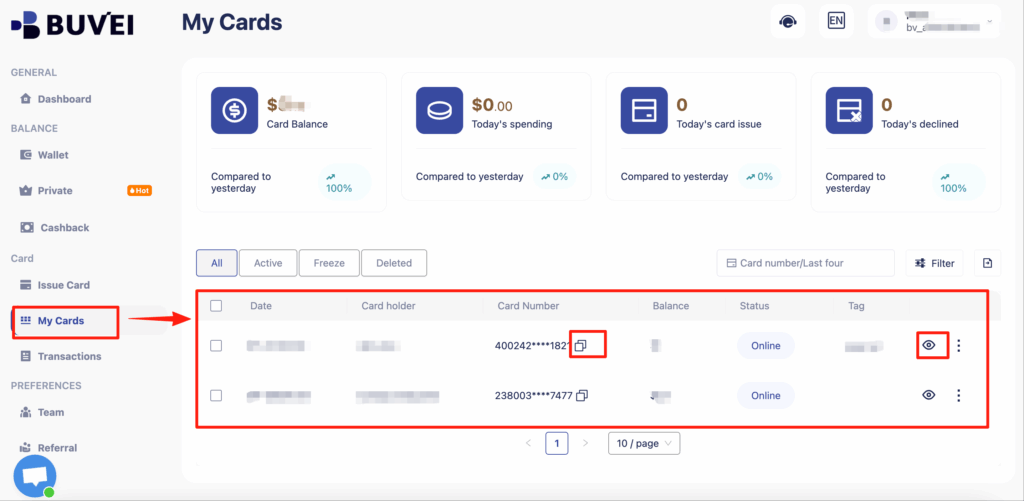
Card number
-
Expiration date
-
Cardholder name
Step 5: Complete Verification
Apple Pay may require:
-
SMS verification
-
Email confirmation
-
App-based verification
Once validated, your card will be added to your Apple Wallet immediately.
Step 6: Start Using Your Buvei Virtual Card
You can now use your Buvei card for:
-
Tap-to-pay transactions
-
Online and in-app purchases
-
Public transport (in supported regions)
Troubleshooting: If Your Buvei Card Cannot Be Added
If you encounter issues, try the following solutions:
Common fixes:
-
Ensure your iOS is updated to the latest version
-
Re-enter card details carefully
-
Restart your iPhone and retry
-
Check if the Wallet region matches Apple Pay availability
-
Ensure the card has enough balance to pass verification
Because Buvei supports strong payment compatibility, including global merchant platforms and digital services, users generally experience high success rates when binding the card to mobile wallets.
Why Add Your Buvei Card to Apple Pay?
Binding your Buvei virtual card to Apple Pay provides multiple benefits for daily spending and travel.
Key advantages:
-
Enhanced security — no exposure of real bank information
-
PCI DSS compliance for safe online payments
-
USDT top-up support for faster and low-cost balance loading
-
Transparent fees and customizable card limits
-
Suitable for SaaS subscriptions, travel expenses, ads payments, and more
-
Multi-account management, ideal for teams or individuals with multiple virtual cards
Buvei also offers real-time online customer service, making it easy to resolve payment or binding issues quickly.
Summary
Adding your Buvei virtual card to Apple Pay is a fast and effective way to upgrade your mobile payment experience. With strong global compatibility, instant card issuance, and secure wallet binding, Buvei makes it easy to enjoy seamless, privacy-protected spending anywhere Apple Pay is accepted.