-白色文字,整体干净明快_布局:__中心主体:一台打开的-Kindle-电子书阅读器(屏幕显示-Kindle-Unlimited)__右下-1248x702.jpg)
Want to enjoy unlimited eBooks anytime, anywhere, but find yourself blocked by payment restrictions?
With Kindle Unlimited, a single subscription gives you access to thousands of eBooks, magazines, comics, and even audiobooks. However, for many users, traditional payment methods can be inconvenient — especially for cross-region subscriptions.
Now, with a virtual card, you can subscribe quickly, break through payment barriers, and activate Kindle Unlimited with ease — making reading truly borderless.
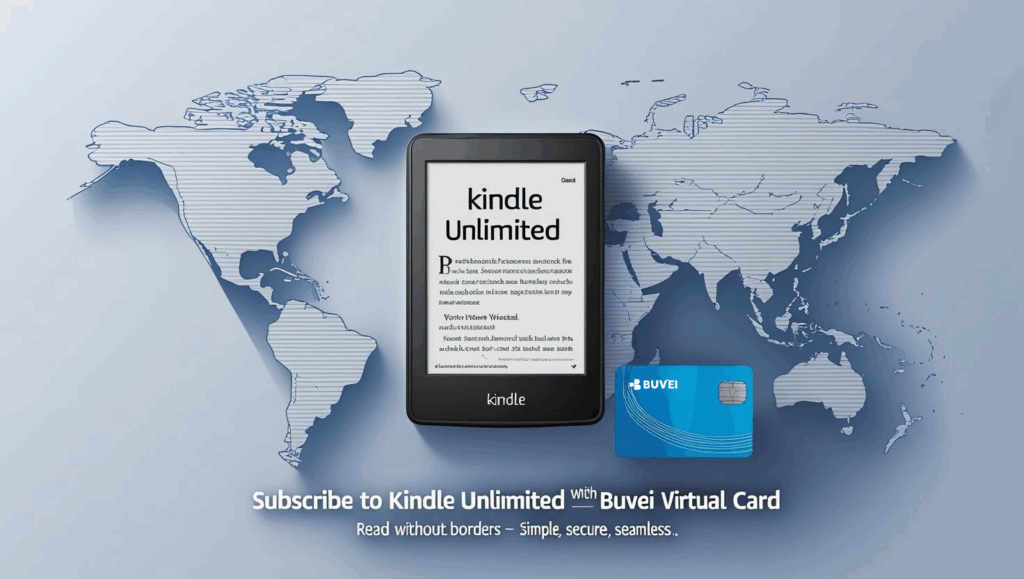
Subscription Steps
-
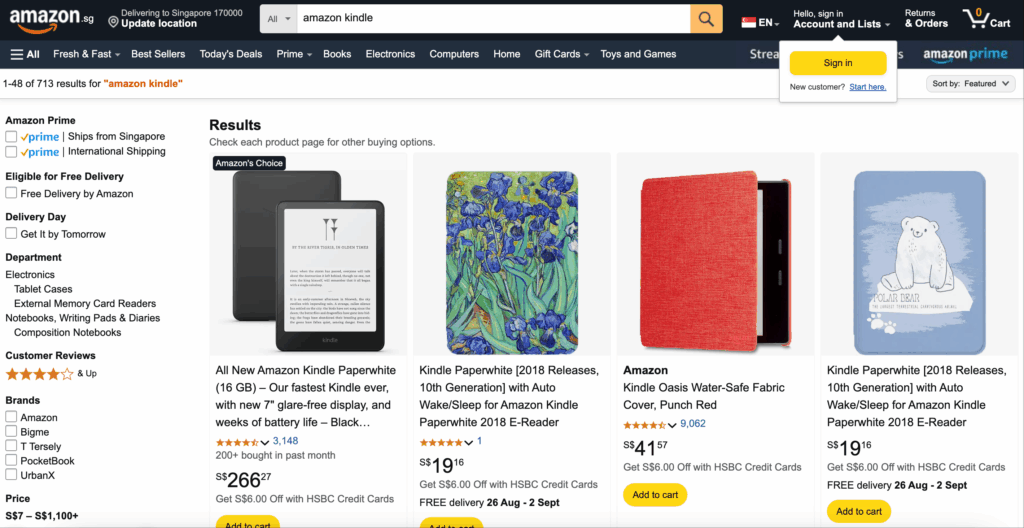
Visit the Amazon Kindle Unlimited page
-
Log in to your Amazon account (you can use your local account)
-
To subscribe to another region’s version, change your shipping address to the target country
-
Choose your subscription plan
-
Most common is a monthly plan (pricing varies by region)
-
Click “Start your subscription”
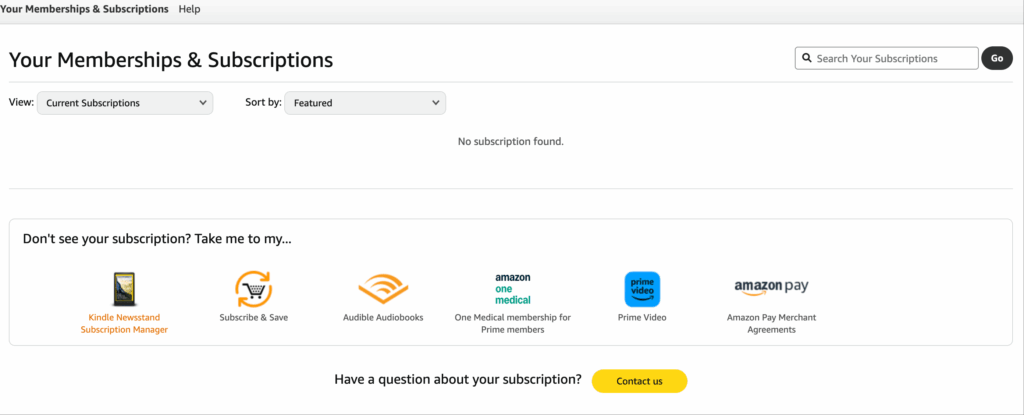
-
Add your Buvei virtual card
-
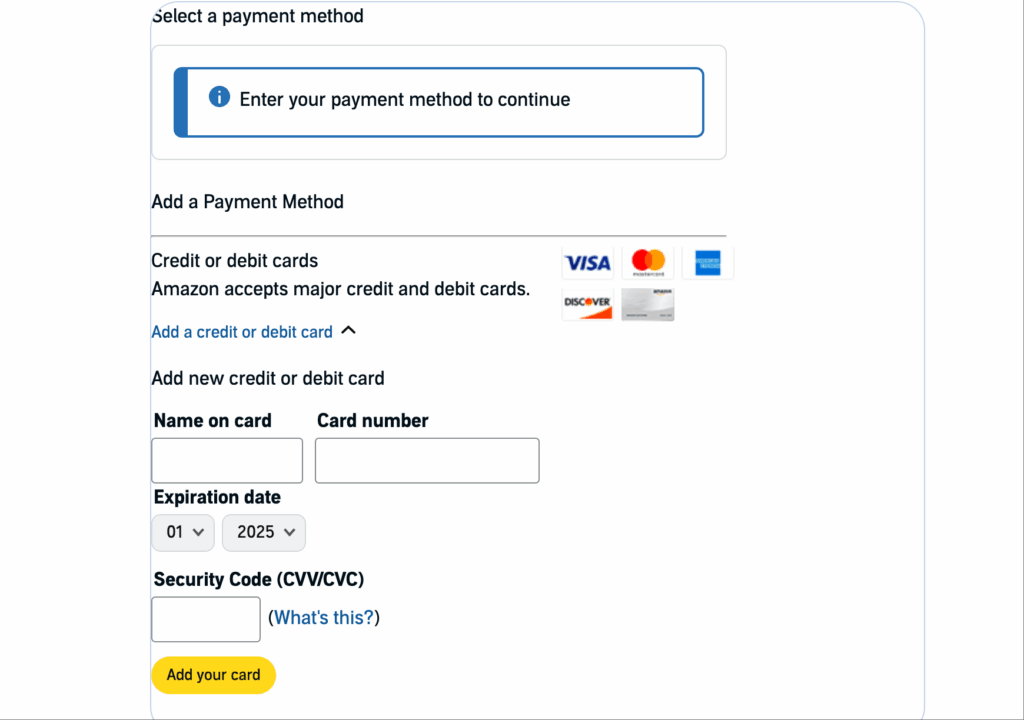
In the payment method section, select “Add a credit/debit card”
-
Enter your Buvei virtual card number, expiry date, and CVV
-
For billing address, use the address that matches the card’s issuing region
-
Confirm payment
-
Once the subscription is active, Amazon will automatically charge your virtual card each month
-
You can view transaction history or adjust limits anytime in your Buvei dashboard

If you don’t have a Buvei virtual card yet, follow our quick guide below to get started.
Create Virtual Credit Card
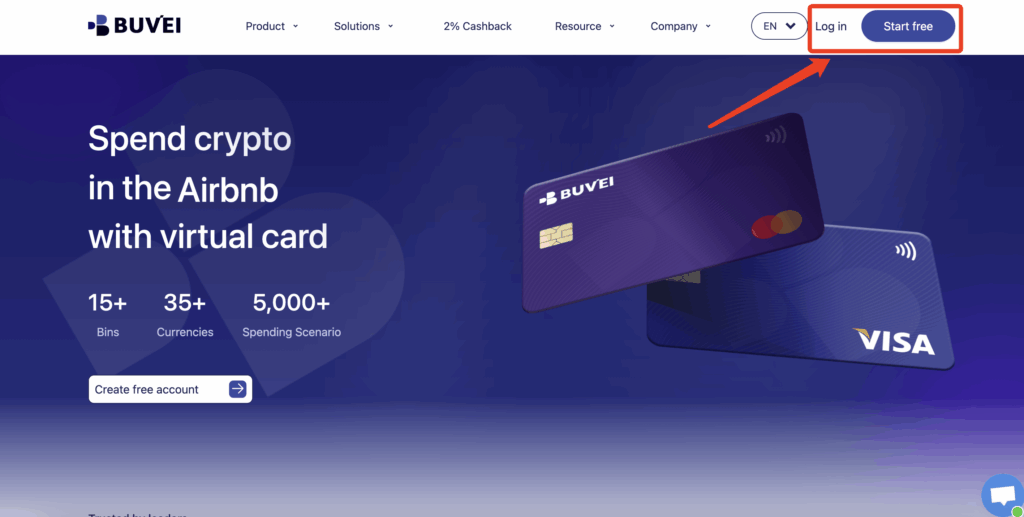
- I visit https://buvei.com and create a free account.
- After email verification, log in to access the Buvei dashboard.
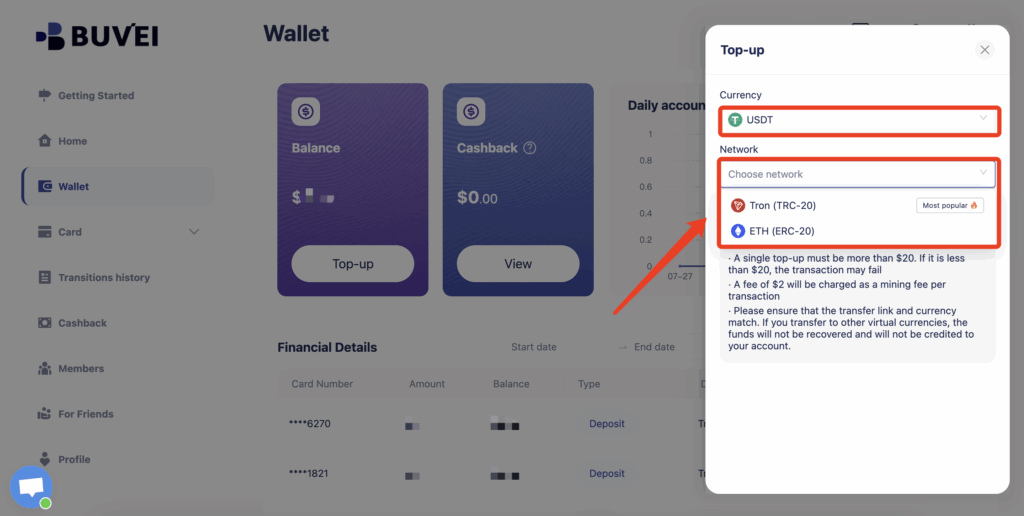
- Navigate to the Wallet tab and top up using supported stablecoins like USDT (TRC20/ERC20). You’ll receive a unique address—copy it and send your funds.
- Once confirmed, your balance will appear in the wallet for immediate use.
Create a Virtual Card
-
Go to the Card tab
-
Choose your preferred BIN region
-
Select your card type (Visa/Mastercard)
- Click Issue

- Fill in the virtual card details, including name, amount, and number of cards.
-
Click Issue Card

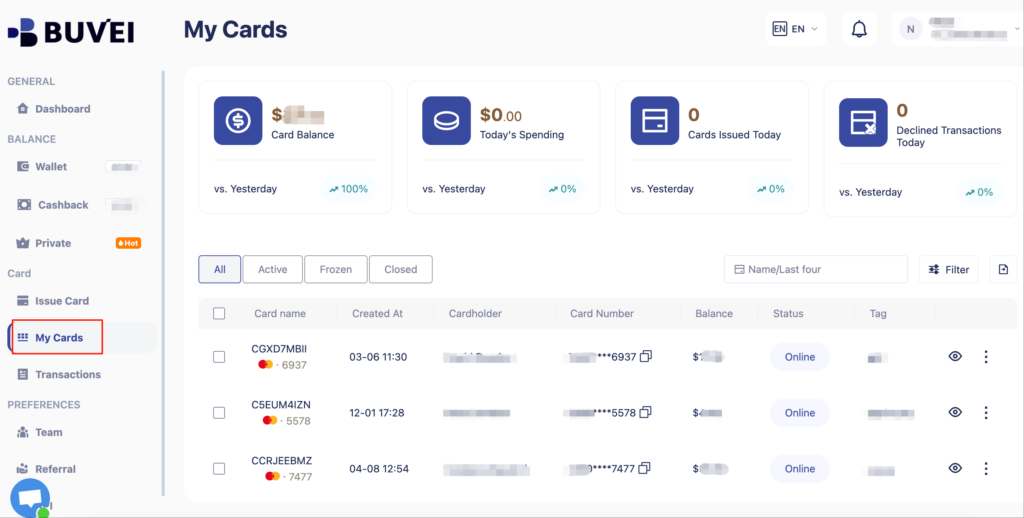
Once created, navigate to My Cards to access your card details:
-
Card Number
-
Expiration Date
-
CVV
Pro Tips
-
Cross-region subscriptions: Use a VPN and an overseas Amazon account to access better pricing in other regions
-
Budget control: Set a spending limit in your Buvei dashboard to prevent unwanted renewals
-
Cancel anytime: Go to Amazon’s “Manage Your Kindle Unlimited Membership” page to cancel whenever you wish
With a Buvei virtual card, you can not only subscribe to Kindle Unlimited with ease, but also control your subscription budget, pause or cancel anytime, and take full charge of your reading pace.
Whether you’re a literature lover, a productivity-focused professional, or a student seeking more learning resources, Buvei can accelerate your reading journey.
Create your Buvei virtual card today — let your next great read start now!
👉 Click to start