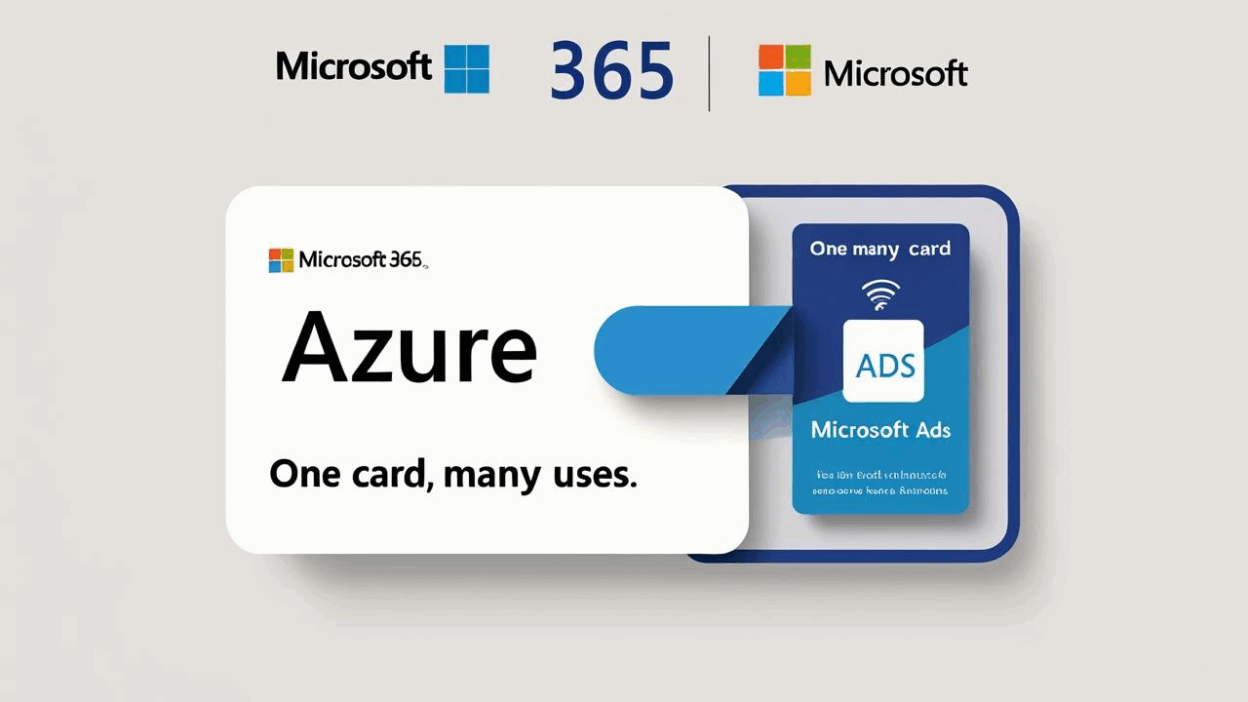

In modern enterprise operations, Microsoft services like Microsoft 365, Azure, and Microsoft Ads are essential digital infrastructure. However, traditional payment methods often pose challenges: shared corporate cards increase security risks, reconciliation processes are tedious, and cost tracking lacks transparency.
Buvei’s programmable virtual cards offer a more secure, flexible, and controllable way for businesses to manage Microsoft-related payments. Here’s how to bind and pay for Microsoft services with Buvei virtual cards, step by step.
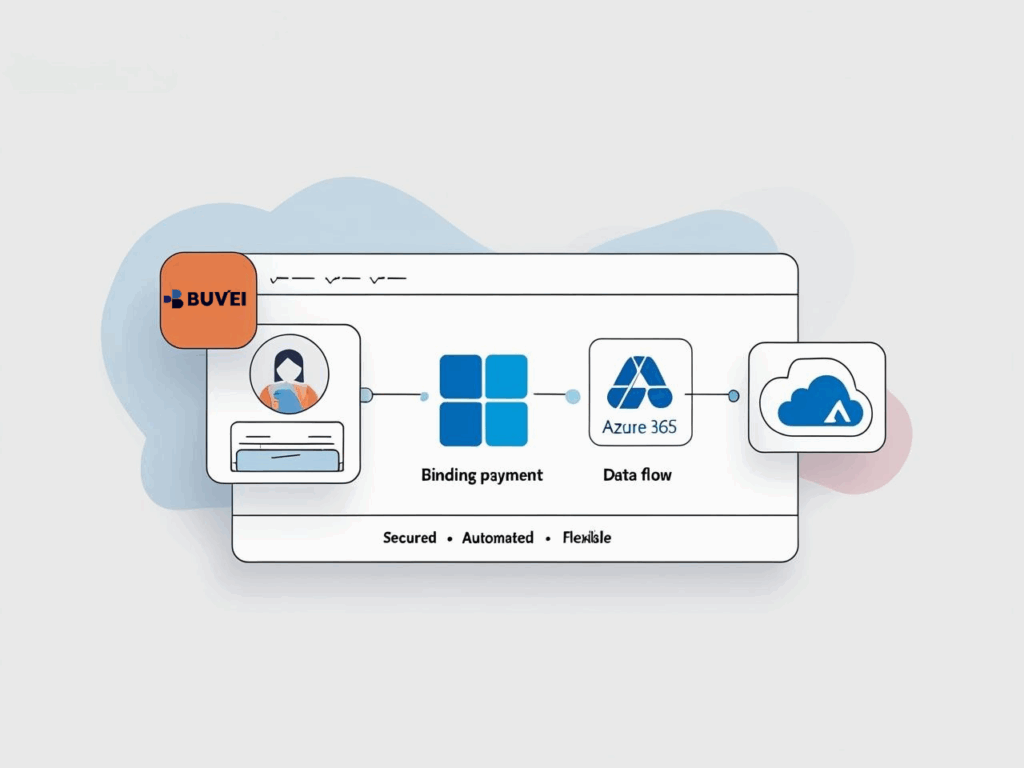
Why Use Buvei Virtual Cards for Microsoft Payments?
💳 Card per user/project, no sharing risks Issue a unique virtual card for each employee or department to minimize misuse and fraud.
📊 Custom limits for budget control Set daily or monthly spending caps to stay within your cloud service and advertising budget.
🔐 Freeze or delete anytime Instantly suspend or cancel any card in case of suspicious activity or account changes.
💵 Supports USDT top-up on multiple chains Cross-border payments become frictionless—no need to involve traditional banks.
✅ No complex KYC needed for small limits Ideal for agile deployments or test subscriptions without heavy onboarding procedures.
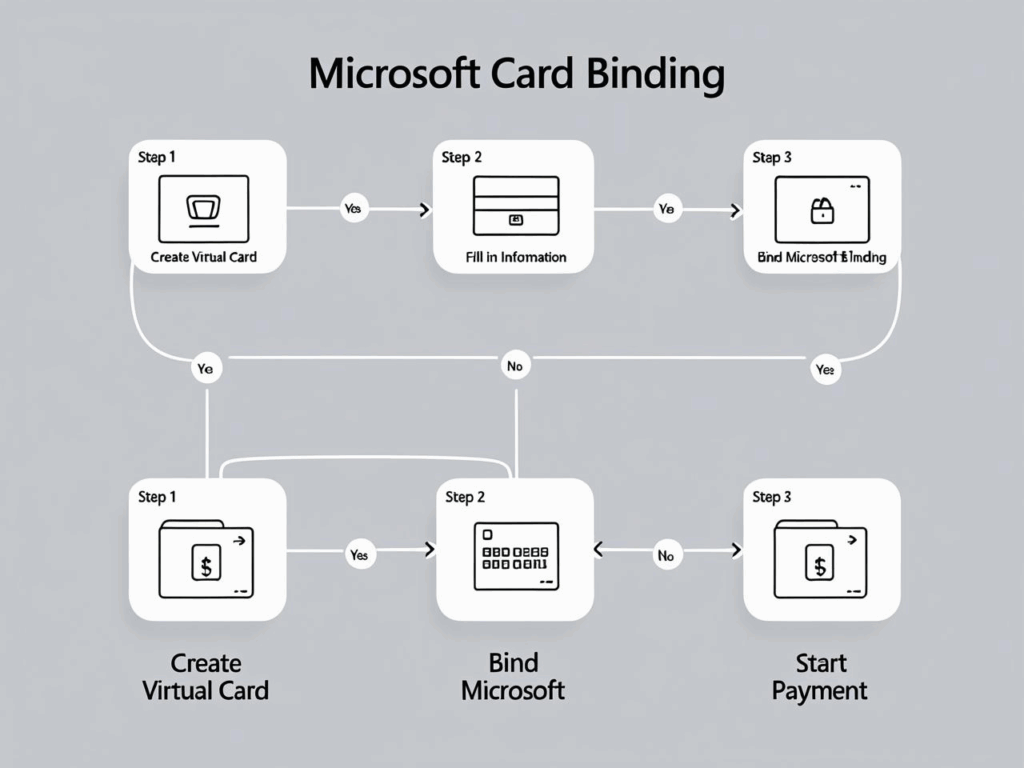
🧭 Step-by-Step: How to Link Buvei to Microsoft Payments
Step 1: Create a virtual card for Microsoft
Log in to your Buvei dashboard and click “Virtual Card”. Fill in the following details:
-
Card label (e.g., “Microsoft 365 – Ops Team”)
-
Merchant category: Software & Cloud Services
- Monthly spending limit (e.g., $200)

Click “Issue Credit Card” to instantly receive your card number, expiration date, and CVV.
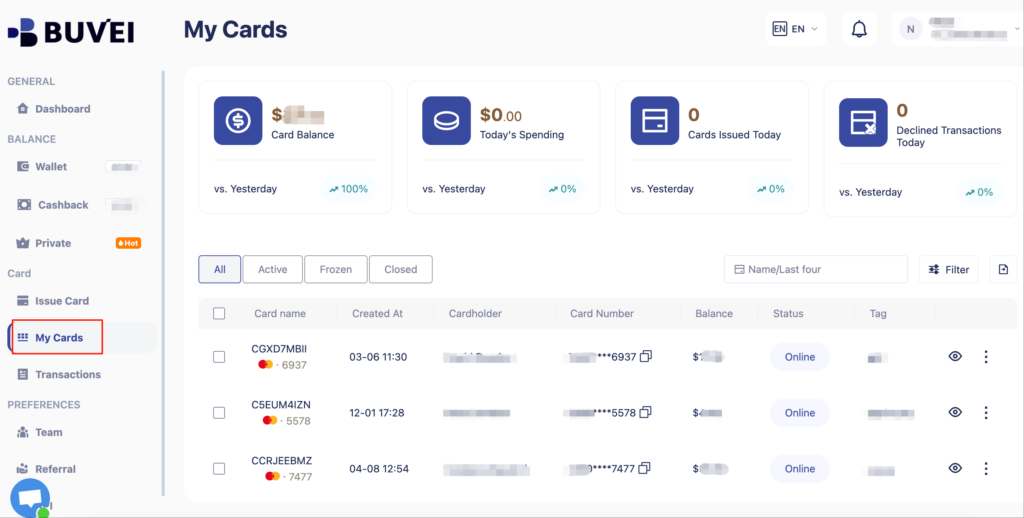
Step 2: Add the card to your Microsoft account
Select Credit or Debit Card, then enter the Buvei card details:
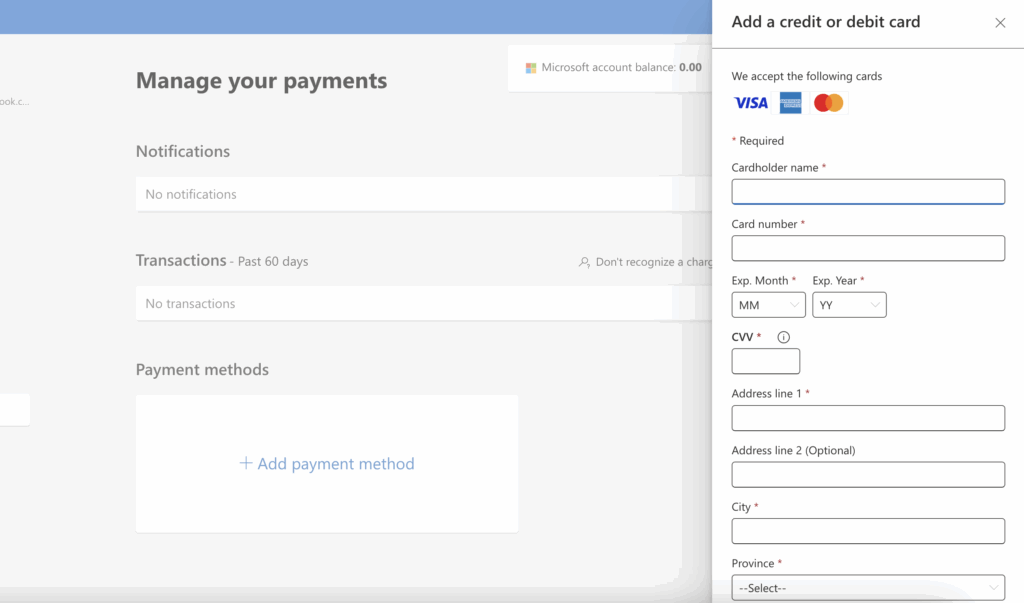
- Card name
-
Card number
-
Expiry date
-
CVV
- Address
Click Save to confirm.
Step 3: Choose a service and pay
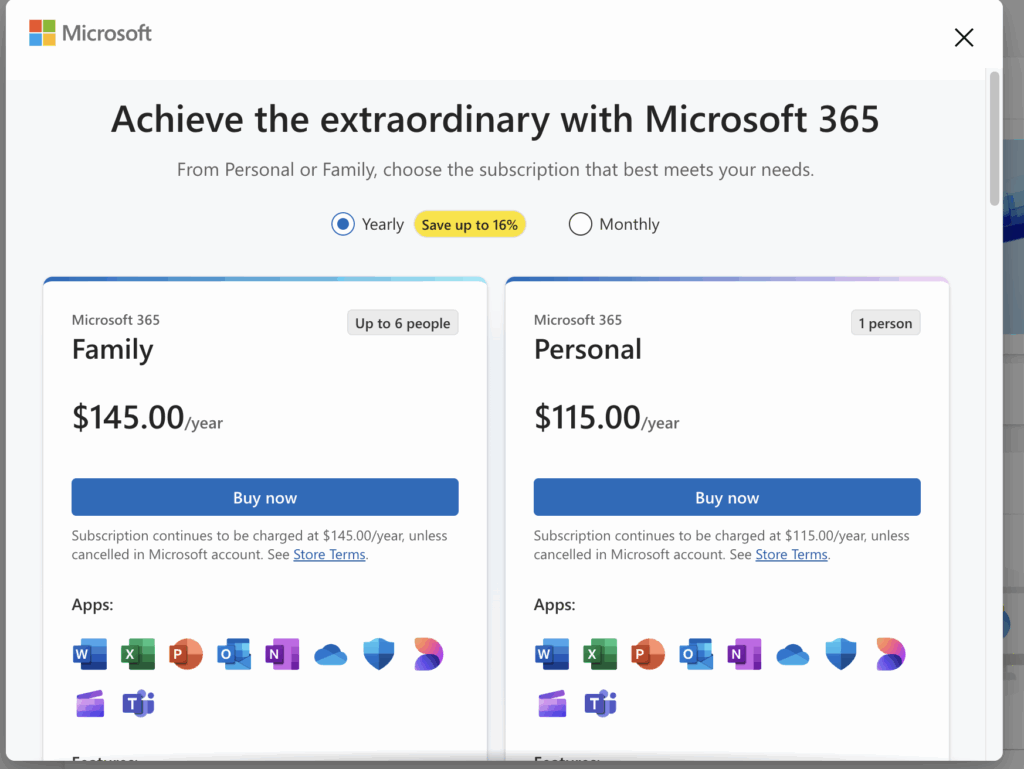
Whether you're subscribing to Microsoft 365 or running ads via Bing Ads, you can now select your Buvei virtual card at checkout. Once the first payment succeeds, Microsoft will use the same card for future renewals (unless the card is set to expire or frozen).
What Microsoft Services Can You Pay With Buvei?
-
Microsoft 365 Business (monthly/yearly)
-
Azure cloud services
-
Microsoft Advertising (formerly Bing Ads)
-
GitHub Copilot and other Microsoft sub-brands
-
Independent licenses for outsourced staff or freelancers
Tips for Optimizing Your Buvei Setup
-
For long-term use, disable auto-expiry and ensure a sufficient limit
-
Use custom labels to help finance teams trace expenses
-
If issues arise (e.g., failed payment or suspicious usage), freeze the card and reissue within seconds
Elevate Your Microsoft Payment Experience with Buvei
In an era of digital collaboration and global SaaS dependency, modern payment infrastructure must be smart, compliant, and scalable. Buvei virtual cards solve the limitations of shared credit cards and manual reconciliation, offering fine-tuned control for every Microsoft-related transaction.
📌 Visit Buvei.com to experience a smarter, more secure way to manage your business payments.