


Quick Answer
If you're comparing Capital One virtual card alternatives, the right choice depends on your payment needs and how you plan to use virtual cards. BUVEI focuses on business payments, offering virtual cards for advertising, SaaS subscriptions, and other online expenses, with wallet-based funding, multiple BIN options, and centralized card management.
The other providers serve different use cases. Privacy.com focuses on merchant-locked cards and online payment privacy, Citi offers Virtual Account Numbers for eligible credit cardholders, Airwallex combines corporate cards with multi-currency business accounts, and Revolut provides virtual cards for everyday spending and international payments.
Quick Comparison Table
| Platform | Best For | Funding Method | Key Features | Starting Cost |
|---|---|---|---|---|
| BUVEI | Advertising and business payments | USDT (TRC20/ERC20) | Multiple BIN options, batch card issuance, spending controls | $4/card, no monthly fee |
| Privacy.com | Online payment privacy | US bank account or debit card | Merchant-locked cards, single-use cards, spending limits | Free plan |
| Citi | Existing Citi cardholders | Linked credit card | Virtual Account Numbers, alternative card details | No separate virtual card fee |
| Airwallex | Corporate spending and expense management | Business account balances | Multi-currency accounts, employee cards, expense tracking | Free Explore plan |
| Revolut | Everyday and international spending | Revolut account balance | Single-use cards, reusable cards, multi-currency support | Free virtual cards on Standard plan |
What Capital One Virtual Cards Offer in 2026
Capital One lets eligible credit cardholders create virtual card numbers for online purchases. These numbers are linked to an existing credit card account, so purchases use the account's available credit and remain part of its regular transaction history.
Personal Capital One Virtual Cards
Personal cardholders can use several types of virtual card numbers:
- General Virtual Cards: A separate card number for online purchases across multiple merchants.
- Merchant-Specific Cards: Unique numbers assigned to individual merchants.
- One-Time-Use Options: Some merchant-specific numbers can be set to expire after a single purchase.
- Card Management: Lock, unlock, or delete virtual cards through the account.
- Credit Card Rewards: Eligible purchases continue to earn rewards under the original card's terms.
Not every Capital One credit card supports virtual cards, and some users may need to complete identity verification before gaining access.
Capital One Business Virtual Cards
Capital One Business also offers virtual cards for vendor payments and recurring business expenses. Companies can create cards for individual suppliers, subscriptions, or employees.
Available controls include merchant-specific cards, one-time-use numbers, spending limits, and automatic locking after a selected date. These cards remain linked to the existing business credit card account rather than operating as independently funded cards.
Why Look for Capital One Virtual Card Alternatives?
Capital One works well for eligible cardholders, but its credit-linked model and account requirements are not ideal for everyone.
Limited Account Eligibility
Virtual cards are available only to eligible Capital One credit cardholders. Users without a qualifying account cannot access the service independently.
Credit Card-Linked Funding
Capital One virtual cards draw from an existing credit line. People who prefer wallet balances, debit-based spending, or supported cryptocurrency funding may want another arrangement.
Different Business Requirements
Companies managing advertising accounts, employee expenses, or multiple payment projects may need features beyond vendor-specific cards, such as batch issuance, multi-region BINs, and API integration.
5 Best Capital One Virtual Card Alternatives in 2026
1. BUVEI
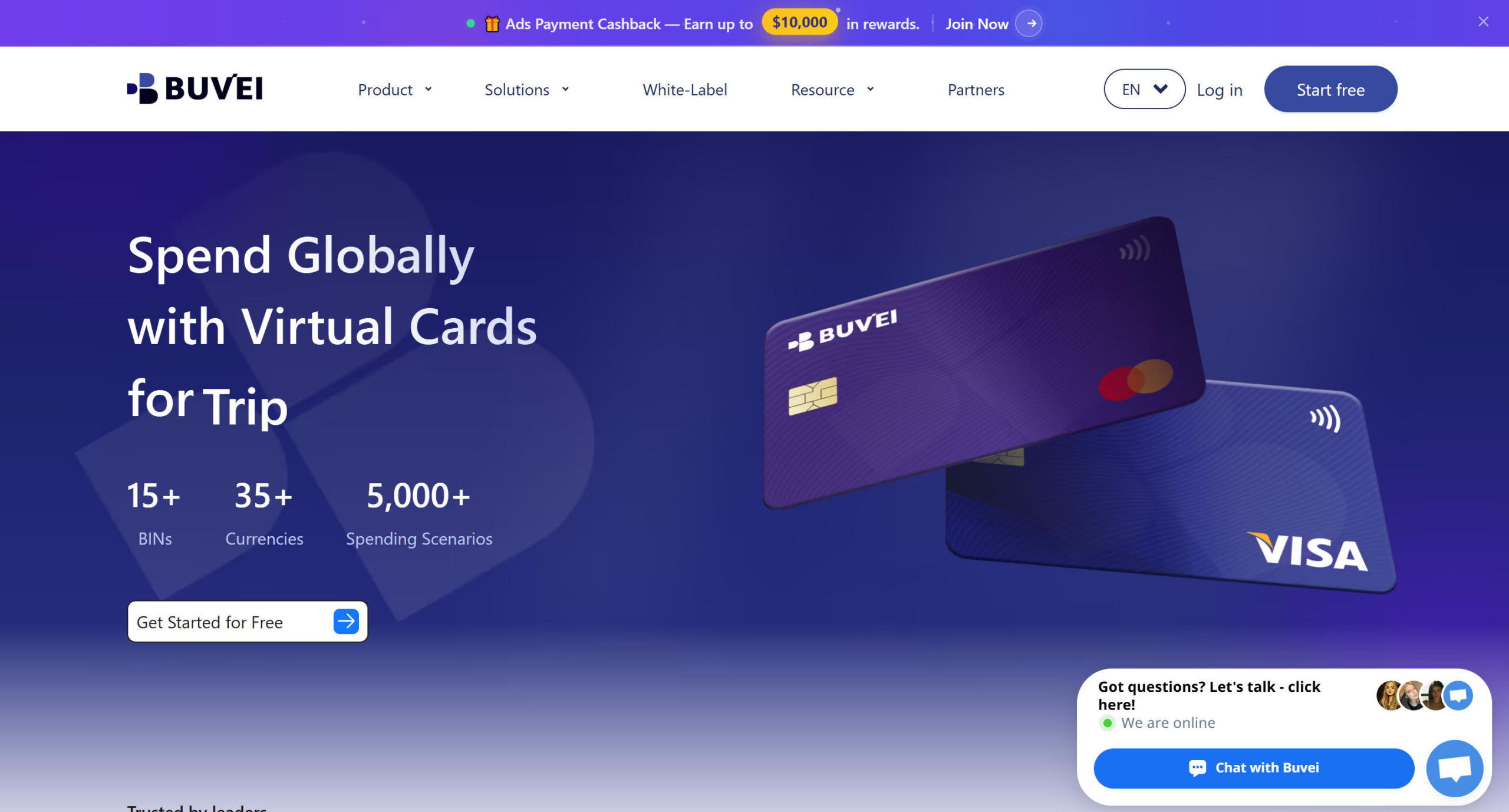
BUVEI is a business-focused virtual card platform for advertising expenses, SaaS subscriptions, and other online payments. It offers Visa and Mastercard virtual cards with multiple BIN options, along with tools for managing spending across business accounts and projects.
How BUVEI Works
Users can issue virtual cards through a centralized dashboard and organize them by advertising account, subscription, or project. Businesses can also issue cards in batches when they need to manage multiple payments.
BUVEI Costs & Fees
Standard virtual card issuance starts at $4 per card, with no monthly fee.
For businesses with higher advertising volumes, BUVEI offers Premium Service for Ads Buying, with three monthly plans. They include 10, 50, or 200 free card issuances per month, with cashback rates ranging from 0% to 1%, depending on the plan. Monthly prices start at $78.
BUVEI Spending Limits and Funding
BUVEI supports USDT deposits through TRC20 and ERC20. Users can set individual card spending limits, freeze or unfreeze cards, and close them when needed. Single-use virtual cards are also available.
BUVEI Key Advantages
- Team Management: Sub-accounts and role-based permissions for business teams.
- API and White-Label Services: Virtual card issuance, management, funding operations, and branded card programs for businesses and partners.
- Additional Services: PayPal transfers, QR payments, eSIMs, and digital gift cards.
- Mobile Wallet Support: Apple Pay and Google Pay support for eligible cards.
BUVEI Specific Drawbacks
BUVEI does not provide a traditional revolving credit line. Card acceptance also depends on the selected BIN, issuer, and merchant requirements. Some enterprise features are more relevant to businesses and partners than individual users.
Who BUVEI Is Best For
Advertising agencies, media buyers, SaaS businesses, and companies managing multiple online payment accounts or building their own card programs.
Why Someone Would Choose BUVEI Over Capital One
Capital One links virtual card spending to an existing credit account, while BUVEI supports wallet-based funding. Businesses that need separate payment arrangements, team controls, or API-based card issuance may find BUVEI a better fit.
2. Privacy.com
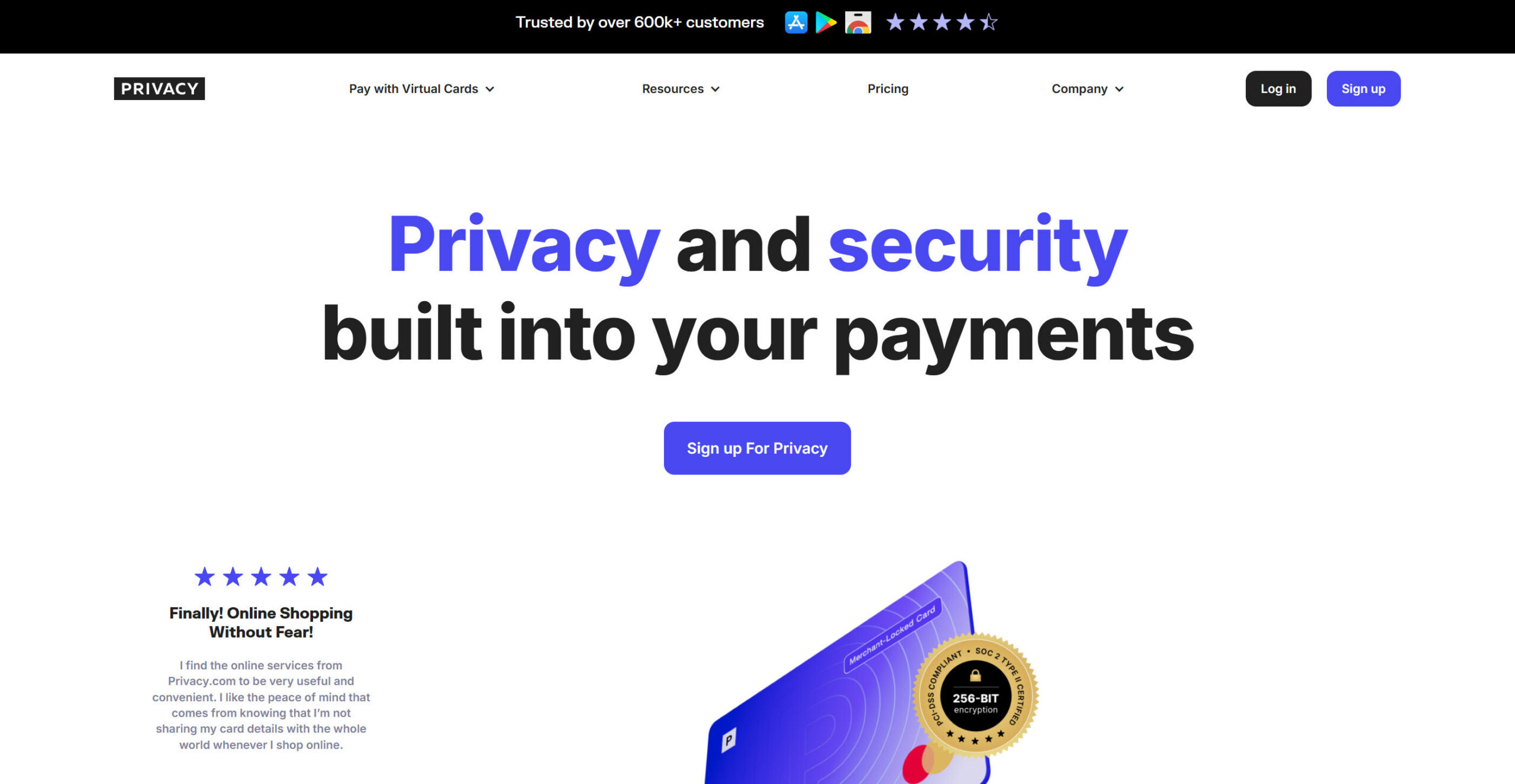
Privacy.com takes a different approach to virtual cards: users can create separate card numbers for individual merchants instead of sharing the same payment details across multiple websites. It is primarily aimed at US consumers, with a paid plan for small businesses.
How Privacy.com Works
Users connect an eligible US checking account or debit card and create virtual cards through the Privacy.com platform. Cards can be locked to specific merchants, restricted by spending category, or set up for one-time purchases.
Privacy.com Costs & Fees
Privacy.com offers four plans:
- Personal: Free, up to 12 new cards per month.
- Plus: $5/month, up to 24 new cards.
- Pro: $10/month, up to 36 new cards.
- Premium: $25/month, up to 60 new cards.
Pro and Premium include 1% cashback on eligible purchases, up to $4,500 in qualifying monthly transactions. Privacy Everywhere Cards are excluded. Personal and Plus charge a 3% foreign transaction fee, with a $0.50 minimum, while Pro and Premium waive this fee.
Privacy.com Spending Limits and Funding
Privacy.com uses supported US checking accounts or debit cards as funding sources. Credit cards and corporate cards are not accepted.
Users can set transaction, monthly, annual, or total spending limits for individual cards. Single-use cards close automatically after a successful transaction, while merchant-locked cards can only be used with their designated merchants.
Privacy.com Key Advantages
- Free plan with up to 12 new cards per month.
- Merchant-locked and single-use cards.
- Custom spending limits.
- Category-based payment restrictions.
- Transaction alerts and card controls.
- API access on eligible paid plans.
- Premium plan designed for small businesses.
Privacy.com Specific Drawbacks
Privacy.com is primarily available to eligible US users and relies on supported US funding sources. Its published plans offer up to 60 new cards per month, although registered businesses can contact the company about higher requirements. It is not a full corporate card and expense management platform.
Who Privacy.com Is Best For
US consumers, freelancers, and small businesses that want more control over online payments and prefer to keep card details separate for different merchants.
Why Someone Would Choose Privacy.com Over Capital One
Privacy.com does not require an existing Capital One credit card. Its free plan and merchant-locking features make it useful for people who want to manage online purchases through a supported bank account or debit card.
3. Citi
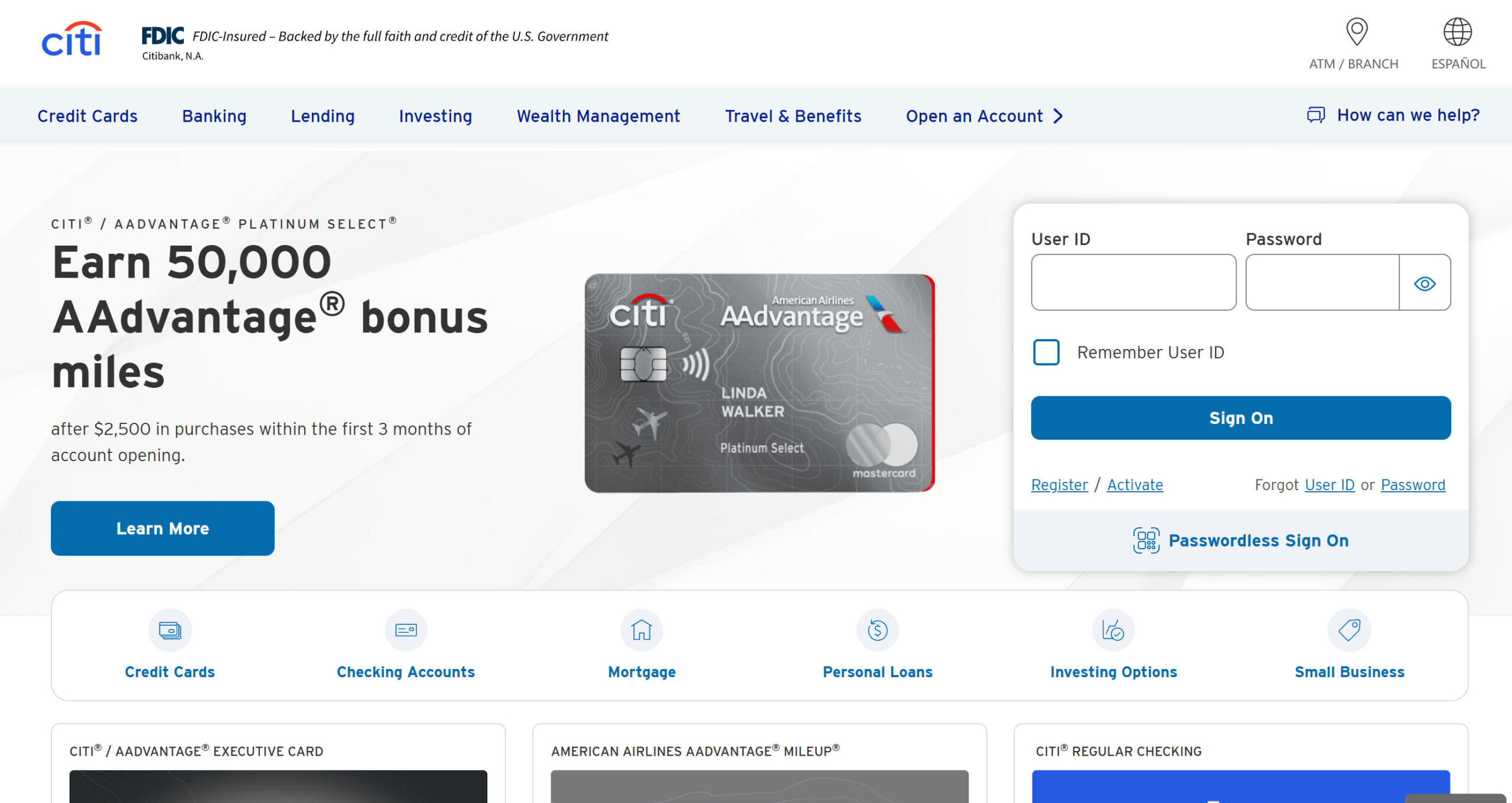
Citi offers Virtual Account Numbers (VANs) to eligible credit cardholders. Instead of opening a separate virtual card account, users get alternative card numbers connected to their existing Citi credit cards.
How Citi Works
Eligible cardholders can generate virtual account numbers through their Citi accounts and use them instead of their primary card details for online purchases.
Transactions remain linked to the original credit card and follow its applicable rewards terms.
Citi Costs & Fees
Citi does not list a separate monthly subscription for Virtual Account Numbers. Any annual fee and other account charges depend on the underlying credit card.
Citi Spending Limits and Funding
Virtual Account Numbers draw from the available credit on the linked Citi card rather than a separately funded balance. Purchases appear on the regular credit card statement.
Citi Key Advantages
- Alternative card numbers for online purchases.
- Transactions remain linked to the original credit card.
- Eligible purchases retain the original card's rewards.
- No separate virtual card account is required.
Citi Specific Drawbacks
Virtual Account Numbers are available only with eligible Citi credit cards. Availability and supported controls can vary by card and account, so users should check their Citi account before relying on the feature.
Who Citi Is Best For
Existing Citi credit cardholders who want additional virtual payment numbers without opening another payment account.
Why Someone Would Choose Citi Over Capital One
Citi makes sense for cardholders who already have an eligible account and prefer to keep virtual payments within the same credit card relationship. Like Capital One, however, it does not offer independent wallet-based funding.
4. Airwallex
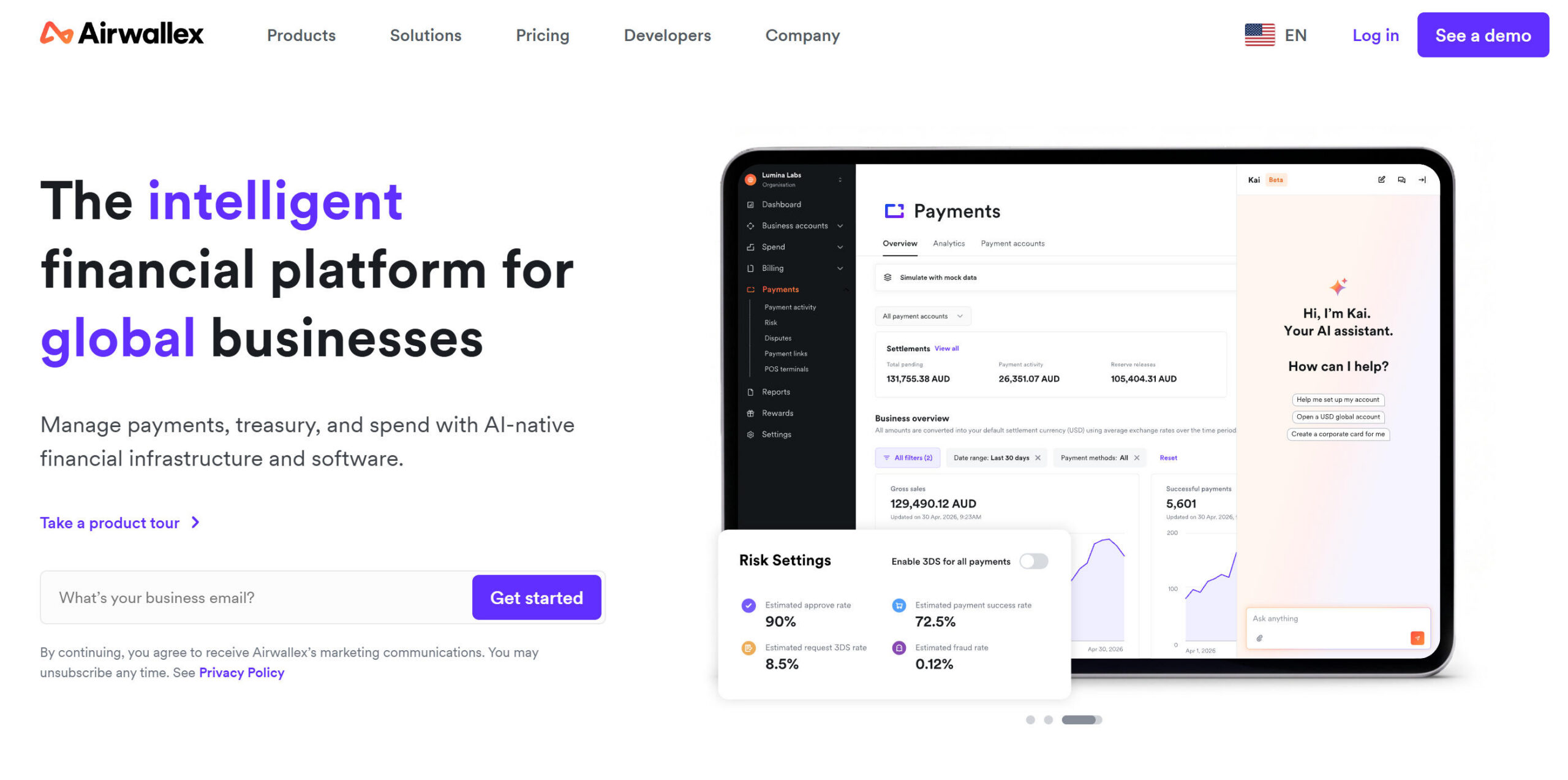
Airwallex is built around business finances rather than personal online shopping. Its platform combines corporate cards, multi-currency accounts, and expense management for companies with international operations.
How Airwallex Works
Businesses can issue virtual cards to employees or assign them to specific company expenses. Administrators manage card permissions and spending policies through the Airwallex dashboard, while transactions are connected to the company's business account.
Airwallex Costs & Fees
Airwallex offers three main US plans:
- Explore: Free, with up to 10 free Spend users.
- Grow: $12 per active Spend user per month, plus a platform fee based on team size.
- Accelerate: Custom pricing.
Currency conversion, transfers, and certain payment services may involve additional fees.
Airwallex Spending Limits and Funding
Airwallex cards draw from supported business account balances, including multiple currency balances. Companies can configure spending limits, manage employee cards, and track expenses centrally.
Airwallex Key Advantages
- Multi-currency business accounts.
- Corporate virtual cards for employees.
- Individual spending controls.
- Expense tracking and approval workflows.
- Accounting software integrations.
- Centralized management of business payments.
Airwallex Specific Drawbacks
Airwallex requires business verification and is not designed for individual consumers. Some advanced expense management and approval features require higher-tier plans, and additional transaction fees may apply.
Who Airwallex Is Best For
Companies with international operations that need employee cards, multi-currency accounts, and centralized expense management.
Why Someone Would Choose Airwallex Over Capital One
Airwallex offers a broader business finance platform, particularly for companies managing employee spending and multiple currency balances. Capital One is more closely tied to its existing business credit card accounts.
5. Revolut
Revolut combines virtual debit cards with multi-currency account features. Users can choose reusable card details for regular purchases or single-use numbers for individual online transactions.
How Revolut Works
Revolut offers two main types of virtual cards:
- Multi-Use Virtual Cards: Reusable card details for online purchases and eligible Apple Pay or Google Pay payments.
- Single-Use Virtual Cards: Card numbers regenerate after a successful transaction or after 24 hours without use.
Both types can be managed through the Revolut app.
Revolut Costs & Fees
Virtual card creation is free, including on the Standard plan. Premium and Metal subscriptions offer additional account benefits, while currency conversion fees depend on the selected plan and applicable limits.
Revolut Spending Limits and Funding
Revolut virtual cards draw from the user's account balance, including supported currency balances.
US personal accounts can hold up to 20 active regular virtual cards and one active single-use card. Users can create up to five new virtual cards every 30 days, including single-use cards.
Revolut Key Advantages
- Reusable and single-use virtual cards.
- Multi-currency account balances.
- Free virtual card creation.
- In-app card management.
- Spending controls and card freezing.
- Mobile wallet support for eligible multi-use cards.
Revolut Specific Drawbacks
- A limit of five new virtual cards per month.
- Only one active single-use card at a time.
- Single-use cards cannot be used for recurring payments or pre-authorized transactions.
- Currency conversion fees may apply beyond plan allowances.
Who Revolut Is Best For
Individuals, frequent travelers, and internationally active users who want virtual cards alongside multi-currency spending features.
Why Someone Would Choose Revolut Over Capital One
Revolut is a better fit for users who want to spend from a multi-currency account rather than an existing credit line. Its free virtual card creation and app-based account management also suit everyday international spending.
Frequently Asked Questions
Can I Use Capital One Virtual Cards Before Receiving My Physical Card?
Yes, eligible cardholders may be able to use virtual cards before their physical card arrives. Identity verification may be required, and some new customers may need to wait approximately 30 days after opening an account.
Can Capital One Virtual Cards Be Used With Every Online Merchant?
No. Capital One virtual cards work with many online merchants, but some merchants may not accept them. Merchant-specific numbers can only be used with their designated merchants.
What Is the Best Capital One Virtual Card Alternative for Businesses?
BUVEI is a good option for businesses that need multiple virtual cards, wallet-based funding, and advertising payment management. Airwallex is worth considering for companies that prioritize employee spending, multi-currency accounts, and integrated expense management.
Final Thoughts
Capital One remains a useful option for eligible credit cardholders, particularly those who want virtual numbers linked to an existing credit account.
For businesses that need a different funding model and more flexible card management, BUVEI is a more relevant alternative. Airwallex is another option for companies focused on employee expenses and multi-currency operations, while Privacy.com and Revolut are better suited to different personal payment needs.
The right choice comes down to how you fund your cards, how many you need, and what you want to manage with them.
Sources
Capital One. Virtual Cards
Capital One. Virtual Cards for Business
BUVEI. Global Virtual Cards for Online Payments & Advertising Spend
BUVEI. New BUVEI App: New UI, eSIM & QR Code Payment
Privacy.com. Pricing and Plans
Citi. Virtual Account Numbers
Airwallex. Plans & Pricing
Revolut. Maximum Active Cards