OpenAI’s ChatGPT subscription services often require a valid payment method to unlock premium features. However, not everyone has access to a traditional credit card, and some users face payment failures even with a working card. Fortunately, virtual cards offer a convenient alternative.
This guide explains why ChatGPT requires a payment method, common credit card issues, and how to pay safely using a Buvei virtual card without a physical credit card.

Why ChatGPT Requires a Payment Method
ChatGPT Plus and other OpenAI subscription tiers require recurring payments for access to advanced models and features. A verified payment method ensures:
-
Subscription continuity
-
Fraud protection
-
Regional compliance
-
Automatic renewal for uninterrupted service
Without a valid payment source, users cannot activate premium features.
Common Credit Card Issues with ChatGPT Payments
Many users experience difficulties with traditional cards:
-
Declines for international or virtual transactions
-
Cards not supporting recurring payments
-
Regional restrictions or currency conversion issues
-
Fraud detection flags causing temporary holds
These challenges make alternative payment methods, like virtual cards, an appealing solution.

Using Virtual Cards as a Credit Card Alternative
Virtual cards function like regular credit or debit cards but provide:
-
Flexible limits to control spending
-
Isolated transactions for security
-
Instant issuance without physical delivery
-
Compatibility with most online merchants, including OpenAI
Using a virtual card avoids the need for a traditional credit card while maintaining all subscription functionality.
Step-by-Step: Paying for ChatGPT Without a Credit Card
Here’s a standardized operation guide for using a virtual card to pay for ChatGPT:
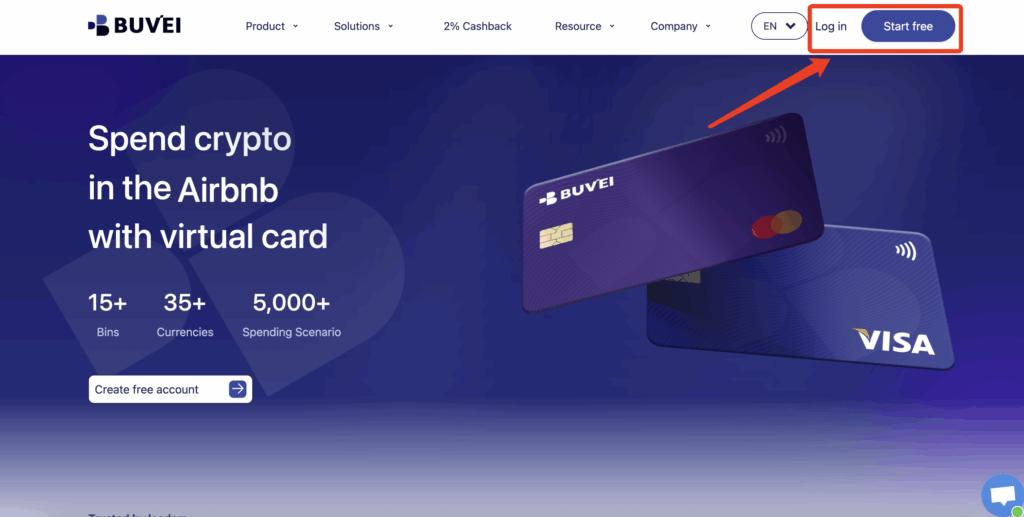
Step 1: Register a Buvei Account
-
Visit https://buvei.com
-
Create a free account
-
Complete email verification
-
Log in to your dashboard
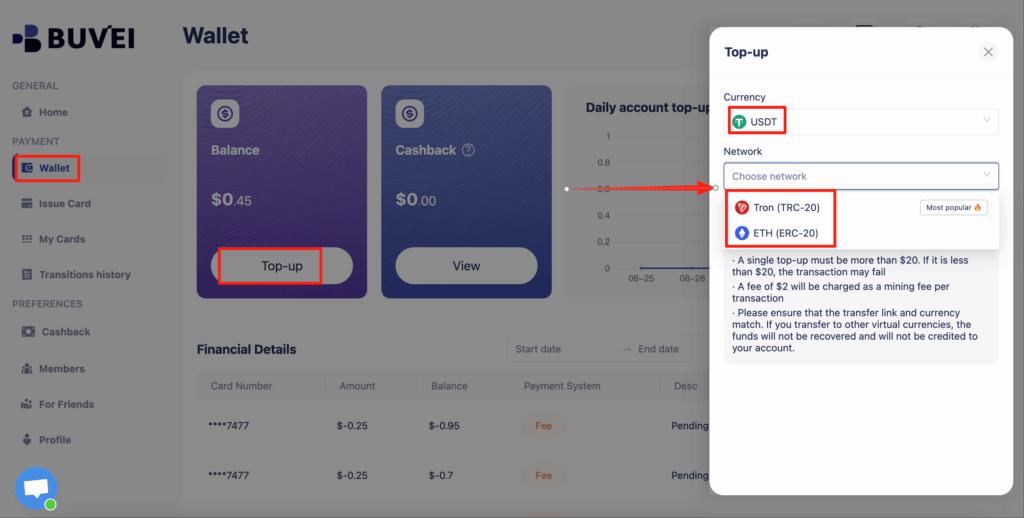
Step 2: Fund Your Wallet
Go to the Wallet tab and top up using supported stablecoins:
-
USDT (TRC20)
-
USDT (ERC20)
Buvei provides a dedicated deposit address. Once confirmed on-chain, your balance becomes available instantly.
Step 3: Create a Virtual Card
Navigate to the Cards tab:
-
Select your preferred BIN region
-
Choose card type
-
Click Issue Card

Enter the card name, initial amount, and number of cards, then click Create Card.
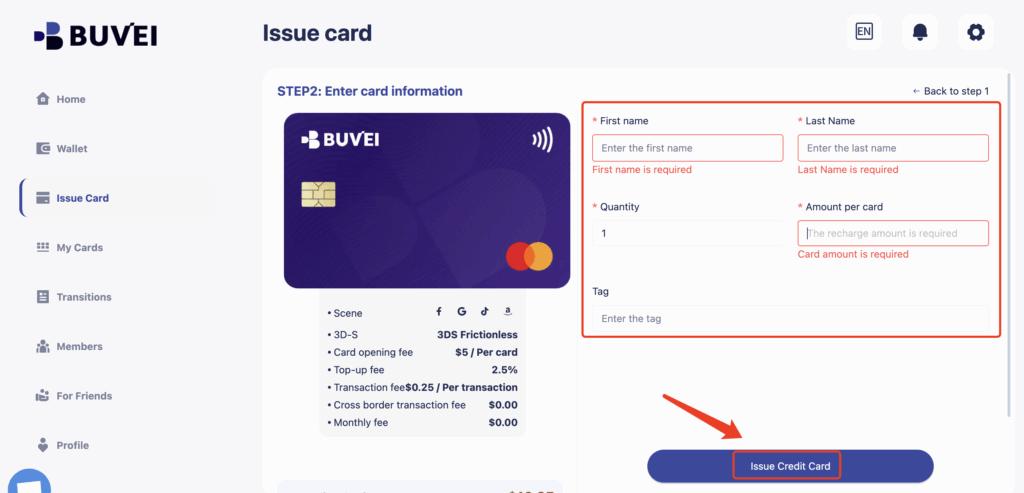
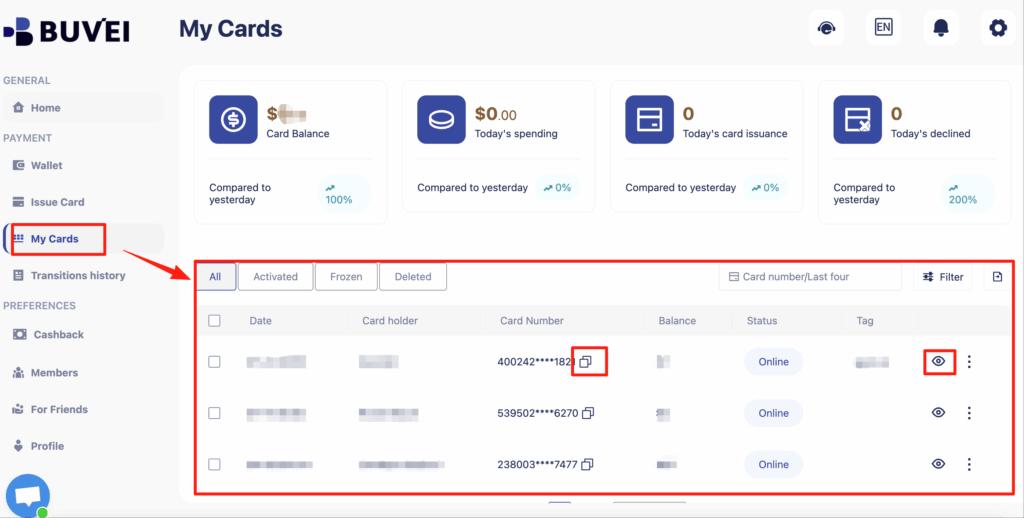
You’ll immediately receive:
-
Card number
-
Expiration date
-
CVV
-
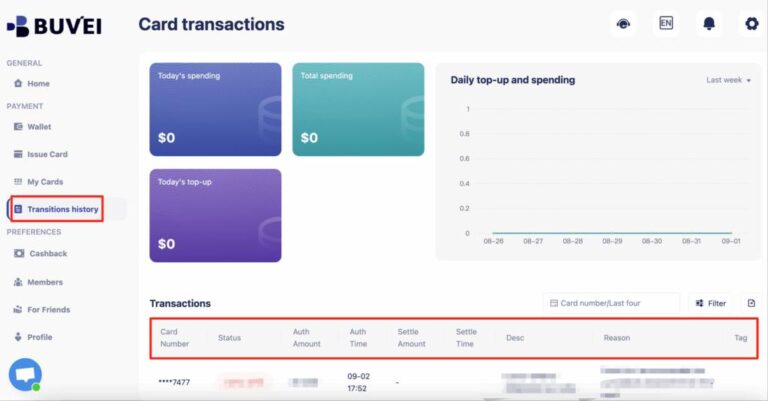
Transaction history
-
Card balance and usage
This virtual card can now be used as a payment method for ChatGPT without requiring a traditional credit card.
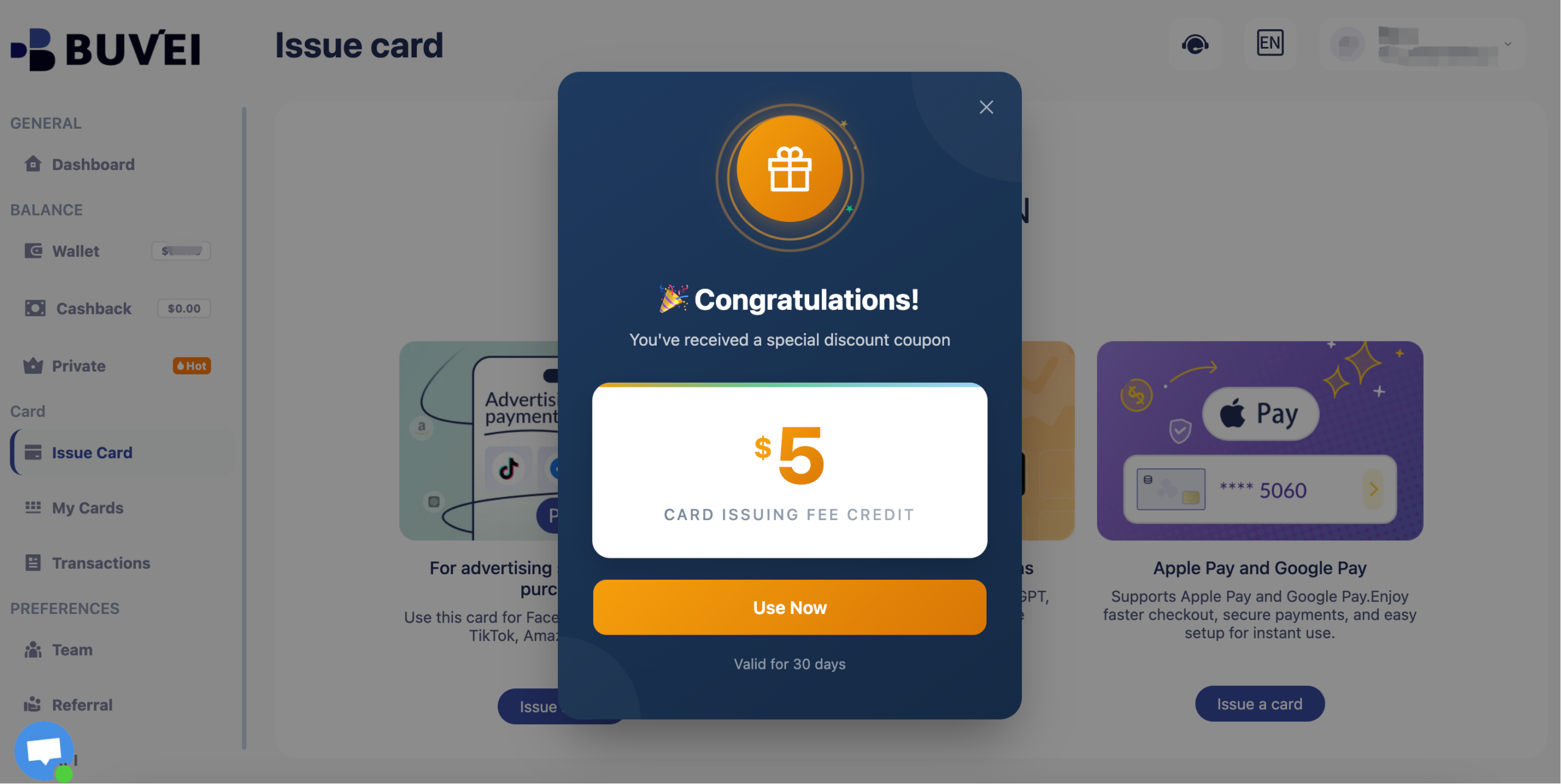
Buvei currently have a promotion: new registered users get a $5 sign-up coupon. You can claim it simply by registering.
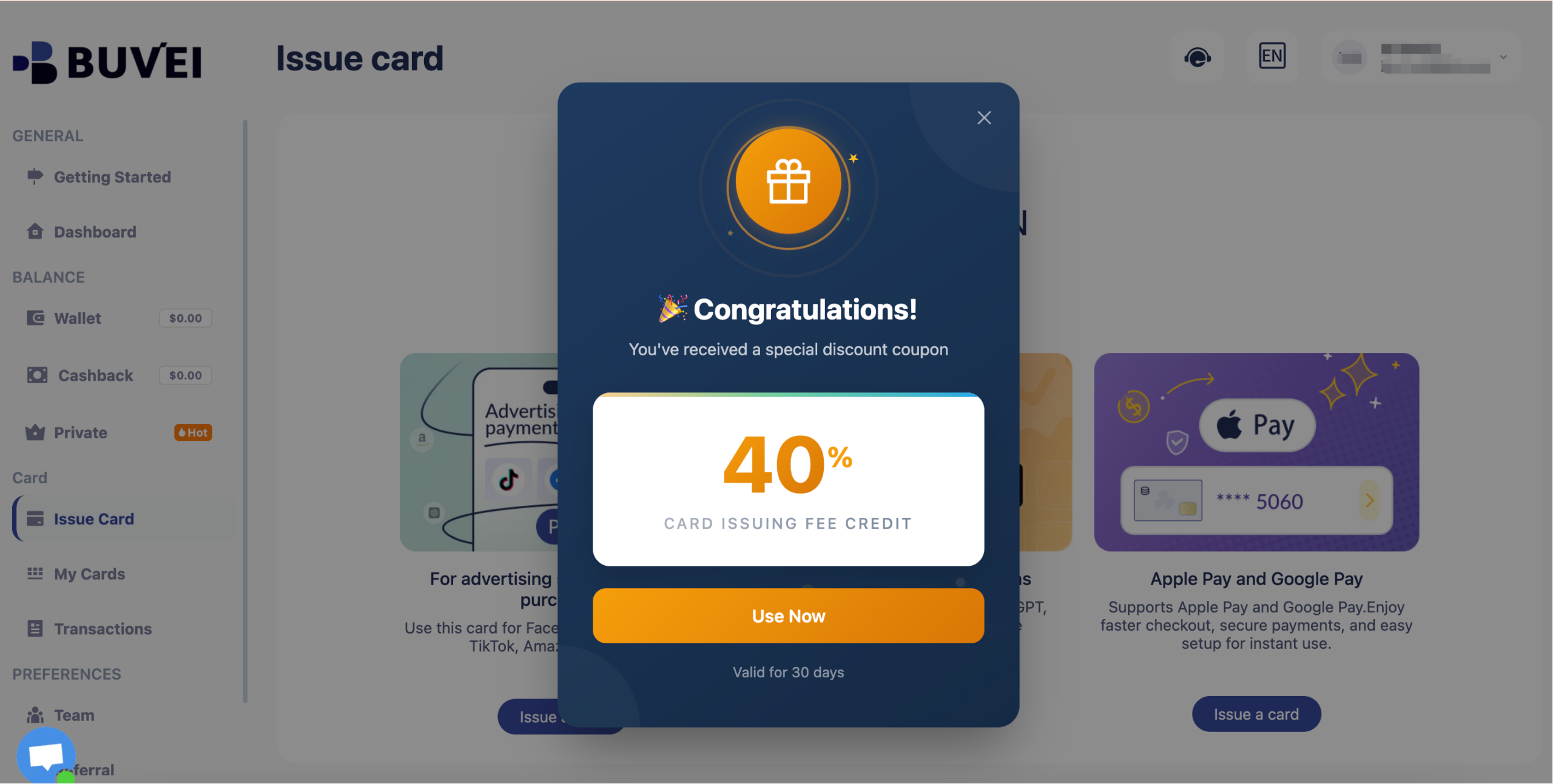
Long-term inactive users will receive a 40% discount coupon.
How to Use a Buvei Virtual Card for ChatGPT
Buvei virtual cards offer additional benefits:
-
Set spending limits to avoid accidental overcharges
-
Use one card per subscription for better tracking
-
Easily replace or lock cards if compromised
-
Monitor transaction history in real time
This ensures that even without a traditional credit card, subscription payments remain smooth and secure.
Tips to Avoid Subscription Payment Failures
-
Ensure the virtual card balance covers at least one full billing cycle
-
Enable international payments if your ChatGPT account is registered outside your region
-
Keep card details updated to avoid auto-renewal issues
-
Use separate cards for multiple subscriptions to isolate risk
Following these best practices ensures uninterrupted access to ChatGPT Plus.

Final Thoughts
Paying for ChatGPT without a credit card is simple and secure with virtual cards. By combining Buvei virtual cards with your ChatGPT account, you gain:
-
Access without a traditional credit card
-
Controlled, isolated spending
-
Reduced risk of declines or fraud
-
Easy subscription management
With this setup, upgrading to ChatGPT Plus becomes effortless, regardless of your access to physical credit cards.