Managing company expenses in real time is no longer optional—it’s essential. Businesses that rely on QuickBooks for accounting and financial reporting often face a recurring challenge: how to monitor and control virtual card limits effectively. Without timely notifications, overspending and unapproved transactions can slip through the cracks, creating accounting headaches.
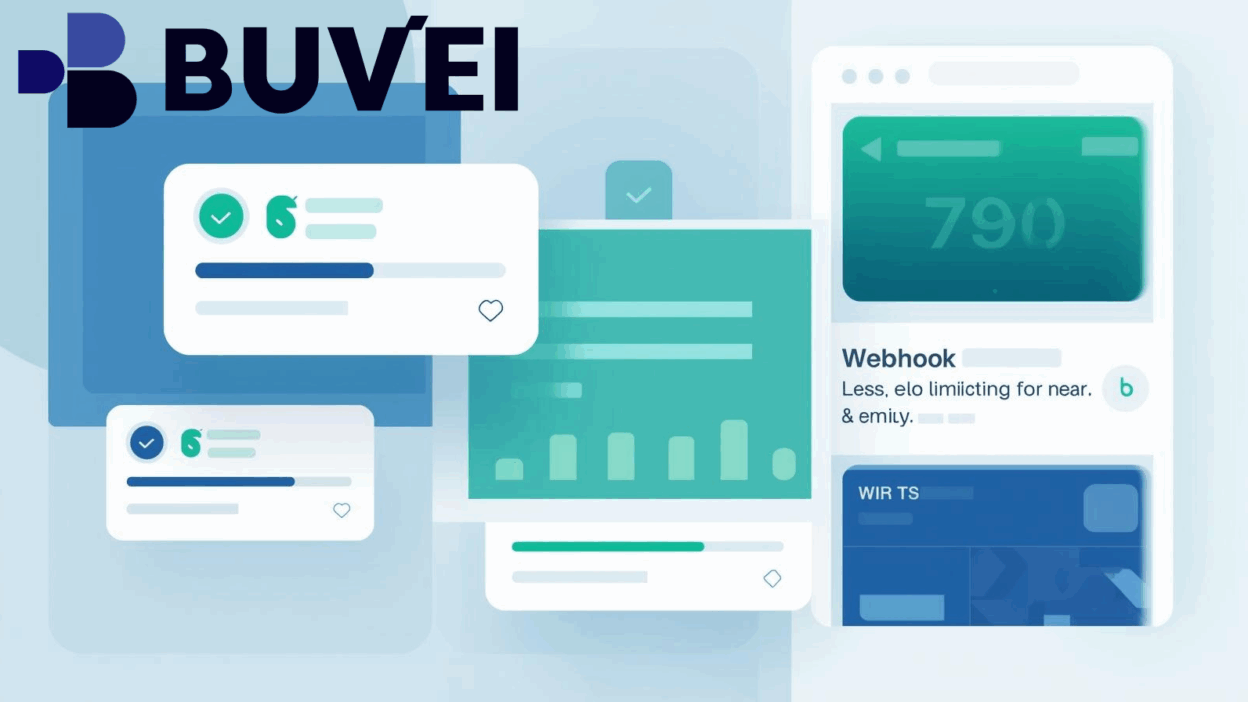
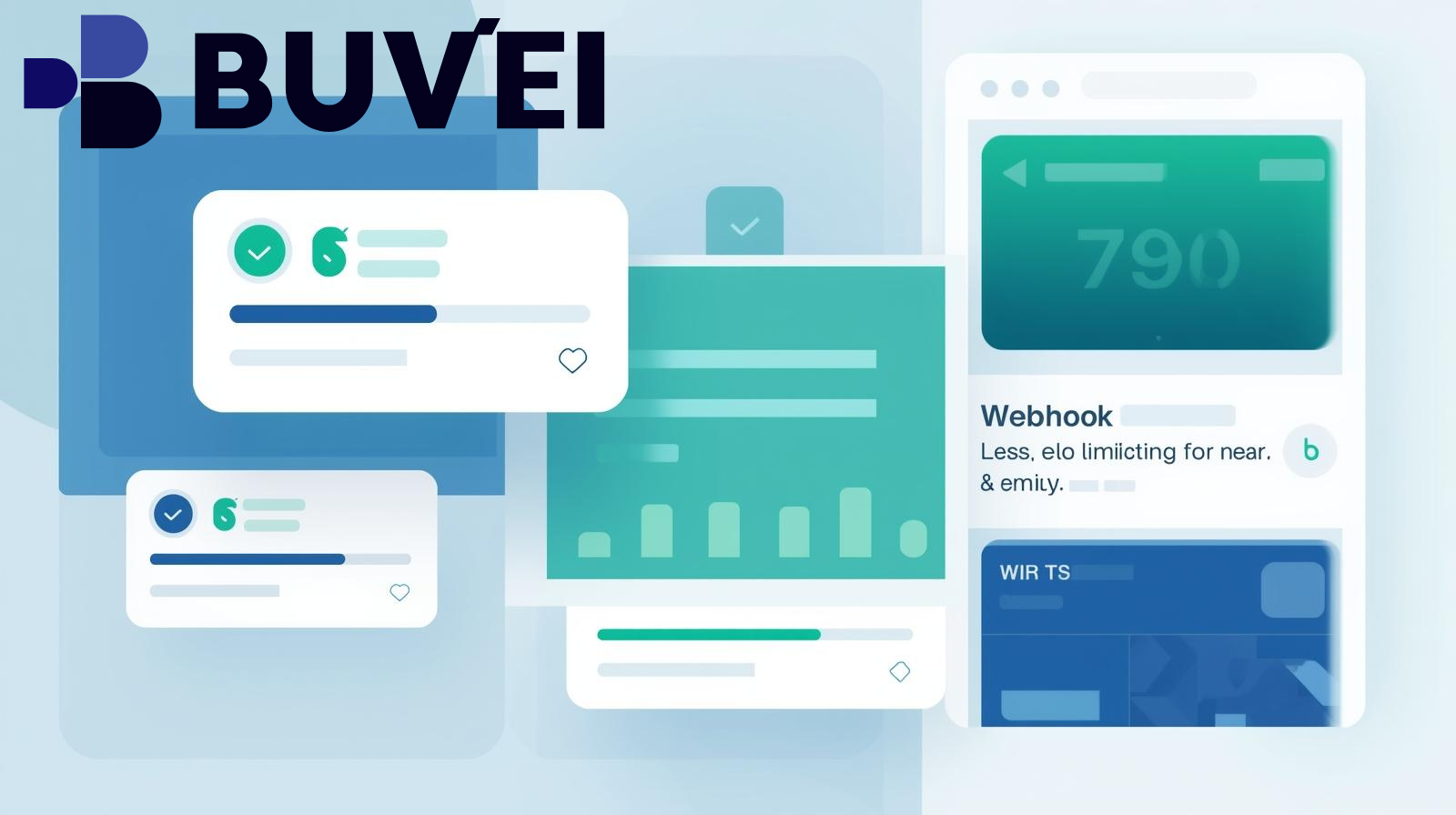
This is where webhook notifications come in. By setting up webhook integrations with QuickBooks and virtual card platforms, companies can receive instant alerts whenever spending thresholds are reached or exceeded. In this article, we’ll walk through the process of setting up webhook notifications, highlight key compliance considerations, and introduce Buvei, a leading virtual card solutions platform that streamlines financial management for businesses of all sizes.

Understanding Webhook Notifications in QuickBooks
Webhooks are automated messages triggered by specific events. Instead of manually checking data or waiting for reports, a webhook instantly delivers information to a designated endpoint (such as your QuickBooks account or a custom server).
For virtual card management, webhooks are especially powerful. They can:
-
Send real-time notifications when spending approaches a set limit.
-
Alert accounting teams to unauthorized or unusual transactions.
-
Automate updates to expense categories in QuickBooks Online.
From a compliance perspective, real-time alerts align with financial best practices recommended by the U.S. Small Business Administration (SBA) and data protection standards such as PCI DSS, ensuring secure handling of sensitive payment data.

Setting Up Webhook Notifications for Virtual Card Limits
To configure webhook notifications for QuickBooks, businesses should follow these steps:
Step 1: Connect Your Virtual Card Provider
Choose a provider that supports webhook integrations. For example, Buvei’s API allows businesses to connect their virtual cards directly to QuickBooks.
Step 2: Define Spending Limits
Establish card-specific or department-level spending thresholds. This ensures that alerts are triggered only when necessary.
Step 3: Configure Webhook Endpoints
In your QuickBooks developer settings, create a webhook endpoint (URL) where notifications will be delivered. This endpoint can update QuickBooks categories or send Slack/email alerts.
Step 4: Test and Deploy
Run test transactions to confirm that webhook events are received correctly and mapped to the right QuickBooks expense categories.
By completing these steps, your team will have a real-time expense control system that prevents budget overruns.
Benefits of Webhook Notifications for Virtual Card Limits
Implementing webhook alerts provides multiple business advantages:
-
Real-time visibility into company spending.
-
Fraud prevention by immediately flagging unusual transactions.
-
Policy compliance, ensuring spending aligns with corporate budgets.
-
Automation that reduces manual reconciliation and improves accounting accuracy.
Buvei enhances these benefits by offering a centralized dashboard where businesses can issue, track, and manage virtual cards, ensuring that webhook alerts sync seamlessly with QuickBooks.
Policy and Compliance Considerations
Businesses must ensure that webhook setups comply with financial and data regulations. Key areas to address include:
-
PCI DSS Compliance: Virtual card data must be handled securely. Providers like Buvei are PCI DSS-compliant, ensuring data integrity.
-
SOX (Sarbanes-Oxley Act): Public companies must maintain transparent financial reporting; webhook alerts help demonstrate internal control.
-
GDPR/CCPA: If handling data from EU or California residents, ensure webhook endpoints process only the necessary information.
By combining regulatory awareness with technology, businesses can strengthen financial governance while maintaining operational efficiency.
Conclusion
Setting up webhook notifications for virtual card limits in QuickBooks is a smart way to stay ahead of financial risks, maintain compliance, and simplify expense management. With Buvei’s virtual card solutions, businesses gain the tools to automate spending controls, integrate with QuickBooks, and ensure every transaction is accounted for in real time.
In an era where financial agility defines competitiveness, webhook automation offers a powerful advantage. Whether you’re a startup or a global enterprise, investing in webhook-enabled virtual card solutions ensures your business stays compliant, efficient, and secure.