Managing business finances through QuickBooks is a smart choice, but many companies still rely on manual payment processes. This often leads to errors, delays, and unnecessary fees. By integrating virtual card APIs, businesses can fully automate QuickBooks payments, improving efficiency, accuracy, and security.
This guide will show you step-by-step how to set up QuickBooks payments using virtual card APIs, with tips on choosing the right provider, integration best practices, and a look at how solutions like Buvei can make the process faster and more reliable.
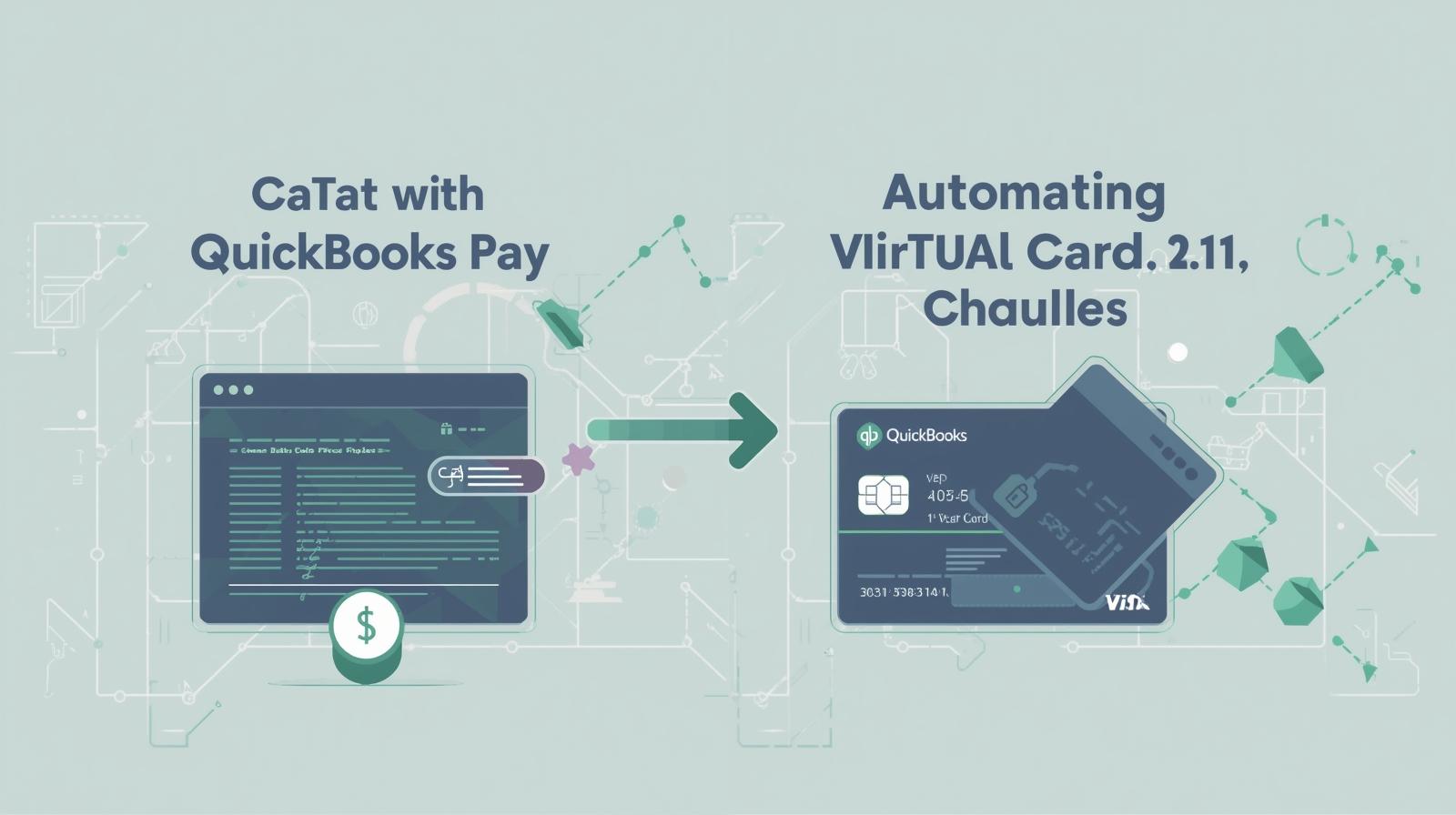
Why Automate QuickBooks Payments with Virtual Card APIs?
Automation isn’t just about convenience—it’s about building a scalable system. Here are the key reasons businesses are making the shift:
-
Time savings: No more manual data entry for every transaction.
-
Accuracy: Minimizes human error when recording vendor or ad spend payments.
-
Cash flow control: Virtual cards let you set spending limits per vendor or category.
-
Security: Card details are tokenized and separated from your bank account, reducing fraud risks.
-
Scalability: Perfect for businesses managing multiple ad accounts, SaaS subscriptions, or suppliers.
Step-by-Step: Setting Up QuickBooks Payment Automation
Here’s how you can integrate a virtual card API into QuickBooks:
Step 1: Choose the Right Virtual Card Provider
Look for providers that support multiple platforms and seamless integrations. Buvei is a strong choice because it offers:
-
Multiple BIN support for higher payment success rates.
-
USDT top-ups with low fees and fast settlement.
-
Instant card issuance without complex KYC.
Step 2: Generate a Virtual Card via API
After signing up, use the provider’s API to create a new card. You can specify:
-
Vendor name (Google Ads, TikTok Ads, SaaS subscription)
-
Limit per transaction
-
Monthly or daily spend caps
Step 3: Connect API with QuickBooks
Most providers supply documentation or SDKs. You’ll need to:
-
Obtain your API key.
-
Use QuickBooks Online API to sync vendor bills.
-
Map each vendor in QuickBooks to a corresponding virtual card.
Step 4: Automate Bill Payments
Once connected, QuickBooks can automatically pay recurring expenses using the virtual card. For example:
-
Your Meta Ads monthly spend can be auto-debited from one card.
-
SaaS subscriptions like Canva or Notion can be charged to another.
-
Daily ad budgets can be spread across multiple cards for better control.
Step 5: Monitor and Adjust in Real-Time
With API integration, you’ll see real-time payment status updates directly in QuickBooks. Adjust card limits, pause cards, or issue new ones instantly.
Benefits of Virtual Card + QuickBooks Integration
When combined, the result is a powerful, automated finance system:
-
Centralized management: Control all vendor payments from QuickBooks.
-
Custom spending rules: Set budgets per campaign or department.
-
Improved reconciliation: Each card is tied to a single vendor, making bookkeeping cleaner.
-
Enhanced security: Cards comply with PCI DSS standards, protecting your financial data.
Why Businesses Choose Buvei for Virtual Card Automation
While there are many providers, Buvei stands out for QuickBooks users thanks to its practical features:
-
Multiple BIN Support: Increases payment success across global ad platforms.
-
Strong Compatibility: Works with Google Ads, TikTok Ads, Microsoft Ads, SaaS subscriptions, and even travel bookings.
-
USDT Top-up: A cost-efficient way to fund accounts with fast arrival times.
-
Transparent Fees: No hidden charges—every transaction is visible in your dashboard.
-
Multi-Account Management: Create and manage multiple cards from one account, perfect for marketing teams.
-
Real-Time Support: Chat with customer service anytime, or add a dedicated account manager for tailored solutions.
By integrating Buvei into QuickBooks, businesses not only automate payments but also gain higher reliability, cost savings, and control over ad spend.
Summary
Automating QuickBooks payments with virtual card APIs streamlines financial operations, enhances security, and provides total cost control. The step-by-step setup involves choosing a provider, generating cards, integrating APIs, and automating bill payments.
For businesses managing multiple ad accounts, SaaS subscriptions, or international vendors, a provider like Buvei offers the reliability and flexibility needed to make automation seamless.
Ready to automate QuickBooks payments and eliminate manual work?
Start today with Buvei’s virtual card solutions and take full control of your business spending.