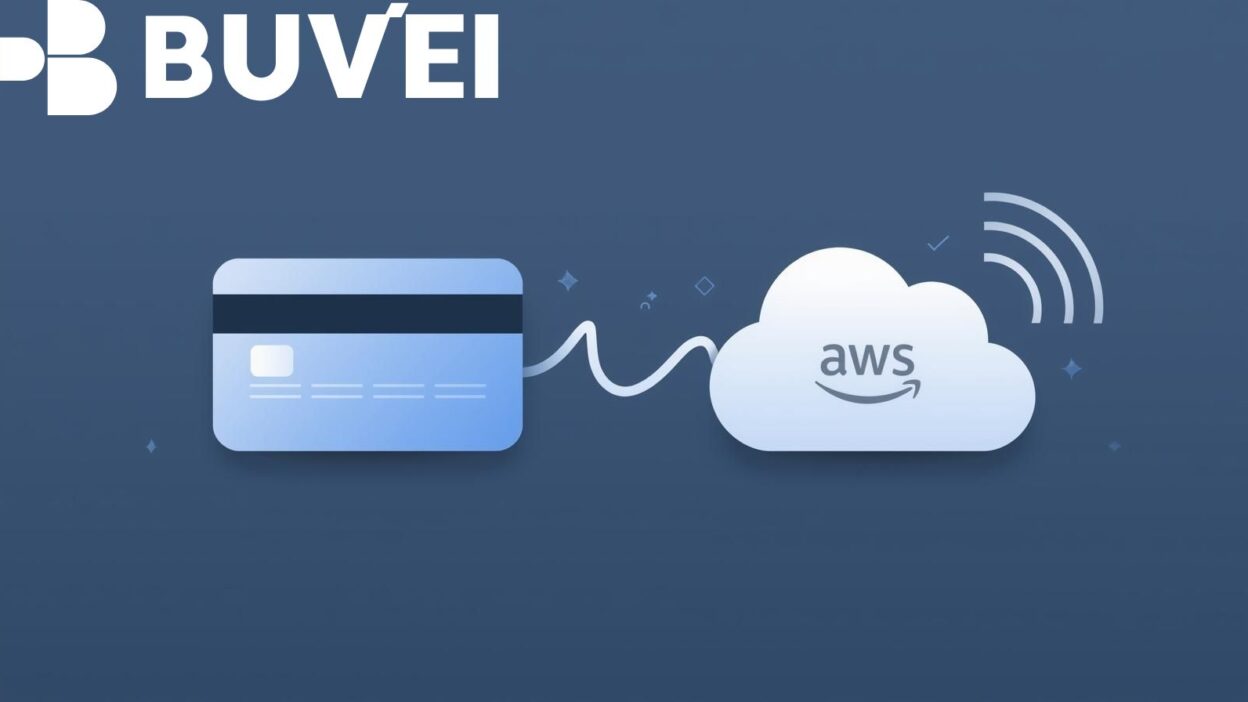
Creating a new AWS account usually requires valid credit card information for identity verification and billing. For many users—especially startups, developers in unsupported regions, or those without access to international credit cards—this becomes a barrier. Fortunately, virtual cards offer a secure, legitimate alternative for completing AWS verification and managing cloud service payments.
This article explains why AWS requires payment validation, how virtual cards help you pass those checks, and which virtual card options work best for AWS onboarding. It also outlines a clear setup process and provides troubleshooting tips to boost the credibility and reliability of your AWS account.
Understanding AWS’s Payment Verification Requirements
AWS requires a payment method to activate an account because:
Fraud prevention
AWS validates card details to ensure the user is real and to prevent misuse of cloud resources, especially services that can incur high costs.
Service activation
Even though AWS offers a Free Tier, certain resources may still trigger small verification authorizations. A valid card ensures AWS can process those nominal charges.
Compliance and security
AWS must comply with global KYC and anti-fraud standards. A functional, identifiable payment method is part of that compliance.
Because of these factors, many prepaid or region-locked cards fail the verification process. This is why virtual cards with proper issuer support have become a reliable solution.
Why Virtual Cards Work for AWS Account Setup
Virtual cards are secure, cloud-based payment cards issued by banks or licensed fintech providers. They help users without traditional credit cards complete AWS verification due to several key features:
International card acceptance
Many virtual cards are issued by major networks such as Visa, Mastercard, or UnionPay, which AWS accepts for verification.
3D Secure support
AWS often requires 3D Secure (3DS) verification. Virtual cards with strong authentication pass these checks more consistently.
Real-time transaction approval
A good virtual card instantly approves the $1 temporary authorization AWS sends during signup, ensuring successful account creation.
Better control and safety
Virtual cards let you freeze, limit, or delete the card anytime. This gives users greater control over AWS billing while lowering fraud risk.
Accessibility
Users in regions where international credit cards are hard to obtain can still activate AWS through reputable virtual card services.
How to Set Up an AWS Account Using a Virtual Card
Below is a straightforward process to ensure verification succeeds on the first attempt.
Step 1: Choose a virtual card that supports international online payments
Look for these features:
-
Visa/Mastercard network
-
3D Secure (3DS)
-
USD billing support
-
Ability to handle recurring transactions
Avoid virtual cards limited to local use or without 3DS.
Step 2: Activate and fund the virtual card
Add enough balance—typically $3 to $5—to cover AWS’s small authorization charge. Insufficient funds often cause verification failures.
Step 3: Start AWS account registration
Enter your basic details, including your email and password.
Step 4: Add the virtual card under “Payment Information”
Use the exact billing address provided by your virtual card issuer. Mismatched addresses trigger declines.
Step 5: Complete identity and phone verification
Some users may need to pass an automated phone confirmation step.
Step 6: Confirm successful authorization
AWS sends a nominal authorization charge. If the virtual card approves it, your AWS account becomes fully active.
Step 7: Monitor your card for AWS billing
AWS may perform additional small verifications during the first 48 hours, so ensure your balance remains sufficient.
Recommended Virtual Cards for AWS Account Setup
Selecting the right virtual card dramatically increases the success rate of AWS verification. The best options typically include:
1. Fintech-issued virtual Visa/Mastercard cards
These cards usually offer:
-
Strong 3D Secure support
-
Global acceptance
-
Immediate activation
-
Flexible top-up methods
They are ideal for users who need a fast setup without a physical card.
2. Digital banking virtual cards
Banks with digital-first platforms provide virtual cards attached to fully regulated accounts. Benefits include:
-
Higher transaction approval rates
-
Better compliance alignment with AWS
-
Stable billing for long-term use
3. Virtual business cards for startups
Some business-focused virtual card services are specifically designed for cloud spending. They provide:
-
Recurring billing optimization
-
Easy expense tracking
-
Higher spending limits for scaling
When selecting a provider, prioritize regulatory compliance, 3DS support, and global acceptance, as these directly impact AWS verification success.

Common AWS Payment Verification Issues and How Virtual Cards Help
Issue 1: “Card not supported” error
Some banks block cross-border, digital, or cloud-service payments.
Solution: Use a virtual card that supports international online merchant categories.
Issue 2: Insufficient funds for authorization
AWS often performs small checks that require available balance.
Solution: Maintain at least $3–$5 on the virtual card.
Issue 3: Address mismatch
If the card’s billing address does not match the submitted information, AWS blocks verification.
Solution: Use the exact billing address provided by the virtual card issuer.
Issue 4: 3DS authentication failures
AWS may require strong customer authentication.
Solution: Choose a virtual card with verified 3D Secure capability.
Issue 5: Merchant-category restrictions
Some cards block cloud-service or subscription-based merchants.
Solution: Select a provider experienced with digital service payments.
Using the right virtual card effectively bypasses these common errors and ensures your AWS account is verified cleanly.
Conclusion
For users who need to activate an AWS account but do not have access to a traditional credit card, virtual cards provide a practical, secure, and fully compliant solution. They support international payments, pass AWS verification checks, and give users more control over their billing.
By selecting a reputable virtual card provider, ensuring 3D Secure support, and following proper setup steps, you can create a stable AWS account without the challenges associated with conventional credit cards. This approach is especially valuable for developers, freelancers, and global startups that need quick and reliable access to AWS cloud services.