In April 2026, as Upwork continues to refine its "Freelancer Plus" and "Agency Plus" ecosystems, managing your membership billing has become a core part of an active sales pipeline. While Upwork has streamlined many of its internal billing tools, users often encounter friction when using international or non-traditional bank cards.
Virtual Cards have become a vital tool for freelancers and agencies in 2026, acting as a programmable buffer for memberships and Connects purchases while bypassing the regional restrictions often found with domestic bank cards.
 How Upwork Membership and Connects Payments Work
Upwork currently operates on a "Hybrid Billing" model for its premium services:
-
Recurring Membership: The Freelancer Plus plan (priced at $19.99/month as of April 2026) requires a verified billing method for auto-renewal.
-
Connects Bundles: Beyond your monthly allocation, additional Connects are sold in bundles (typically starting at $0.15 per Connect).
-
Earnings Offset: Upwork first attempts to pay for memberships and Connects using your available earnings balance. However, you must still have a verified primary billing method (like a virtual card) on file as a backup and for initial verification.
Common Payment Problems on Upwork
Even in 2026, freelancers frequently report the following "Payment Friction" points:
-
"Suspicious Activity" Flags: Rapidly purchasing multiple Connects bundles can trigger a temporary account hold if your bank’s fraud filters are too aggressive.
-
Regional BIN Blocks: Many banks in South Asia, Africa, and Eastern Europe are "soft-blocked" by Upwork’s payment processor, leading to "Transaction Declined" errors despite having sufficient funds.
-
SCA/3D Secure Failures: Upwork’s systems increasingly require 3D Secure (2FA) for transactions. If your bank's 2FA system is slow or incompatible, the transaction will time out.
Do Virtual Cards Work for Upwork Payments?
Yes. Upwork officially accepts virtual Visa, Mastercard, and American Express cards. However, the type of virtual card matters significantly:
-
High-Authority BINs: Upwork’s system prefers virtual cards recognized as "Credit" or "Business Debit". Generic "Prepaid" virtual cards are often auto-declined to prevent bot-driven account creation.
-
Verification Holds: When adding a new virtual card, Upwork may perform a small temporary authorization hold (e.g., $1.00). The card must be active and funded for this check to pass.
Virtual Card Requirements for Upwork Membership
To ensure 100% acceptance for a Freelancer Plus or Agency Plus membership in 2026, your virtual card should meet these criteria:
-
AVS Compliance: The card must support a verified billing address. Upwork’s security protocol checks the ZIP/Postal code you enter against the card’s registered data.
-
Recurring Billing Support: Some "Burner" or "Single-use" cards are designed to self-destruct after one transaction. These will fail for Upwork memberships, which require a card that stays active for monthly renewals.
-
3D Secure (3DS2): The card provider should allow you to view 2FA codes instantly within an app to authorize the Upwork link.
 Step-by-Step: Paying Upwork with Buvei Virtual Cards
Buvei is a popular 2026 solution for freelancers because it allows you to fund your Upwork expenses with cryptocurrency while providing high-authority U.S./EU BINs.
-
Fund with Crypto: Deposit USDT or USDC into your Buvei dashboard and convert it to your desired fiat balance.
-
Generate a "Subscription" Card: In Buvei, create a new card. Select a Mastercard or Visa option specifically labeled for "SaaS/Subscriptions" to ensure it supports recurring Upwork billing.
-
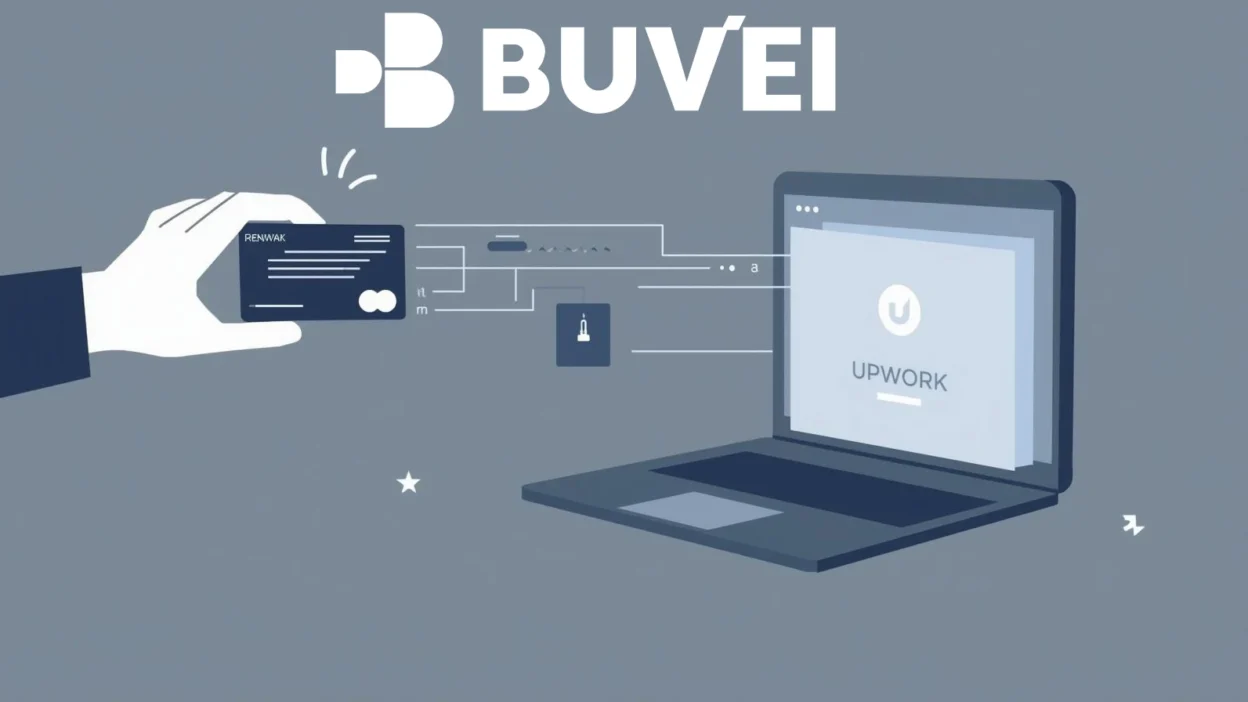
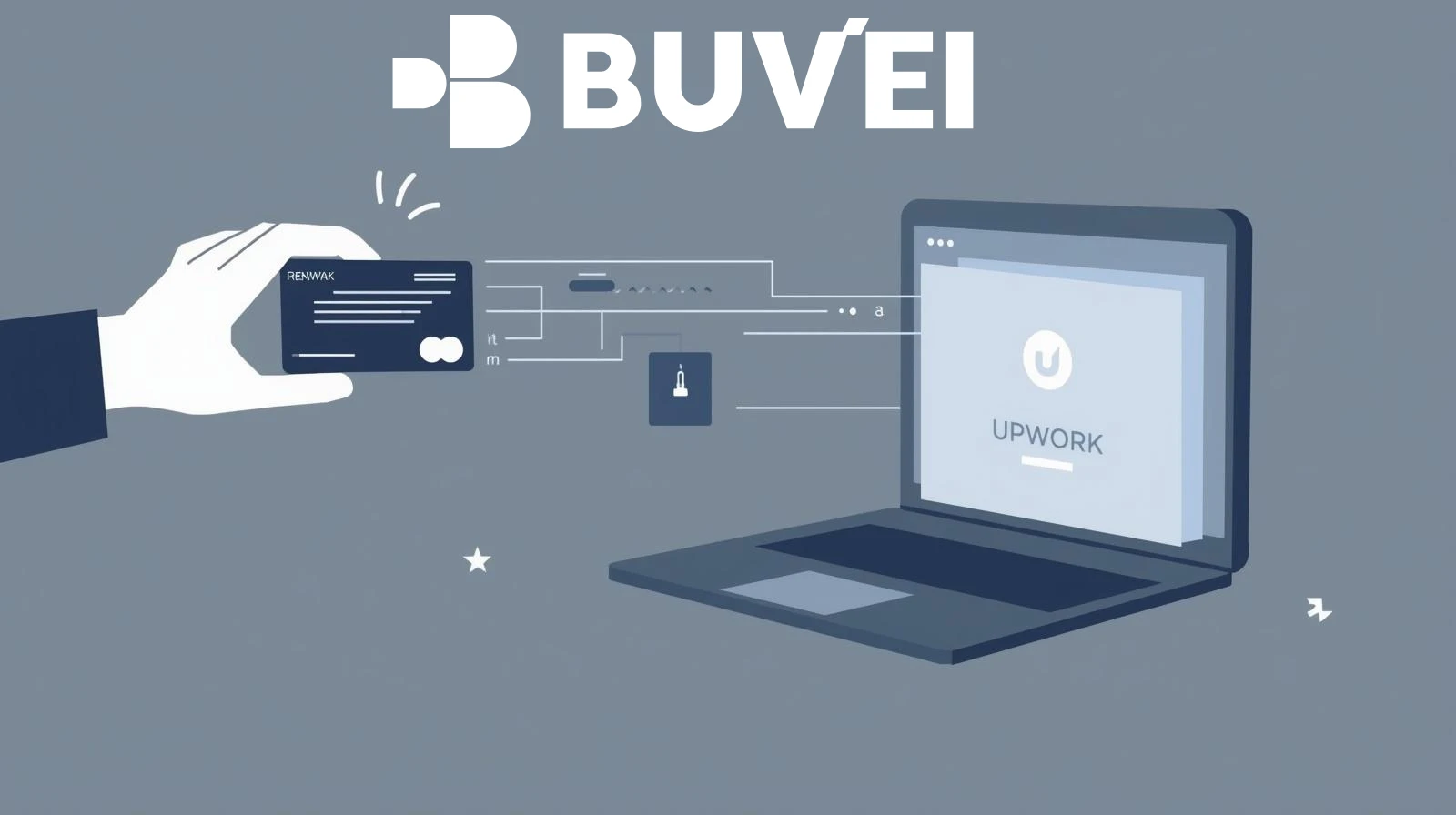
Add to Upwork: Log in to Upwork and go to Settings > Billing & Payments > Add a billing method.
-
Enter Card & Address: Input the Buvei card details. Crucial: Use the exact U.S. billing address and ZIP code provided by the Buvei app.
-
Set as Primary: Once the $1.00 authorization passes, set the card as your primary method for Memberships & Connects.
-
Monitor Balance: Ensure your Buvei card has a small buffer (e.g., $25) before your monthly renewal date to prevent a "Failed Payment" which can temporarily limit your ability to submit proposals.