Navigating the global travel market in April 2026 often requires a bridge between decentralized finance and traditional booking infrastructure. While Expedia Group has aggressive expansion goals and is heavily integrating AI into its search experience, it has maintained a conservative stance on direct blockchain payments. For crypto holders, the solution lies in utilizing Virtual Credit Cards (VCCs) as a high-authority payment layer.
This guide details how to leverage cryptocurrency to fund your Expedia bookings, ensuring high acceptance rates and seamless check-ins.
 Expedia Payment Methods Explained (2026 Update)
Expedia's payment ecosystem is built on strict regulatory compliance and fraud prevention. In 2026, the platform primarily supports:
-
Traditional Credit/Debit Cards: Visa, Mastercard, American Express, and Discover are the gold standard.
-
Digital Wallets: Apple Pay and Google Pay are widely supported, though availability varies depending on the "Pay Now" vs. "Pay Later" selection.
-
Expedia Rewards & Points: Often combined with traditional payment methods to offset costs.
-
Buy Now, Pay Later (BNPL): Services like Affirm or Klarna are integrated for high-value vacation packages.
The Crypto Gap: Despite the 2026 surge in digital asset adoption, Expedia does not natively host a "Connect Wallet" button at checkout. They require a "Merchant of Record" (a bank or card issuer) to settle the transaction in fiat (USD, EUR, etc.).
Why Expedia Does Not Accept Crypto Directly
Expedia's reluctance to handle direct crypto transfers (like sending BTC to an Expedia wallet) stems from three operational pillars:
-
Volatility Mitigation: Hotel and flight prices are often dynamic. The time lag between a crypto transaction's initiation and its network confirmation could lead to price discrepancies.
-
Refund Complexity: Expedia’s refund infrastructure is highly automated. Reversing a credit card charge is standardized, whereas "refunding" a crypto transaction to a non-custodial wallet introduces significant regulatory and technical hurdles.
-
SCA and 3DS 2.0 Regulations: In 2026, Strong Customer Authentication (SCA) is mandatory for many regions. Traditional cards are built to support the 3D Secure 2.0 handshake required by Expedia’s fraud filters, which raw crypto transactions cannot fulfill.
Using Virtual Cards to Pay on Expedia with Crypto
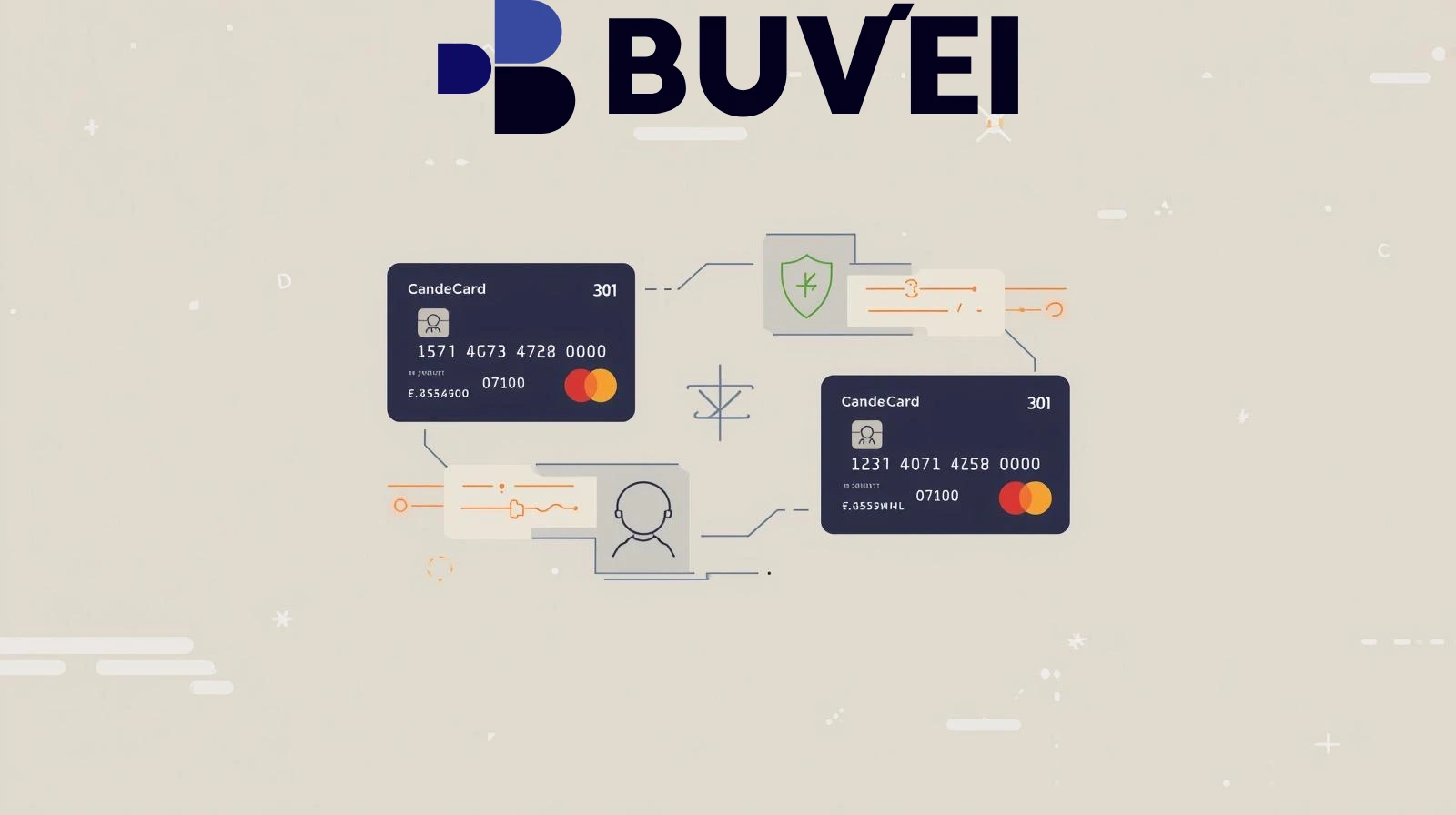
The most reliable workaround in 2026 is the Virtual Card Bridge. You deposit your crypto into a card-issuing platform, which then generates a virtual Visa or Mastercard funded by your balance.
The Advantage:
-
Instant Conversion: The platform handles the crypto-to-fiat swap at the moment of the transaction or upon deposit.
-
Anonymity & Security: You can use a dedicated virtual card for a single trip, protecting your main crypto treasury from potential data breaches.
-
High Acceptance: Because these cards utilize the Visa/Mastercard networks, Expedia views them as standard bank cards.
What Virtual Cards Work Best for Expedia?
Not all virtual cards are equal. For Expedia’s rigorous 2026 security checks, your card should have these features:
-
U.S./EU Commercial BINs: Many "Prepaid" cards are flagged by Expedia as high-risk. High-authority virtual cards (like those from Buvei) use "Commercial" or "Business Debit" BINs that signal trust.
-
3D Secure (3DS) Support: Ensure the platform allows you to view verification codes instantly. Expedia will often prompt a 3DS challenge for international flights.
AVS (Address Verification System): The card must be linkable to a billing address. If your ZIP code on Expedia doesn't match the card's registry, the booking will fail.
 Step-by-Step: Paying Expedia with Buvei Virtual Cards
Buvei is a preferred 2026 solution because it bridges stablecoins (USDT/USDC) with high-limit virtual cards specifically designed for travel.
-
Fund Your Account: Deposit USDT (TRC20) or Bitcoin into your Buvei dashboard.
-
Generate the Card: Select a Mastercard or Visa virtual card. For Expedia, a card labeled "Travel" or "SaaS" usually has the best Merchant Category Code (MCC) compatibility.
-
Note the Billing Details: In the Buvei app, copy the 16-digit card number, CVV, and the U.S.-based Billing Address provided with the card.
-
Checkout on Expedia:
-
Select your flight or hotel.
-
Choose the "Pay Now" option (virtual cards are less reliable for "Pay at Property" as hotels often require a physical card for incidentals).
-
Input the Buvei card details exactly as they appear in your app.
-
-
Authorize 3DS: If Expedia prompts for a security code, check your Buvei dashboard notifications, enter the code, and your booking will be confirmed instantl