Spotify offers both free and paid tiers, with Spotify Premium providing ad-free listening, offline downloads, and higher audio quality.
Subscription Plans
Common Premium plans include:
- Individual Plan → Standard monthly subscription
- Duo Plan → Two users in one household
- Family Plan → Multiple users (up to 6 accounts)
- Student Plan → Discounted pricing for eligible students
All plans are typically billed monthly, though pricing and availability vary by region.
Auto-Renewal System
Spotify uses an automatic billing cycle:
- Your payment method is charged every billing period
- Subscription renews unless manually canceled
- Failed payments may trigger retries or downgrade to free tier
Payment Methods
Spotify supports:
- Credit/debit cards
- PayPal
- Gift cards
- Mobile carrier billing (in some regions)
A valid recurring payment method is required to maintain Premium access.
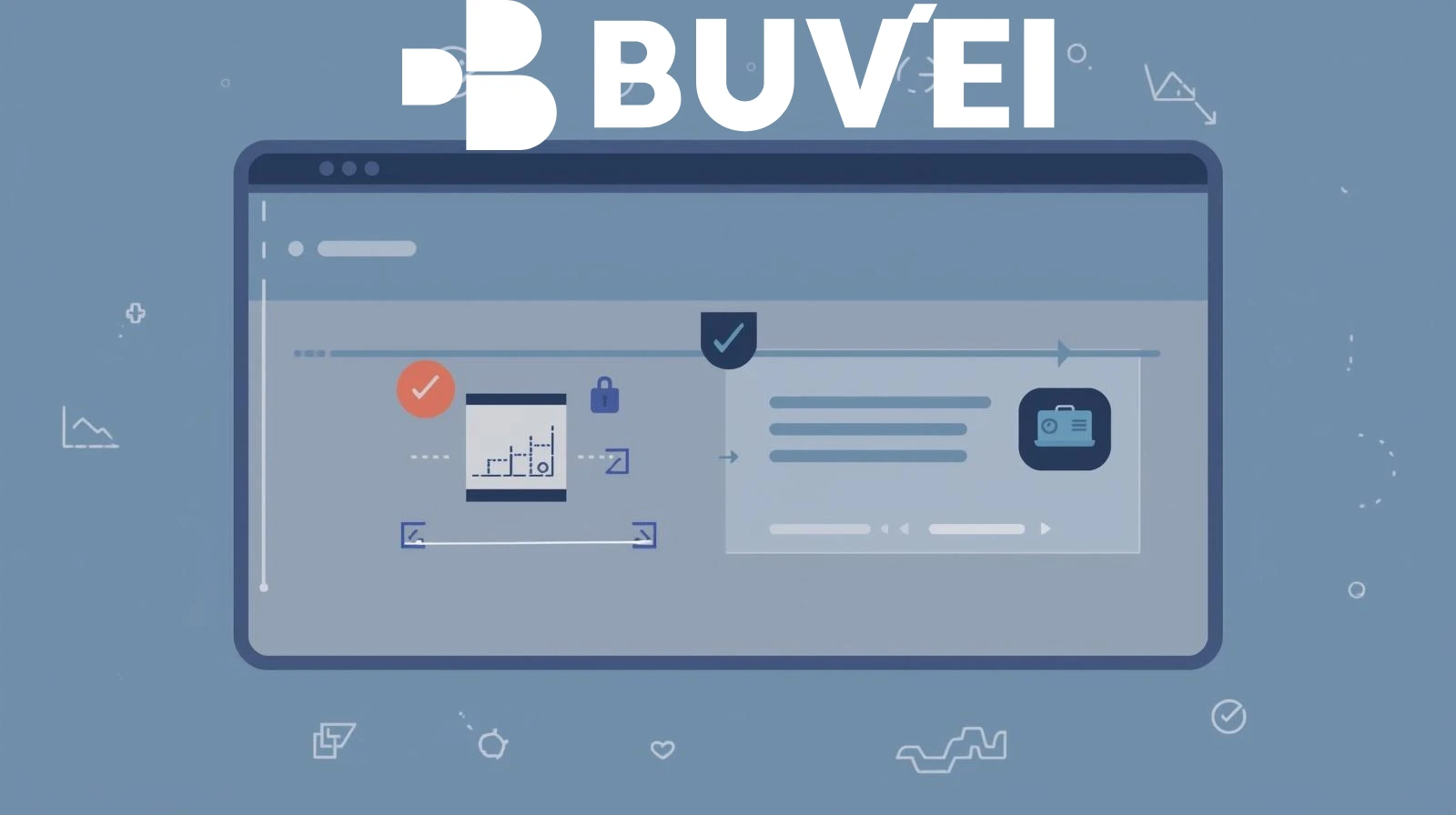 Step-by-Step Guide to Cancel Spotify Premium
Canceling Spotify Premium is straightforward if you follow the correct steps.
Step 1: Log in to Your Account
Go to the Spotify website and sign in (note: cancellation cannot be completed in the mobile app).
Step 2: Go to Account Settings
Click your profile → select “Account”.
Step 3: Navigate to “Your Plan”
Find your current subscription details.
Step 4: Click “Change Plan”
Scroll down to find the “Cancel Premium” option.
Step 5: Confirm Cancellation
Follow the prompts and confirm your decision.
Step 6: Check Confirmation
You should see a confirmation message, and Spotify will send a confirmation email.
Your Premium benefits will remain active until the end of the current billing cycle, after which your account will revert to the free plan.
Important Note
If you subscribed via:
- Apple App Store
- Google Play
- Mobile carrier
You must cancel through that original billing platform, not directly through Spotify.

Common Cancellation Problems
Users may encounter a few issues when trying to cancel.No “Cancel” Button
This usually means:
- Subscription is managed by a third party (Apple, Google, telecom provider)
- You need to cancel through that platform
Still Being Charged
Possible reasons:
- Cancellation wasn’t completed
- You’re logged into the wrong account
- Another active subscription exists
Billing Date Confusion
If you cancel close to the billing date:
- The next charge may already be processed
- You’ll still have Premium access until the cycle ends
Family or Duo Plan Issues
Only the plan owner can cancel the subscription. Members cannot cancel on behalf of the account.
Retention Offers
Spotify may offer:
- Discounts
- Free months
These can sometimes confuse users during the cancellation process.
Using Virtual Cards to Avoid Future Charges
Virtual cards provide an extra layer of control beyond manual cancellation.
Instant Charge Blocking
You can:
- Freeze the card
- Delete the card
- Set spending limits to zero
This prevents further charges even if cancellation fails.
Subscription Isolation
Assign a dedicated virtual card to Spotify so it doesn’t affect other subscriptions.
Backup Control Method
If you’re unsure whether cancellation is complete, disabling the card ensures no additional billing.
Budget Management
Virtual cards help track exactly how much you spend on subscriptions and avoid hidden renewals.
Using Buvei Virtual Cards for Subscription Management
Buvei offers a flexible way to manage Spotify and other subscription payments. Instant Card Issuance
Create new virtual cards in seconds for subscriptions.
Multi-Card Management
Use separate cards for different services, including Spotify.
Flexible Spending Controls
Set limits or disable cards to stop recurring payments instantly.
Multi-BIN Support
Improves payment success rates across global platforms.
Global Compatibility
Works across streaming, SaaS, and online services worldwide.
Real-Time Monitoring
Track transactions and manage subscriptions efficiently.
 Final Thoughts
Canceling Spotify Premium is usually simple, but issues like third-party billing, timing, and account confusion can make it tricky.
Using virtual cards adds an extra layer of control by allowing you to:
- Stop payments instantly
- Manage multiple subscriptions easily
- Avoid unexpected renewals
For users looking for better control over recurring payments, platforms like Buvei provide a practical and scalable solution in 2026.