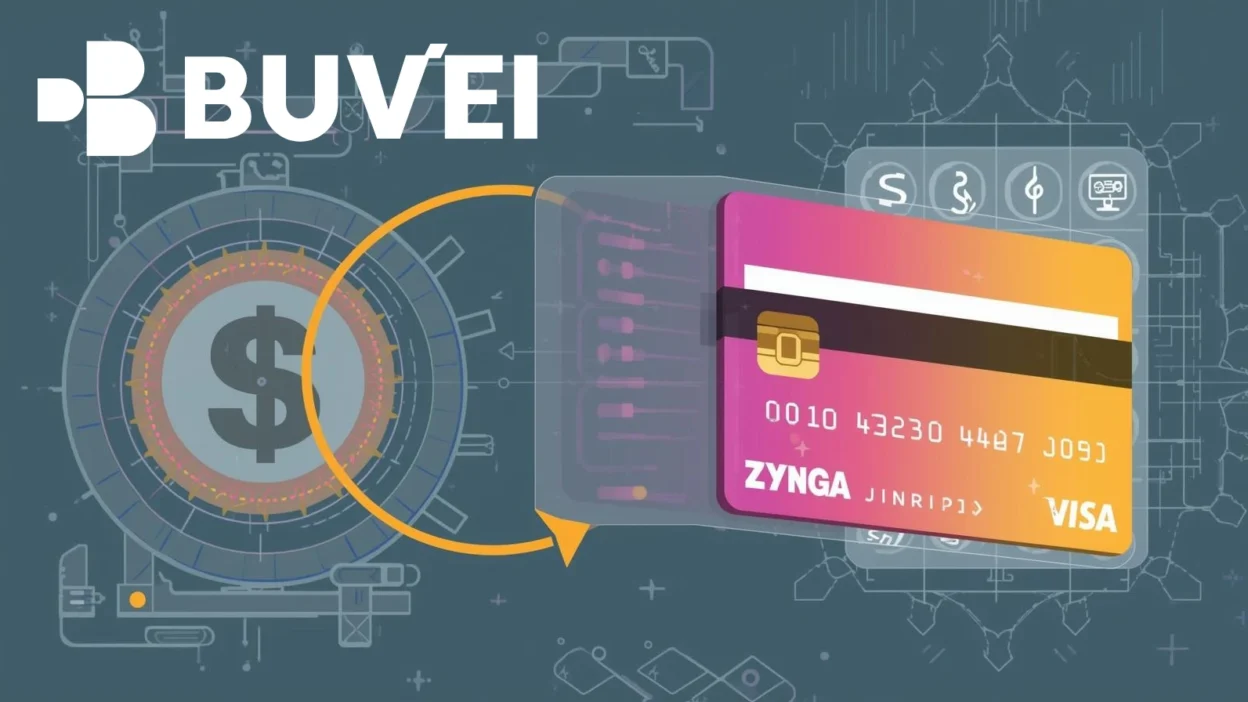
Mobile and social games from Zynga rely heavily on in-game purchases. Whether buying virtual currency, power-ups, or premium features, payments are typically processed through card-based systems.
For players who want more control over gaming expenses or who face payment declines, virtual cards offer a structured alternative.
How Zynga Game Payments Work
Zynga titles process payments through:
-
App store billing systems (such as iOS or Android stores)
-
Direct web-based checkout (for certain games)
-
Card network transactions (Visa/Mastercard)
Payments are generally:
-
Instant
-
Processed online
-
Subject to authorization checks
In-game purchases may include:
-
Virtual currency
-
Limited-time offers
-
Subscription passes
-
Event upgrades
The success of the transaction depends on the underlying payment method.
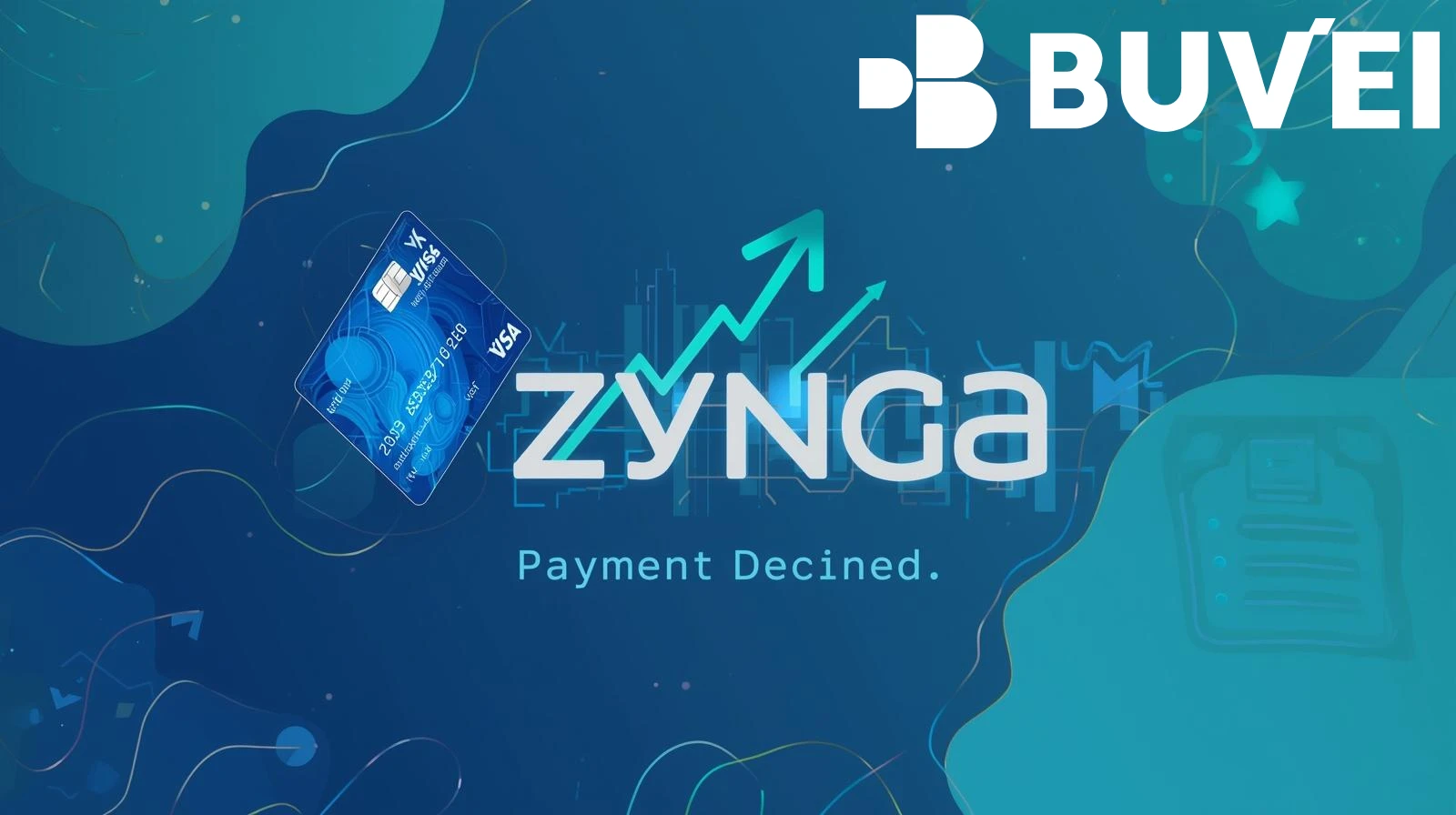
Why Some Cards Are Declined for Zynga Payments
Players sometimes encounter declined transactions due to:
Insufficient Funds
Low balance on debit cards.
Online Payment Restrictions
Some banks block gaming-related transactions.
International Transaction Controls
Cross-border processing may trigger automated declines.
Spending Limits
Daily limits can interrupt multiple in-game purchases.
Risk Monitoring Systems
Frequent small transactions may be flagged as suspicious activity.
These issues are typically related to the issuing bank rather than Zynga itself.
Using Virtual Cards for Zynga In-Game Purchases
Virtual cards provide better spending control for gaming.
Benefits include:
Prepaid Budgeting
Load only the amount you intend to spend on games.
Expense Isolation
Keep gaming transactions separate from your main bank account.
Adjustable Limits
Set maximum limits to avoid overspending.
Easy Replacement
If a card fails or is compromised, issue a new one quickly.
For players who regularly purchase in-game content, this structure reduces financial risk.

Setting Up Virtual Cards for Game Payment
To use a virtual card for Zynga purchases:
Step 1: Obtain a Virtual Card
Choose a provider that supports international online transactions.
Step 2: Fund the Card
Add sufficient balance to cover in-game purchases.
Step 3: Add the Card to Your Payment Method
Depending on the game platform:
-
Add it to your app store wallet
-
Or enter it directly in the game’s checkout page
Step 4: Monitor Transactions
Track purchases to ensure spending stays within budget.
Using a dedicated gaming card simplifies expense management.
How Buvei Virtual Cards Enhance Your Gaming Experience
Buvei provides virtual cards suitable for online entertainment and digital purchases.
Key features include:
-
USDT (TRC20/ERC20) funding
-
Instant virtual card issuance
-
US BIN option for broad international compatibility
-
Adjustable spending limits
-
Multi-card management
-
Real-time transaction monitoring
For gaming purposes, this allows:
-
A dedicated card for Zynga purchases
-
Controlled monthly gaming budgets
-
Reduced exposure of primary banking information
-
Easier troubleshooting if a payment fails
This approach is useful for both casual players and high-frequency in-game purchasers.
Conclusion
Zynga game payments depend on stable online card authorization. Declines are often caused by bank-level restrictions, spending limits, or automated risk controls.
Using a prepaid virtual card helps isolate gaming expenses, control budgets, and reduce financial exposure. For players seeking better spending management and international compatibility, virtual cards provide a practical payment solution.