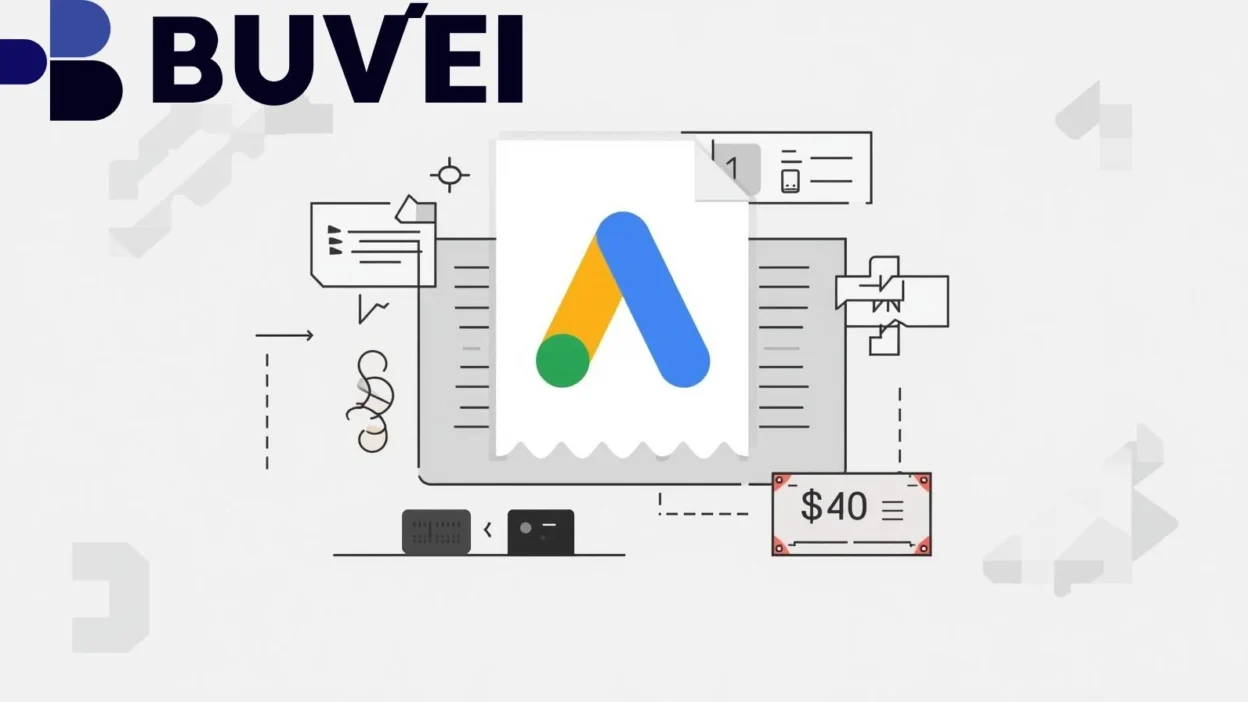
Billing issues are one of the most common—and costly—problems Google Ads advertisers face. A single payment failure can pause campaigns, disrupt optimization, and impact account trust, especially for advertisers running time-sensitive or high-volume ads.
This guide breaks down common Google Ads billing errors, why payments fail, how billing issues affect performance, and how virtual cards can help restore stable ad delivery.
Common Google Ads Billing Error Messages
Advertisers often encounter billing alerts such as:
-
“Payment declined”
-
“Your account has a billing issue”
-
“Automatic payment failed”
-
“Fix your payment method”
-
“Ads stopped due to unpaid balance”
These messages usually appear without detailed explanations, making troubleshooting frustrating—especially for international advertisers.
Why Google Ads Payments Get Declined
Payment failures on Google Ads typically occur due to:
-
Bank security blocks on ad-related transactions
-
Regional cards not supported by Google’s payment processor
-
Insufficient balance at the billing threshold
-
Card restrictions on recurring or high-risk payments
-
Frequent billing retries triggering fraud prevention systems
Even cards that work on other platforms may fail specifically on Google Ads.
How Billing Issues Impact Ad Account Performance
Billing problems do more than stop ads temporarily.
They can lead to:
-
Immediate campaign pauses
-
Lost learning data and reset optimization signals
-
Lower delivery stability after reactivation
-
Increased account scrutiny by Google’s risk systems
For scaling advertisers, repeated billing failures can significantly reduce performance efficiency.
Using Virtual Cards to Fix Google Ads Billing Problems
Virtual cards are widely used by media buyers to stabilize Google Ads payments.
Key advantages include:
-
Isolated card usage dedicated only to Google Ads
-
Adjustable spending limits aligned with ad budgets
-
Easy replacement if a card is flagged
-
Reduced dependency on local bank restrictions
-
Better control over authorization attempts
A well-configured virtual card often behaves more predictably than traditional cards.
Step-by-Step: Updating Payment Methods in Google Ads
To resolve billing issues using a virtual card:
-
Log in to your Google Ads account
-
Navigate to Billing → Payment methods
-
Add a new virtual card
-
Set it as the primary payment method
-
Ensure sufficient balance and limit
-
Clear outstanding balances if required
After updating, Google typically retries billing automatically or allows manual retry.
Preventing Future Billing Failures
To minimize future disruptions:
-
Use one dedicated card per ad account
-
Maintain balance buffers above spend levels
-
Avoid sharing cards across unrelated platforms
-
Monitor billing thresholds and retry alerts
-
Keep backup virtual cards ready
Proactive payment setup is one of the easiest ways to protect ad continuity.
Final Thoughts
Google Ads billing issues are common—but preventable. Most payment failures are caused by card limitations, bank restrictions, or lack of payment isolation rather than account policy violations.
By using virtual cards designed for advertising payments, advertisers can reduce declines, maintain delivery stability, and protect campaign performance over the long term.