Introduction
Apple Pay has become one of the most reliable and secure mobile payment methods worldwide. Whether you shop online, pay in stores, or use tap-to-ride on public transport, Apple Pay makes transactions simple and contactless.
In 2025, more users are also relying on virtual cards, including those from platforms like Buvei, to enhance privacy and manage spending digitally. This article explains which card types are compatible with Apple Pay—Visa, Mastercard, and virtual cards—and how these payment options work inside Apple’s ecosystem.
Apple Pay Compatibility: An Overview
Apple Pay supports a wide range of card networks and issuers. The most common and globally accepted ones include:
• Visa
Visa credit and debit cards from most banks can be added to Apple Pay. They support online, in-store, and in-app payments.
• Mastercard
Mastercard also enjoys strong global compatibility and works seamlessly with Apple Pay across devices.
• Virtual Cards
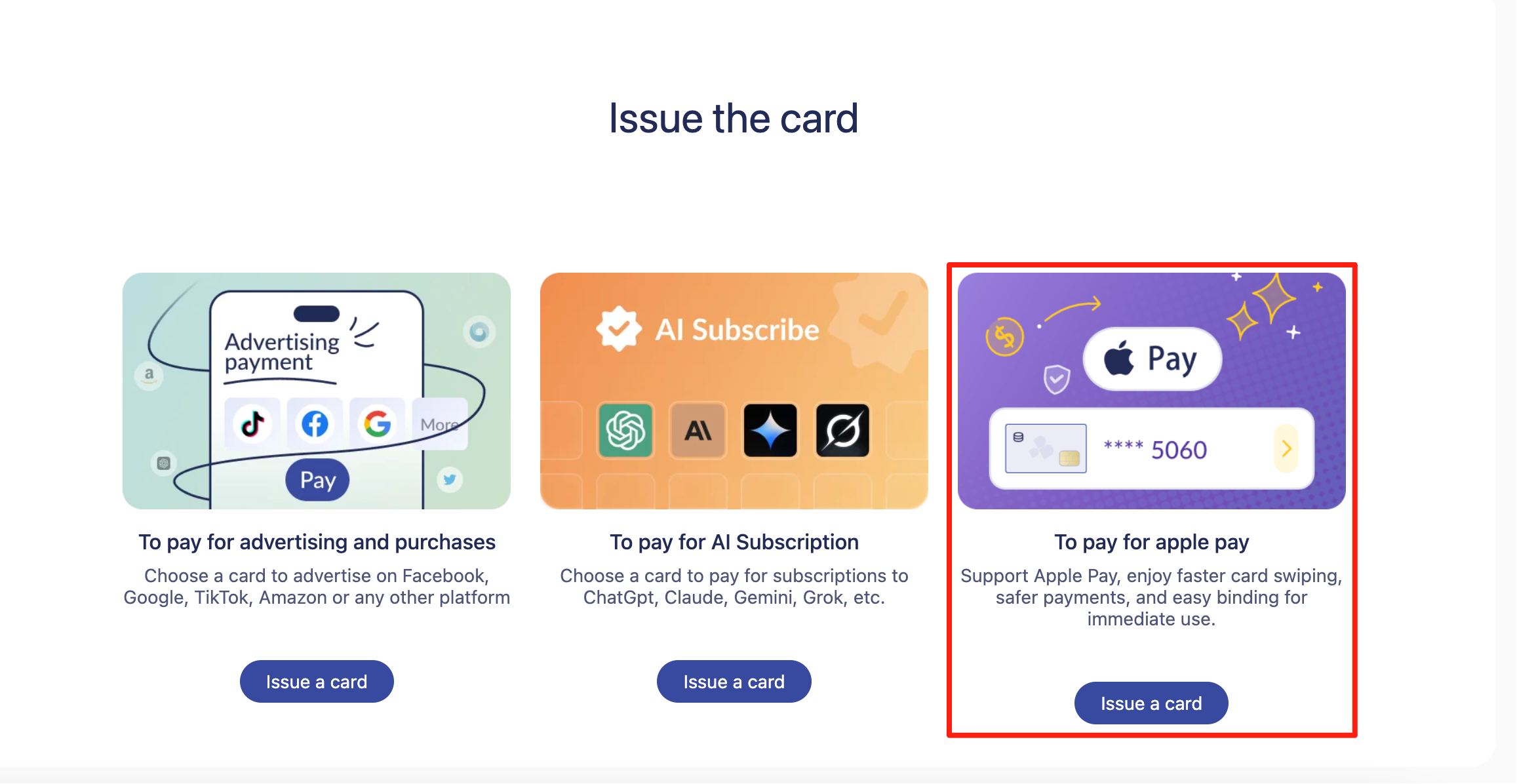
More virtual card providers now support Apple Pay, making it easier for users to enjoy secure digital payments without exposing their physical bank card details.
Apple Pay works with:
-
Credit cards
-
Debit cards
-
Prepaid cards
-
Virtual Visa and Mastercard cards
This makes it a flexible mobile wallet for both daily and professional use.
Are Virtual Cards Compatible With Apple Pay?
Yes—many virtual Visa and Mastercard cards can be added to Apple Pay, provided the issuer supports tokenized wallet payments.
Benefits of using a virtual card with Apple Pay:
-
Higher privacy — no real bank account exposure
-
Fast online payments
-
Better control of budget and spending limits
-
Cross-platform use for travel, shopping, and SaaS subscriptions
Buvei Virtual Card Compatibility
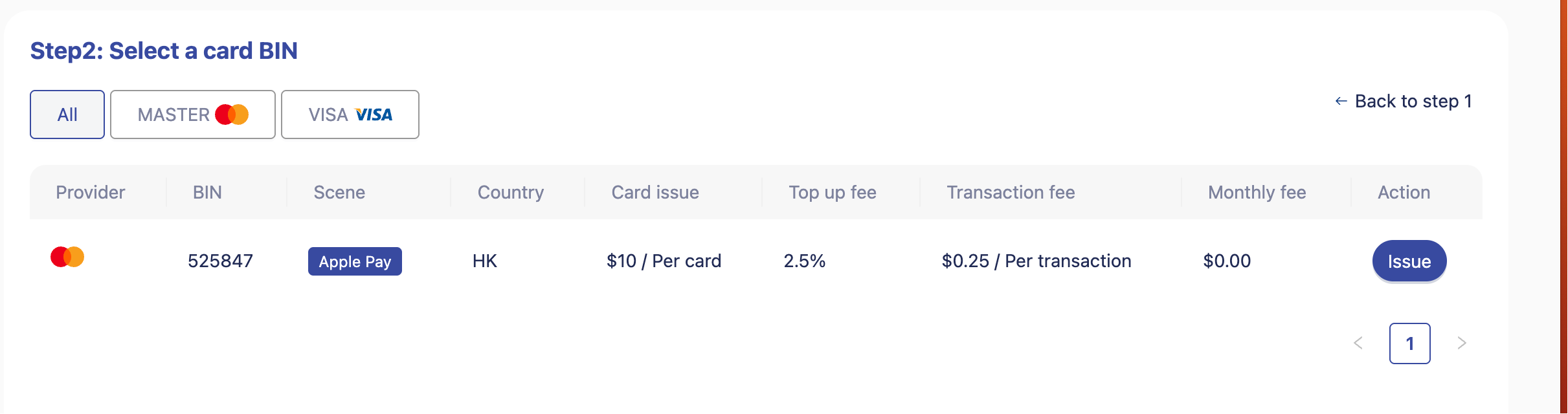
Buvei's virtual Visa/Mastercard supports strong global payment compatibility, making it easier to bind the card to Apple Pay for NFC and online payments.
Because Buvei offers multiple BIN options, users enjoy smoother Apple Pay verification and better success rates across regions.
How to Add a Visa, Mastercard, or Virtual Card to Apple Pay
The process is almost the same for all card types.
Step 1: Open the Wallet App
Go to “Add Card.”
Step 2: Choose Credit or Debit Card
Select manual entry if adding a virtual card.
Step 3: Enter Card Details
Fill in the card number, expiry, CVV, and name.
Step 4: Complete Verification
Depending on your issuer, verification may occur via SMS or email.
Step 5: Start Using Apple Pay
Your card is now ready for tap-to-pay and online transactions.
Virtual card users—especially Buvei users—often benefit from quick activation thanks to instant card issuance and transparent management tools.
Why Use Buvei Virtual Cards With Apple Pay?
Although this article focuses on compatibility, it’s important to highlight why a virtual card like Buvei is an ideal match for Apple Pay.
Key benefits include:
-
Strong payment compatibility across global merchants, SaaS tools, and travel services
-
USDT top-up support for fast, low-cost balance loading
-
Transparent fees with no hidden charges
-
Flexible card limits for safe daily spending
-
PCI DSS–level security and protection of personal bank information
-
Multi-account management useful for teams, marketers, and frequent travelers
-
Real-time online customer support for any binding or transaction issues
Combined with Apple Pay, Buvei offers a smooth, secure, and privacy-friendly payment experience.
Summary
Apple Pay’s compatibility with Visa, Mastercard, and modern virtual cards makes it one of the most versatile digital wallets in the world. With increasing user demand for security and private payments, virtual cards like Buvei provide a flexible solution that integrates seamlessly with Apple Pay.
Whether you’re shopping online, traveling abroad, or managing subscriptions, using a virtual card with Apple Pay enhances both security and convenience.