Introduction
Mobile wallets like Apple Pay and Google Pay have become essential tools for fast, secure, and contactless payments. Whether you’re buying online, shopping in-store, or paying for travel and subscriptions, a virtual card can integrate seamlessly with these digital wallets—offering added privacy and protection.
For users who prefer not to expose their physical banking information or who rely on virtual cards for subscriptions, business payments, or international purchases, linking a virtual card to Apple Pay and Google Pay is both convenient and secure.
Platforms such as Buvei make this process even smoother by providing instantly issued cards with high compatibility, global BIN support, and low-cost top-ups.
What You Need Before Adding a Virtual Card
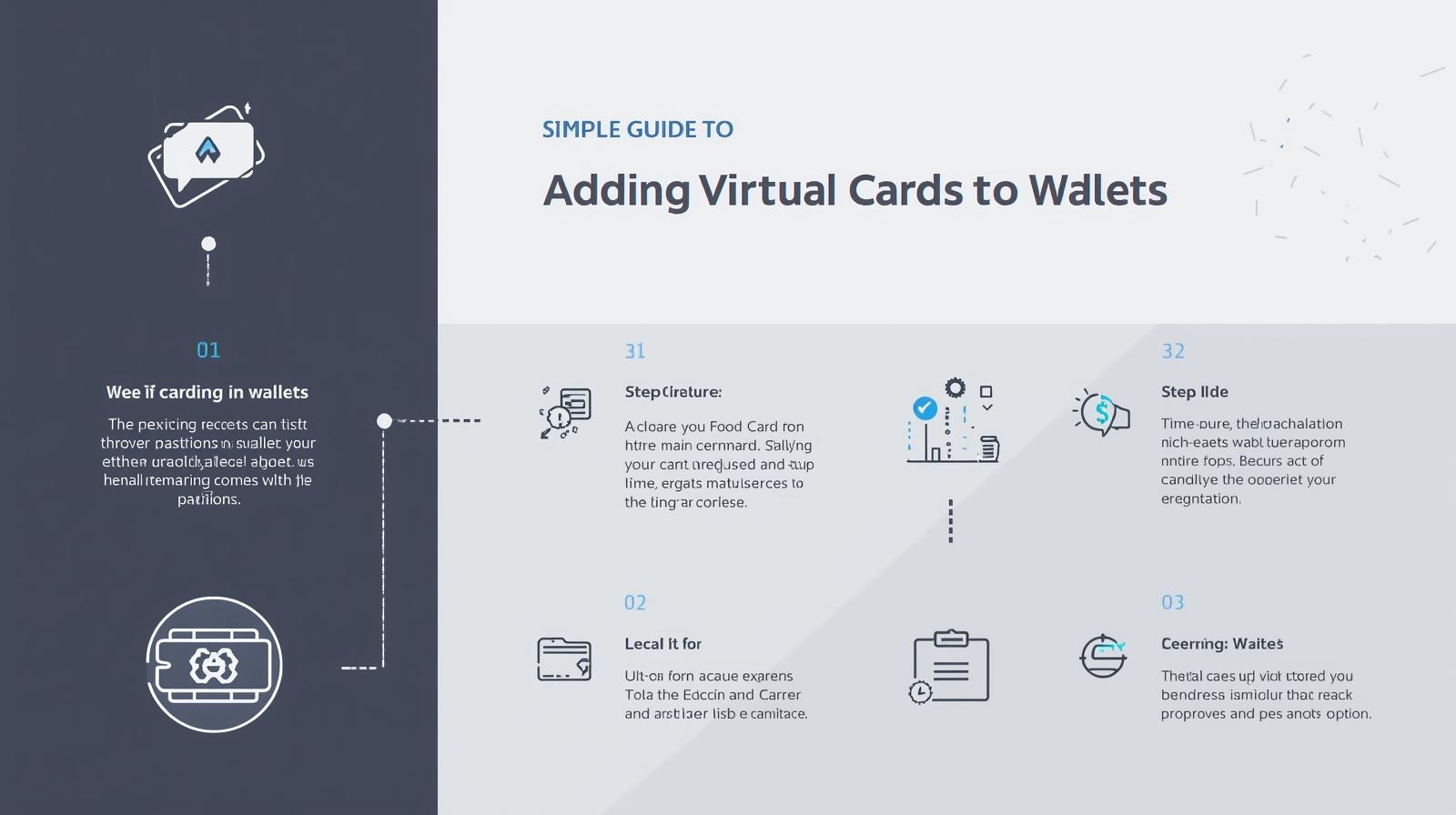
To successfully link your virtual card, make sure you have:
-
A virtual Visa or Mastercard that supports Apple Pay or Google Pay
-
A compatible mobile device (iPhone, Android, WearOS)
-
Updated wallet apps
-
Verification information (SMS/email) if required
Most reputable providers—including Buvei—issue virtual cards that are compatible with both mobile wallets.
How to Add a Virtual Card to Apple Pay (Step-by-Step)
Step 1: Open Apple Wallet
Open the Wallet app on your iPhone and tap the “+” icon in the top-right corner.
Step 2: Select “Add Debit or Credit Card”
Choose to add a new card. Apple Pay will ask for card details.
Step 3: Enter Virtual Card Information
Manually input your virtual card’s card number, expiration date, and CVC.
If issued by Buvei, you can copy these instantly from your dashboard.
Step 4: Complete Verification
Depending on your provider, verification may occur via:
-
SMS
-
Email
-
In-app authentication
Step 5: Start Using Apple Pay
Once verified, you can use Apple Pay for:
-
NFC tap-to-pay in stores
-
App Store purchases
-
Online payments
-
In-app purchases (Uber, food delivery, etc.)
How to Add a Virtual Card to Google Pay (Step-by-Step)
Step 1: Open Google Wallet
On your Android phone, open Google Wallet or Google Pay.
Step 2: Tap “Add to Wallet” → “Payment Card”
Choose to add a new payment card.
Step 3: Input Virtual Card Details
Enter your virtual Visa/Mastercard information manually.
Step 4: Verify Your Card
A verification request will be sent via text or email.
Step 5: Use Google Pay for Contactless & Online Payments
After verification, you can pay:
-
At contactless terminals
-
In apps like Google Play, YouTube, or food delivery
-
On websites using Google Pay checkout
Google Pay is known for powerful fraud protection, making it an ideal companion for virtual card users.
Why Many Users Add Virtual Cards to Apple Pay & Google Pay
Using a virtual card inside a mobile wallet provides several major benefits:
✔ Enhanced Security
Your real banking details stay hidden, reducing fraud risks.
✔ Faster Checkouts
You can pay instantly using Face ID, Touch ID, or device biometrics.
✔ Better Budget Control
Use separate virtual cards for:
-
Subscriptions
-
Travel
-
Ads and SaaS tools
-
Personal shopping
✔ Works Even When You Don’t Have a Physical Card
Virtual cards can be used for contactless payments just like plastic cards—without needing to carry a wallet.
Why Buvei Works Well with Apple Pay & Google Pay
Buvei offers virtual cards designed for maximum compatibility across apps and platforms, including mobile wallets.
Buvei Key Features (Soft Intro):
-
Multiple BIN regions for higher success rates
-
Strong platform compatibility with Apple Pay, Google Pay, SaaS tools, and major ad platforms
-
USDT top-up (TRC20/ERC20) for fast and low-fee recharging
-
Instant virtual card issuance, no complicated KYC
-
Transparent fee structure with flexible card limits
-
Batch card creation for teams and businesses
-
24/7 real-time support
These features make Buvei an excellent choice for users who want hassle-free integration with mobile wallets.
Conclusion
Adding a virtual card to Apple Pay or Google Pay enhances your privacy, improves payment convenience, and provides better control over daily spending, subscriptions, and business expenses. Whether you're managing online purchases, advertising accounts, or travel costs, virtual cards offer a flexible and secure payment solution.
With platforms like Buvei, you can issue virtual cards instantly, fund them easily, and start using them across mobile wallets within minutes.