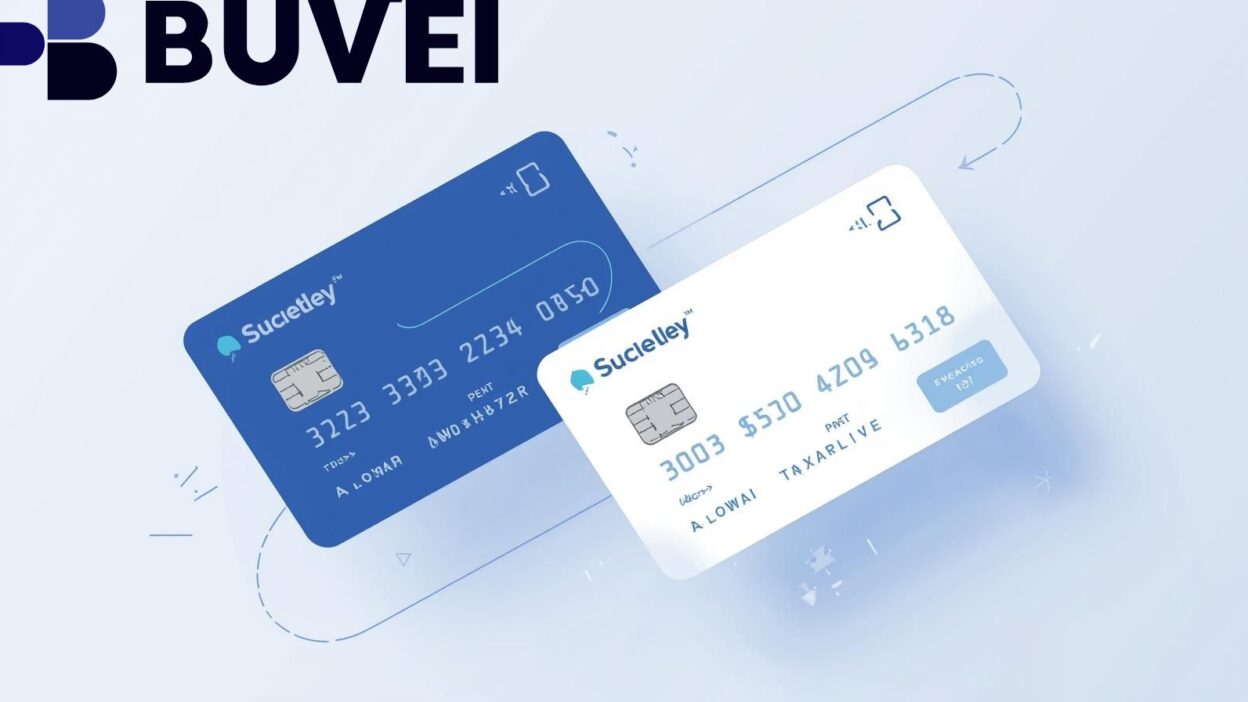
In today’s remote-first and digital economy, virtual business cards have become an essential tool for companies to manage employee expenses and streamline financial control. Unlike traditional plastic corporate cards, virtual cards can be instantly issued, customized, and monitored—all through a secure online dashboard.
One of the most powerful features modern platforms offer is spending limits per user. This feature empowers businesses to set individual budgets, track real-time transactions, and eliminate overspending or misuse. In this article, we’ll explore how virtual business cards with spending limits work, their benefits, and the top platforms that support them. 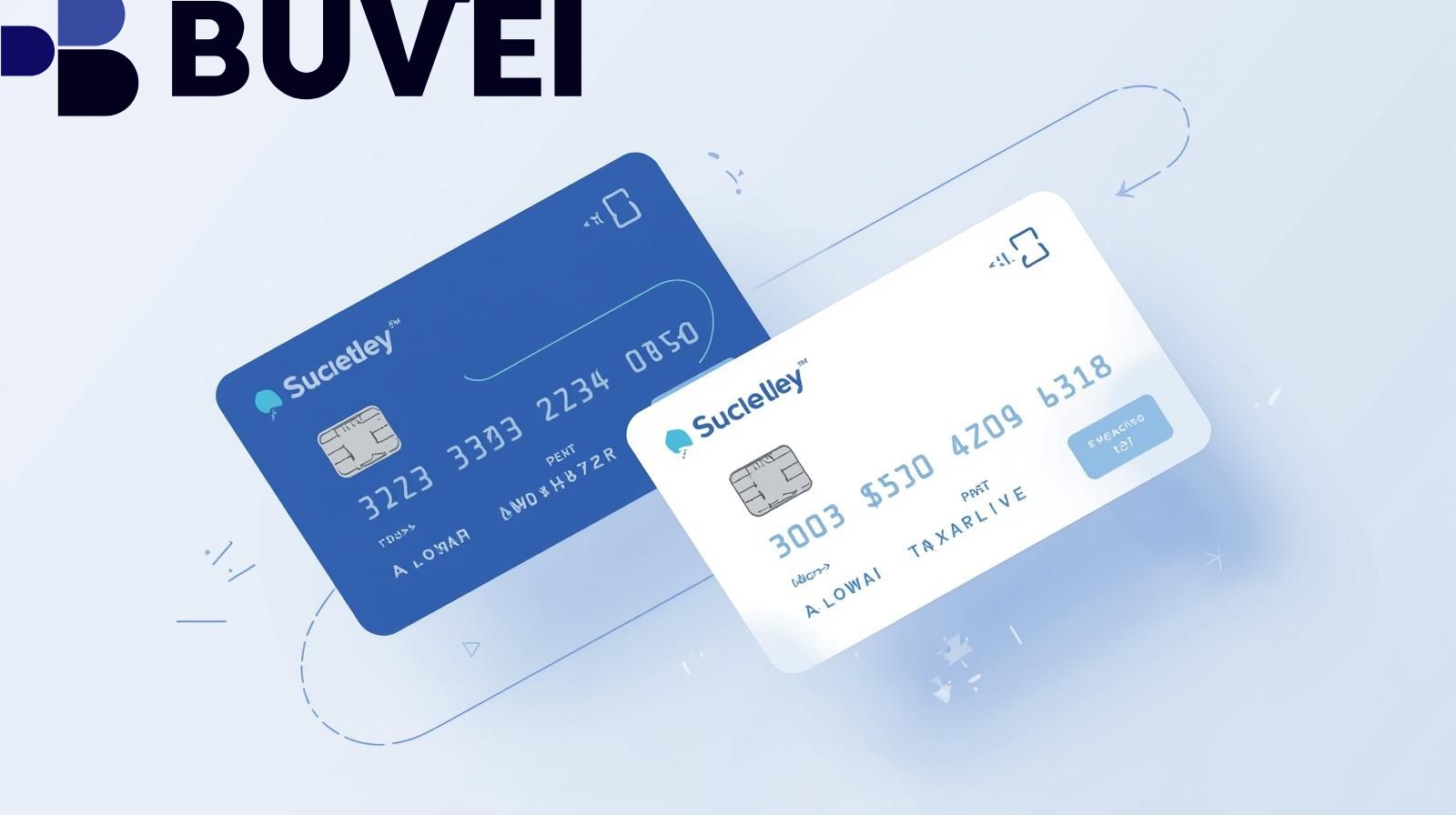
What Are Virtual Business Cards with Spending Limits?
A virtual business card is a digital payment card issued for business expenses, typically linked to a company account or prepaid balance. These cards can be used for online purchases, subscriptions, and vendor payments, just like physical debit or credit cards—but they exist only in digital form.
The key innovation lies in customizable spending limits:
-
Businesses can assign a limit to each user or department.
-
Cards can be restricted to specific vendors, categories, or time periods.
-
Real-time monitoring ensures every dollar is tracked and compliant with company policies.
This control makes virtual cards ideal for teams, freelancers, and startups that require transparency and accountability without the complexity of traditional corporate banking.
Benefits of Virtual Business Cards with User-Level Limits
a. Improved Expense Management
Setting spending caps ensures employees stay within their approved budgets. Finance teams gain clear visibility into where funds are going, reducing administrative work at month-end reconciliation.
b. Enhanced Security
Unlike traditional corporate cards, virtual cards can be instantly frozen or canceled if suspicious activity is detected. Businesses can also issue unique cards for each transaction or vendor, minimizing fraud risk.
c. Simplified Team Control
Every employee or department can have a dedicated card with a preset limit, preventing accidental overspending and ensuring all transactions align with company policies.
d. Seamless Integration with Accounting Tools
Many virtual card platforms integrate with QuickBooks, Xero, or NetSuite, automatically syncing expenses and simplifying reporting.
e. No Hidden Fees or Delays
Since most platforms are digital-first and prepaid, companies can avoid traditional banking fees, reduce reimbursement delays, and ensure immediate access to funds.
Top Virtual Business Card Platforms Offering Spending Limits
Below are some of the most trusted virtual card platforms for business use in 2025:
1. Ramp
Ramp provides smart corporate cards that automatically categorize expenses and detect duplicate subscriptions. Its per-user and per-department limits make it ideal for mid-size teams. Ramp also includes spend analytics and automated receipt matching.
Key features:
-
Custom spending controls per user
-
Real-time expense tracking
-
Cashback rewards on eligible purchases
2. Brex
Brex offers virtual cards for startups and enterprises, combining advanced spending policies with integrated financial dashboards. Businesses can create multiple cards per employee with specific vendor or category restrictions.
Key features:
-
Instant card issuance and budget control
-
Integration with accounting tools
-
Built-in fraud detection
3. Divvy (by Bill)
Divvy’s strength lies in its budgeting-first approach. Managers can assign spending limits, approval workflows, and budgets per team or employee, all synced in real time.
Key features:
-
Budget-based virtual card management
-
Real-time spend alerts
-
Flexible limits and approvals
4. Airbase
Airbase combines expense management, bill payments, and corporate cards into one system. It allows individual and department-level limits, ideal for larger organizations seeking comprehensive financial control.
Key features:
-
Multi-level spend approval
-
Vendor-specific card restrictions
-
Integration with payroll and ERP systems
5. Payhawk
Payhawk focuses on international teams, offering multi-currency cards and automated spending rules. Businesses operating globally benefit from currency support and compliance tools.
Key features:
-
Multi-currency virtual cards
-
Role-based spending limits
-
Global expense reporting
Best Practices for Managing Virtual Business Cards
To fully leverage virtual cards with spending limits, consider these best practices:
a. Define Clear Budget Policies
Before issuing cards, create internal policies outlining who gets access, how limits are determined, and which categories are permitted. This ensures consistency and prevents misuse.
b. Automate Expense Approval Workflows
Use built-in automation to approve, monitor, and reconcile expenses. This saves time and maintains oversight across departments.
c. Conduct Regular Audits
Review spending data monthly to identify unusual patterns, duplicate charges, or underutilized budgets. Adjust spending limits accordingly.
d. Educate Employees
Train staff to understand how virtual cards function, including receipt uploads, spending rules, and approval timelines. Awareness ensures compliance and smoother expense processes.

Conclusion
Virtual business cards with spending limits per user represent the next evolution in corporate finance. They offer the perfect blend of flexibility, transparency, and security, helping companies manage operational costs efficiently while empowering employees with controlled autonomy.
Whether you’re a startup managing project-based expenses or a growing enterprise scaling your global workforce, adopting a virtual business card system with user-level controls can significantly reduce financial risk and improve accountability.
As digital transformation accelerates, businesses that embrace these smart financial tools will gain a clear advantage in both cost management and operational agility.