As digital banking becomes mainstream, virtual cards have become a preferred tool for secure online payments and subscriptions. However, like physical cards, they are still vulnerable to theft, unauthorized use, or data leaks. Knowing how to freeze and unfreeze a virtual card gives you control over your digital funds and protects your account from potential fraud.
This article will walk you through the step-by-step process to freeze and unfreeze a virtual card, explain why these actions matter, and provide best practices to enhance your account’s credibility and security. 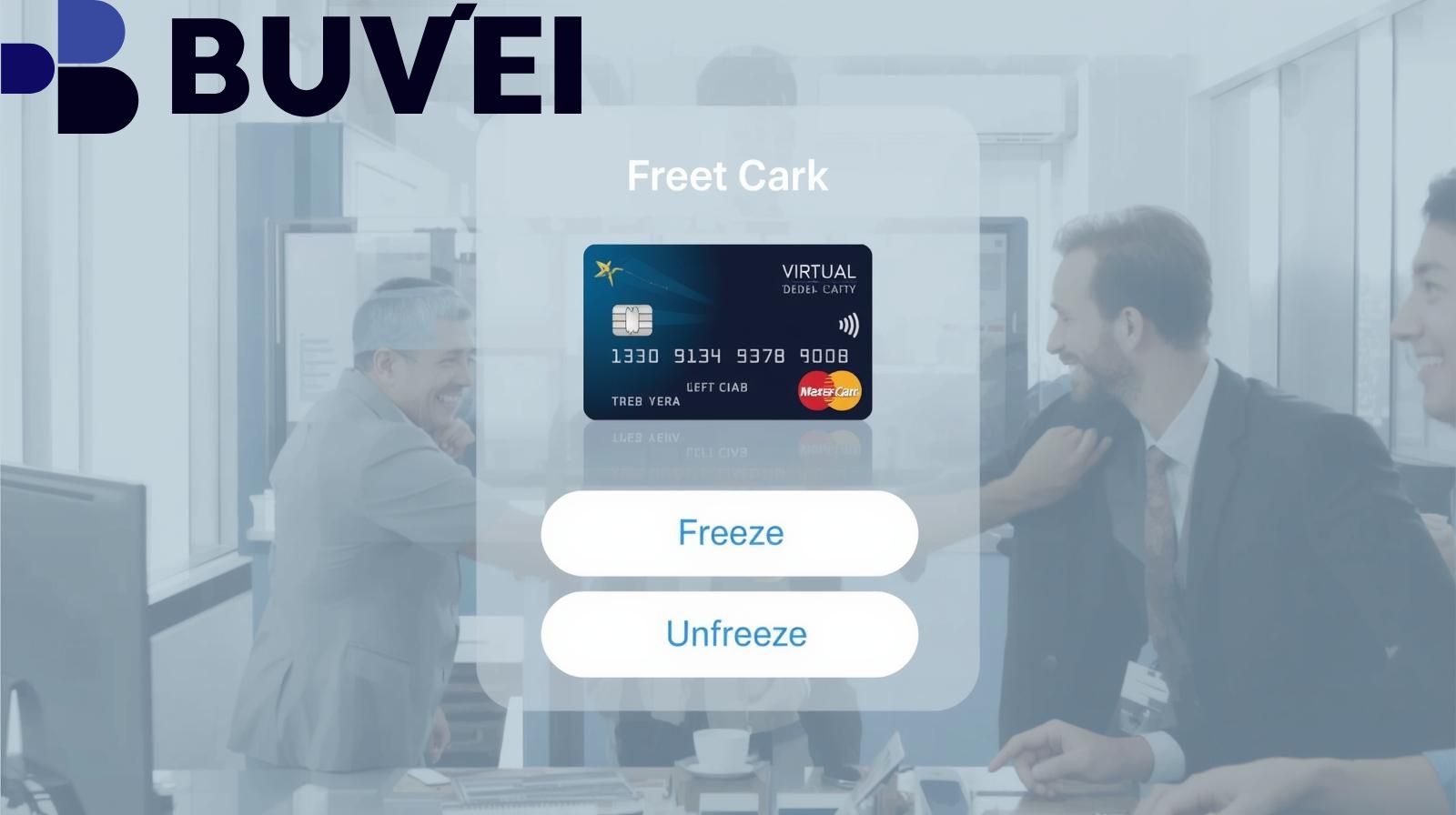
How to Freeze a Virtual Card
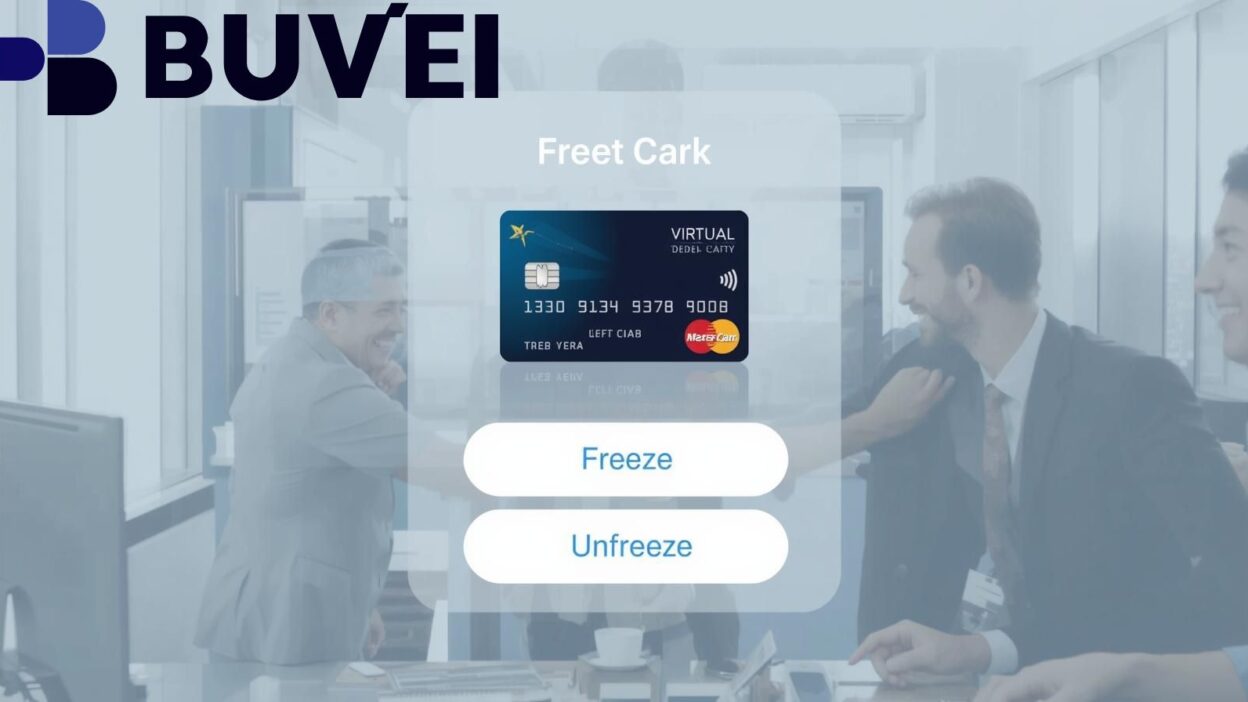
Freezing a virtual card temporarily disables all transactions without permanently canceling the card. This action is useful when you suspect suspicious activity or lose access to your device. Here’s how to do it safely:
-
Log in to your banking or fintech app.
Go to the “Cards” or “Virtual Card” section of your account dashboard. -
Select the card to freeze.
Choose the specific card and tap the “Freeze” or “Pause” option. -
Confirm the action.
Most platforms will ask for confirmation or authentication before freezing your card. Once confirmed, all transactions will be blocked until you unfreeze it. -
Review your linked subscriptions.
Freezing your card may temporarily stop payments for subscriptions (like Netflix or Spotify), so check those services to avoid unwanted interruptions.
Pro Tip: Freezing your card does not delete it — you can unfreeze it anytime once you’re confident your account is secure.
How to Unfreeze a Virtual Card
When you’ve confirmed that your account is safe, you can easily unfreeze your virtual card and restore full functionality.
-
Access your virtual card settings.
Log in to your account and navigate to the frozen card. -
Select “Unfreeze.”
Tap the “Unfreeze” or “Reactivate” button. Some apps may request PIN verification or two-factor authentication. -
Check your transaction history.
Once unfreezed, review recent activities to ensure there are no unauthorized transactions. -
Test a small purchase.
To confirm your card is active again, make a small transaction on a trusted platform.
Important: Always unfreeze your card only after verifying that the potential risk — such as suspected hacking or lost credentials — has been resolved.
Why Freezing and Unfreezing Matter
-
Prevents unauthorized spending:
Freezing stops all new transactions immediately, preventing criminals from misusing your card information. -
Minimizes service disruptions:
Temporarily freezing (instead of canceling) ensures you can quickly resume regular payments once the issue is resolved. -
Gives flexibility and control:
Unlike permanent cancellation, freezing is reversible. You regain control without needing a new card. -
Builds account trust and safety:
Actively managing your virtual card signals responsible use, enhancing your account’s credibility and protecting your financial identity.
In short, freezing is your first line of defense, while unfreezing helps you quickly return to normal usage when everything checks out.
Best Practices to Enhance Security and Credibility
To maximize safety and reliability when using virtual cards, follow these proven strategies:
-
Enable real-time transaction alerts:
Turn on push notifications or SMS alerts for every purchase, so you can react immediately if something looks suspicious. -
Review linked services regularly:
Check which apps, websites, or subscriptions are connected to your card, and remove those you no longer use. -
Use multiple virtual cards for different purposes:
If your provider allows, separate cards for shopping, subscriptions, and one-time payments. This limits risk if one card is compromised. -
Keep a log of freezes and unfreezes:
Record the date, time, and reason for each freeze/unfreeze. It helps with audits and future dispute resolution. -
Understand your provider’s policies:
Different fintech apps (like Wise, Revolut, or Payoneer) have slightly different rules for freezing and reactivating cards. Familiarize yourself with their processes before taking action.

Conclusion
Knowing how to freeze and unfreeze your virtual card is essential for modern digital security. It allows you to respond instantly to potential fraud, maintain payment flexibility, and strengthen trust in your financial management.
Remember: Freezing is protection, not punishment. Use it proactively when you sense risk, and unfreeze only when you’re sure your card and account are safe. With the right habits and vigilance, your virtual card can be both convenient and secure — empowering you to transact online with confidence.