In today’s digital world, mobile apps, games, and subscription services dominate consumer spending. Many users rely on Google Play for entertainment, productivity, and gaming—but using a physical debit or credit card for online purchases can expose them to risks such as fraud, overcharges, or data theft.
That’s where the virtual card comes in. A virtual card acts as a secure, temporary version of your real credit or debit card—shielding your sensitive banking details during online payments. When linked to Google Play, it enables safe, flexible, and globally accessible transactions.
This guide explains what a virtual card is, how to use it on Google Play, its key advantages, and practical strategies to enhance your payment security and credibility.
What Is a Virtual Card and How It Works with Google Play
A virtual card is a digital payment tool that provides a randomly generated card number, expiration date, and CVV—just like a regular card, but without any physical form. It acts as a protective mask for your real banking credentials.
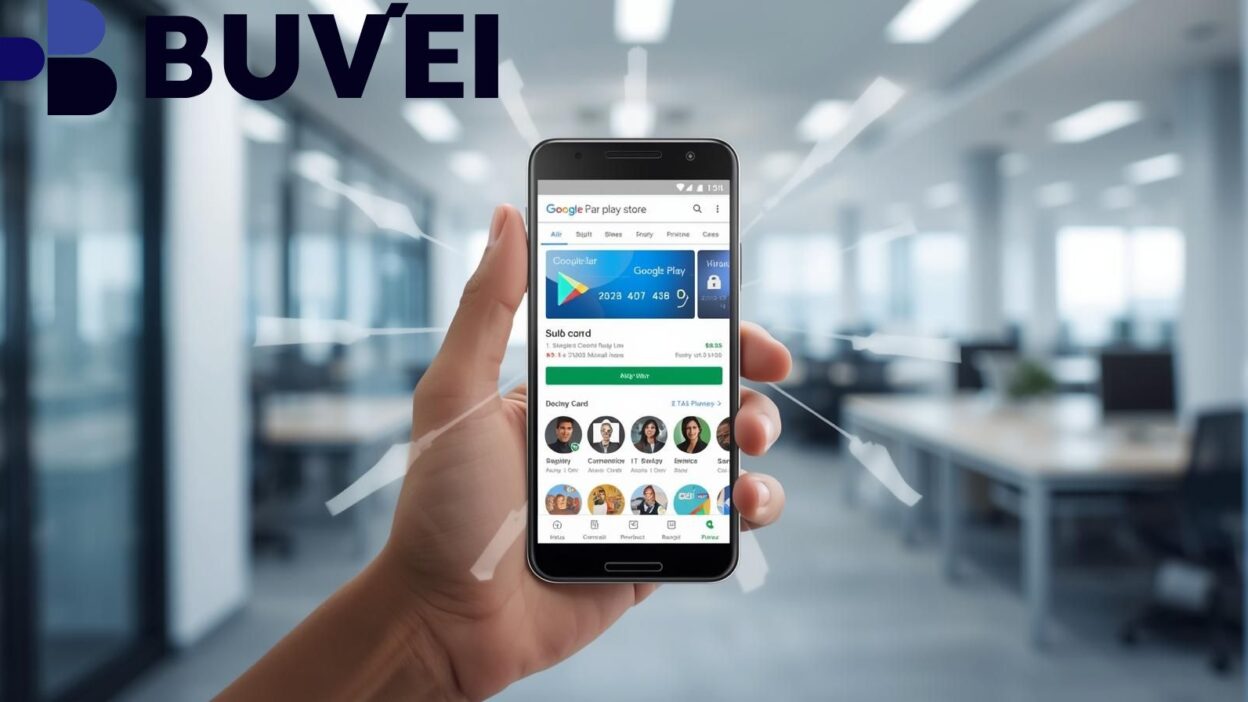
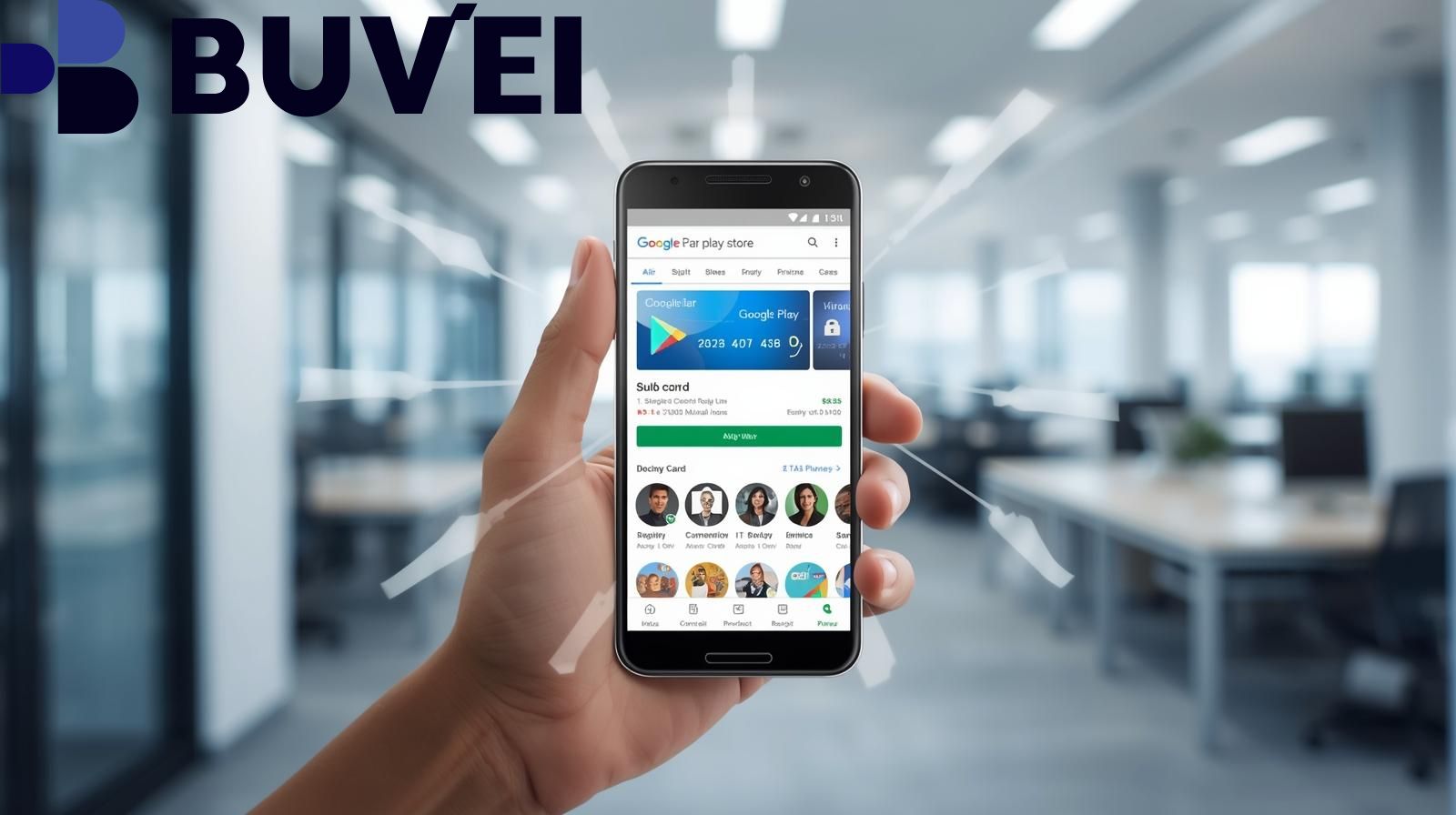
When you use a virtual card on Google Play, Google substitutes your real card number with a virtual one during checkout. The merchant never sees your actual card details. Even if the virtual number is compromised, your real account remains safe.
Why Google Supports Virtual Cards
Google introduced virtual card functionality in partnership with major banks to reduce online fraud and enhance user confidence in digital payments. In select regions like the U.S., users can turn on virtual cards for supported Visa, Mastercard, or American Express accounts directly through Google Wallet or Chrome’s payment settings.
Limitations to Note
-
Not all merchants accept virtual cards; some may opt out of this payment model.
-
Refunds may take extra steps, as virtual card numbers can change per transaction or merchant.
-
Availability depends on your bank and region, not all cards support virtualization.
How to Set Up and Use a Virtual Card on Google Play
Setting up a virtual card for Google Play is straightforward. Follow these general steps (some details vary by country or issuing bank):
-
Check Eligibility
Ensure your bank or credit card supports virtual cards. In Google Wallet, look for the “Turn on virtual card” option. -
Activate the Virtual Card
-
Go to Chrome Settings → Payment methods and enable virtual card numbers.
-
Alternatively, activate through Google Wallet or Google Pay under your saved card settings.
Once enabled, Google generates a unique virtual card number, expiration date, and CVV managed by your issuing bank.
-
-
Add to Google Play
-
Open Google Play → Profile → Payments & Subscriptions → Add credit or debit card.
-
Enter your virtual card details manually or use Google’s autofill.
-
-
Make a Purchase
Select the virtual card at checkout. You may be asked to verify via SMS, fingerprint, or facial recognition. -
Manage or Disable
-
Disable anytime in Google Wallet or Chrome’s payment settings.
-
Once turned off, the virtual card number becomes inactive, protecting against further charges.
-
Four Key Advantages of Using a Virtual Card
1. Stronger Security
Your real card number is hidden. If the virtual card is exposed, it cannot be traced back to your main account. Some issuers even create a unique number for each merchant, minimizing fraud risk.
2. Better Budget Control
Virtual cards can be limited by spending caps or duration, preventing unwanted renewals or overspending on in-app purchases and subscriptions.
3. Lower Fraud & More Trust
Merchants benefit too—fewer fraudulent chargebacks and higher customer confidence in completing transactions. Both users and businesses win.
4. Flexibility & Easy Cancellation
You can deactivate or regenerate your virtual card anytime. This flexibility lets you cancel subscriptions or test online services without exposing your primary bank account.
How to Enhance Credibility When Offering Virtual Card Services
If you’re writing about or providing virtual card solutions, credibility and trust are key to ranking well and converting users. Here are essential strategies:
-
Reference Official Sources: Always cite or align with Google Pay, Visa, or Mastercard documentation. This adds authority and factual accuracy.
-
Show Real Examples or Screenshots: Step-by-step visuals of enabling or using virtual cards can increase user understanding and trust.
-
Disclose Limitations: Be transparent about restrictions, like regional availability or merchant acceptance.
-
Highlight User Reviews: Include testimonials (while respecting privacy) that reflect real customer experiences.
-
Maintain Regular Updates: Virtual payment systems evolve fast. Keep your content fresh and dated to prove relevance.
-
Add Legal or Risk Disclaimers: Clarify that policies vary by bank and country to avoid misinformation.

Conclusion
Using a virtual card for Google Play purchases is one of the smartest ways to balance convenience and security in today’s online economy. Whether you’re buying apps, games, or subscriptions, a virtual card helps protect your financial data, limit spending, and reduce fraud risk.
For businesses or writers in the fintech and digital payment space, emphasizing authority, transparency, and up-to-date accuracy will significantly improve both SEO ranking and audience trust.
As Google continues to expand support for virtual cards globally, early adopters gain a safer, smarter, and more private way to enjoy the full power of the Play ecosystem.