Introduction
Adobe Creative Cloud is an essential tool for designers, marketers, and creators who rely on Photoshop, Illustrator, Premiere Pro, and more. While subscribing directly with a bank card is common, many users are looking for safer, more flexible ways to manage payments. This is where virtual cards come in.
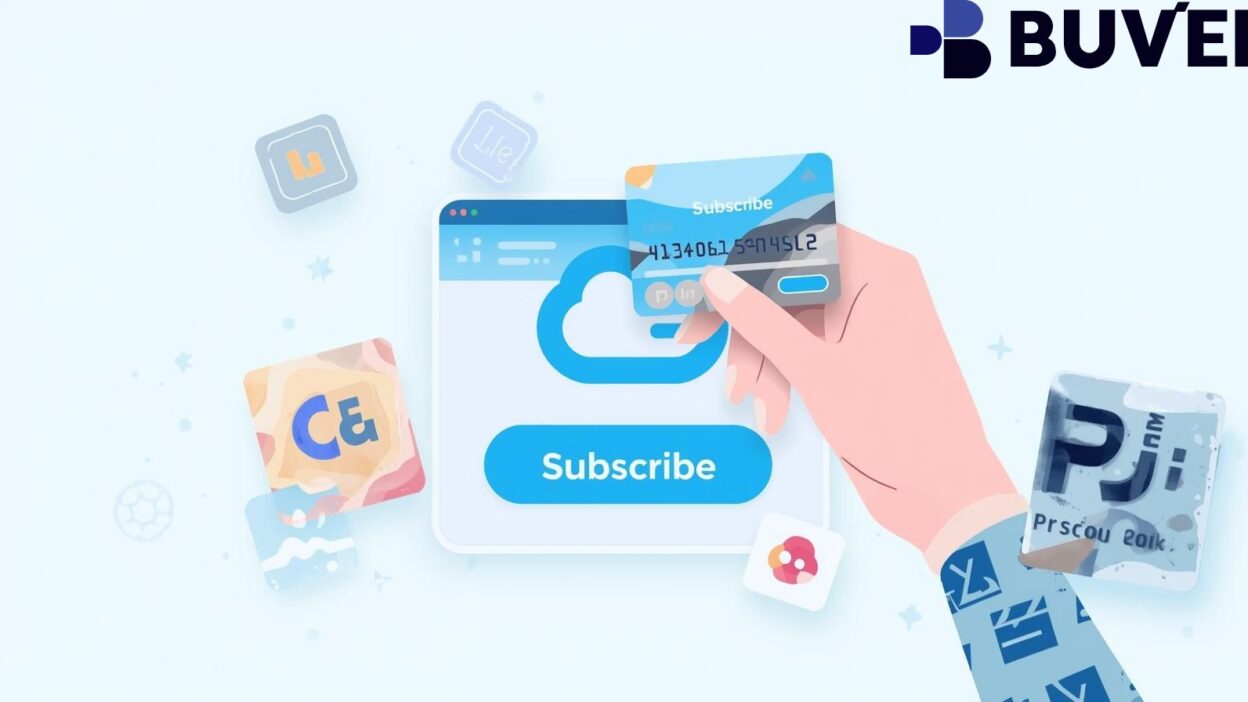
Using a virtual card for your Adobe subscription helps you protect your personal bank details, set spending limits, and avoid unexpected charges. In this guide, we’ll walk through how to subscribe to Adobe Creative Cloud with a virtual card, plus the advantages of choosing a provider like Buvei.
Prepare Your Virtual Card
The first step is to get a virtual card that works with global payment platforms. Look for features like easy top-ups, multi-currency support, and strong payment compatibility.
With Buvei, you can:
-
Instantly issue cards without complex KYC processes.
-
Top up with USDT (TRC20/ERC20) for low-cost and fast arrival of funds.
-
Manage multiple cards under one account, perfect for freelancers or teams managing different projects.
Create or Log in to Your Adobe Account
Go to the Adobe Creative Cloud website.
-
If you don’t have an account, sign up with your email.
-
If you already have an account, just log in.
Make sure you select the right subscription plan: individual, business, student, or teacher.
Choose Virtual Card as Your Payment Method
When Adobe asks for your billing information:
-
Enter your virtual card number, expiration date, and CVV just like a standard card.
-
Make sure the billing address matches the one linked to your virtual card account.
-
Confirm and proceed.
Tip: If you only want to test Adobe for one month, set a spending limit on your virtual card. This way, the subscription won’t auto-renew without your approval.
Manage and Monitor Your Subscription
Once your subscription is active, you can:
-
Track charges in real-time from your virtual card backend.
-
Adjust card limits if you want to continue or stop auto-renewal.
-
Use different cards for different tools (for example, one card for Adobe and another for Canva or ChatGPT).
Why Use a Virtual Card for Adobe?
Here are the four main benefits:
1. Security and Privacy Protection
Virtual cards reduce the risk of theft since your real bank account details remain hidden. Buvei complies with PCI DSS international security standards, making transactions safer.
2. Flexible Cost Control
Set spending limits to avoid surprise charges. Buvei offers a transparent fee structure—all top-up and payment fees are clearly shown in the backend.
3. Global Compatibility
Adobe accepts Visa and Mastercard worldwide. Buvei supports multiple BIN regions, boosting payment success rates no matter where you are.
4. Fast and Easy Setup
With instant card issuance, you can start your subscription right away. No delays, no complicated verification processes.
Summary
Subscribing to Adobe Creative Cloud with a virtual card is a smart move for security, flexibility, and financial control. By using Buvei, you get multi-BIN support, USDT top-ups, instant card issuance, and transparent pricing, making it easier to manage all your creative tools in one place.
Ready to enjoy Adobe Creative Cloud without worrying about recurring charges or security risks?
Try Buvei virtual cards today and simplify your subscription management.