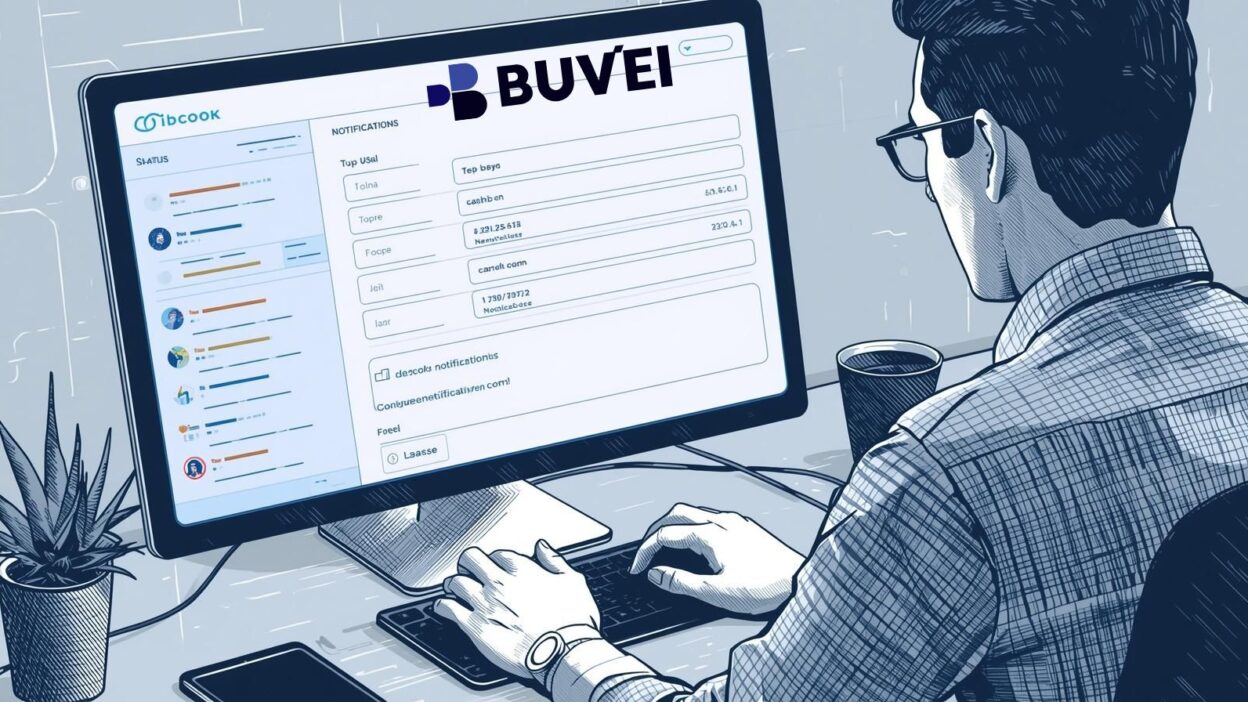
Managing virtual card expenses inside QuickBooks can be a challenge, especially when dealing with spending limits, ad budgets, and subscription costs. To maintain control, businesses can set up webhook notifications for virtual card limits. This ensures that finance teams and marketers get real-time updates whenever card usage approaches thresholds, preventing unexpected declines or overspending.
In this guide, we’ll explain how webhook notifications work, how to set them up in QuickBooks, and why they’re crucial for businesses managing advertising, SaaS subscriptions, and day-to-day payments.
Why Use Webhook Notifications for Virtual Card Limits?
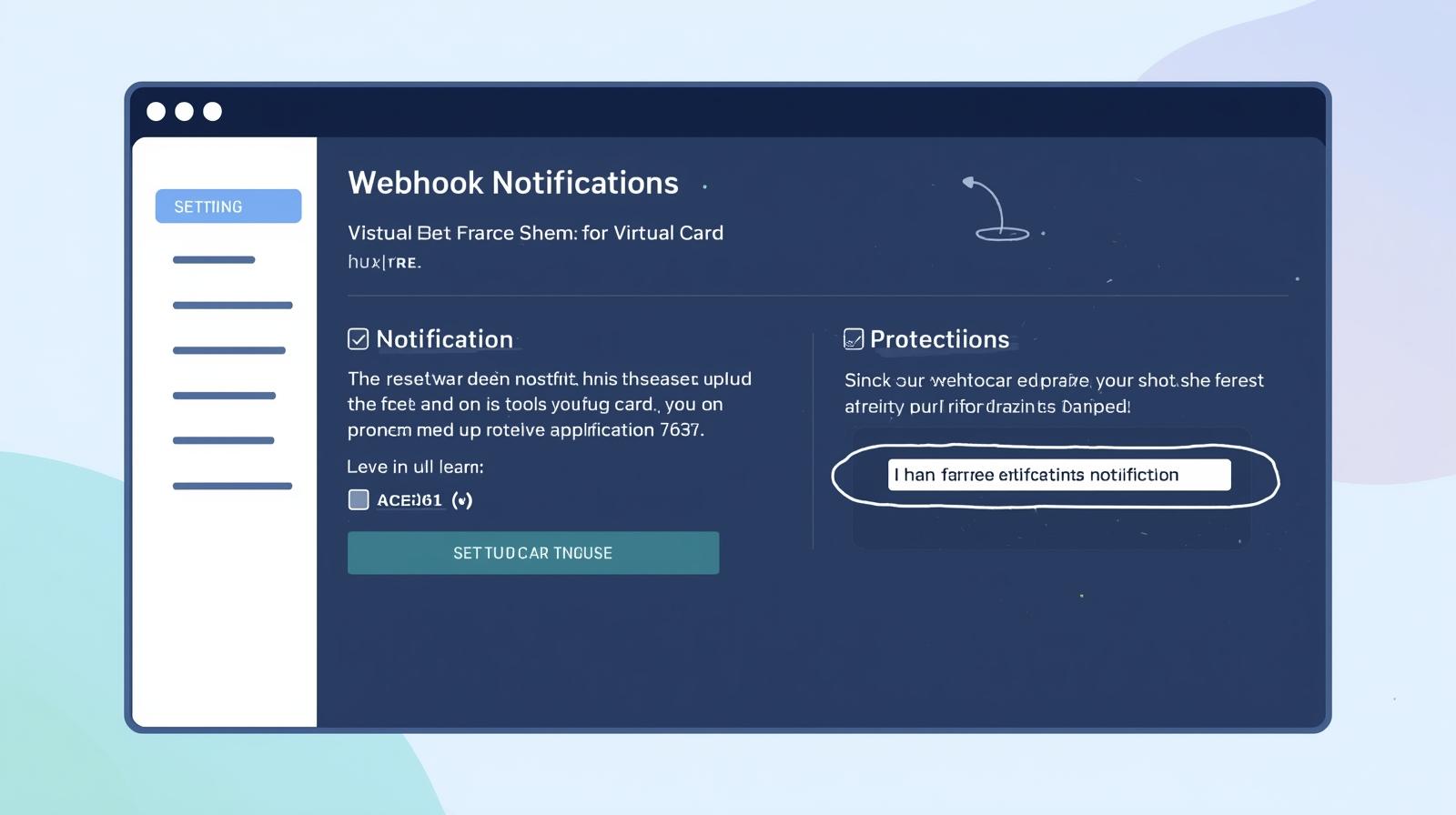
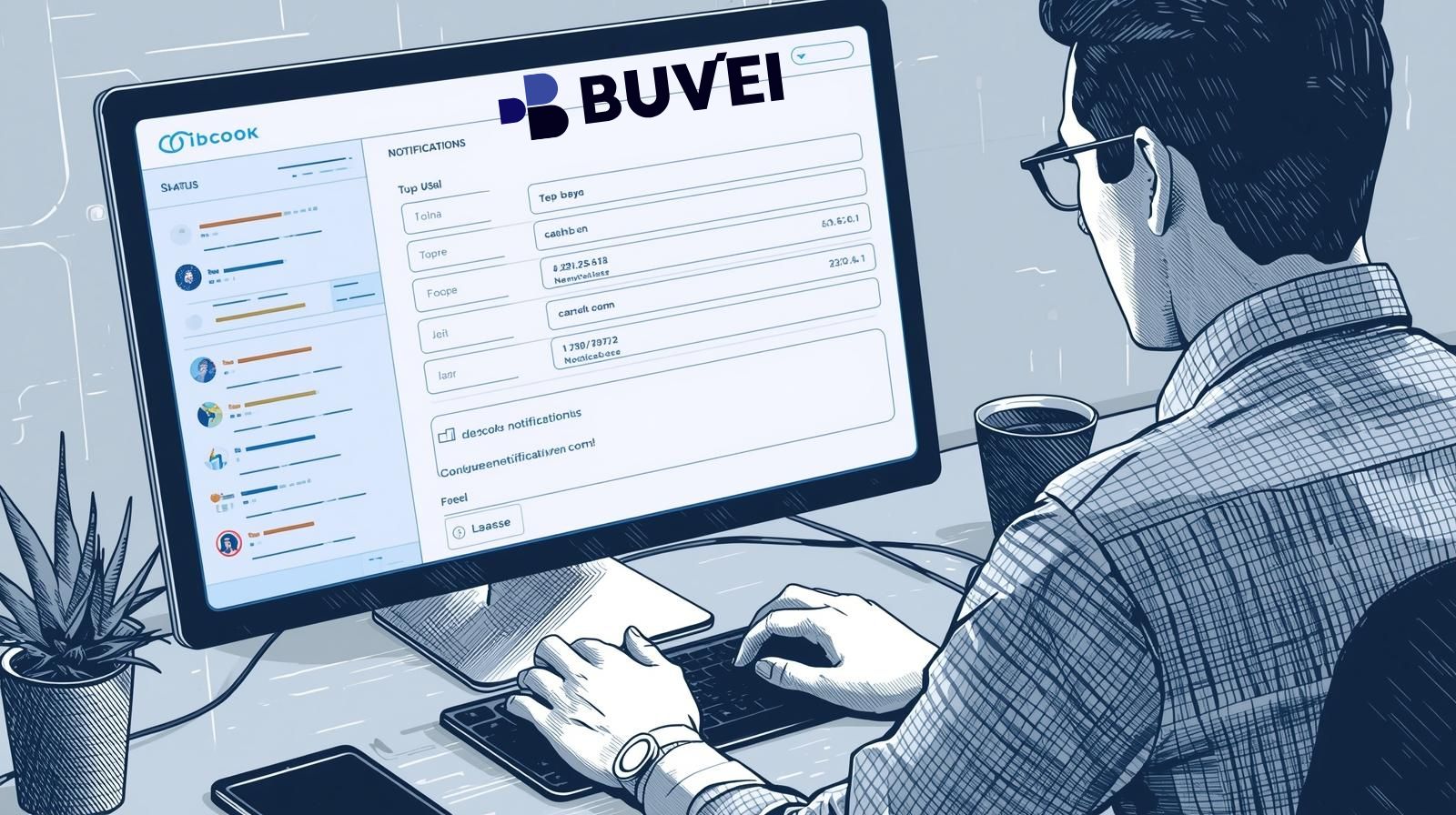
Webhook notifications act as real-time alerts. Instead of manually checking balances or transaction histories, QuickBooks can automatically send notifications when certain conditions are met.
Here’s why it matters for businesses:
-
Avoid Payment Failures – Stay ahead of declined payments on ad platforms like Google Ads, Meta Ads, TikTok Ads, or SaaS tools such as ChatGPT, Canva, and Notion.
-
Improve Budget Control – Get notified when spend approaches preset limits to better manage marketing campaigns.
-
Enhance Team Coordination – Share instant alerts across finance and marketing teams.
-
Save Time – Eliminate manual checks and automate financial monitoring.
How to Set Up Webhook Notifications in QuickBooks
QuickBooks allows developers and finance teams to integrate webhook APIs for event-based notifications. Here’s a step-by-step outline:
Step 1: Enable Developer Access
-
Sign in to your QuickBooks Developer Account.
-
Create or select an app from your dashboard.
-
Retrieve your API keys.
Step 2: Register a Webhook URL
-
Add your server’s webhook endpoint URL in the app settings.
-
Ensure your server can receive and process POST requests securely (HTTPS recommended).
Step 3: Configure Webhook Triggers
-
Choose the event type: e.g., spending limit reached, transaction failed, or balance threshold warning.
-
Map it to the corresponding QuickBooks virtual card or account.
Step 4: Test the Webhook
-
Use QuickBooks’ sandbox environment.
-
Simulate a card transaction exceeding limits to confirm real-time notifications are delivered.
Step 5: Deploy to Production
-
Switch to your live QuickBooks environment.
-
Monitor notifications to ensure accuracy and reliability.
Practical Use Cases for Businesses
Here are some examples of how webhook notifications can optimize financial management:
-
Ad Campaign Budgets – Get alerts when your Meta Ads or Google Ads spending approaches limits, ensuring campaigns don’t pause unexpectedly.
-
SaaS Subscriptions – Avoid service interruptions by monitoring card balances tied to tools like Canva or Notion.
-
Team Expenses – Track employee-issued virtual cards for travel or purchases, preventing overspending in real time.
Why Buvei Virtual Cards Make This Process Easier
While QuickBooks handles accounting and webhook setup, the choice of virtual card provider significantly affects performance. This is where Buvei stands out.
Buvei’s Advantages and Highlights:
-
Multiple BIN Support – Boosts payment success rates across regions and platforms, ensuring smooth payments for ads and SaaS subscriptions.
-
Strong Payment Compatibility – Works seamlessly with Google Ads, Meta Ads, TikTok Ads, Microsoft Ads, SaaS subscriptions, and even daily purchases.
-
USDT Top-Up – Low-cost, fast arrival times for funding accounts, helping businesses save on transfer fees.
-
Instant Card Issuance – Create and start using virtual cards right after registration—no lengthy KYC delays.
In addition, Buvei offers a transparent fee structure, multi-account management, and real-time customer service, giving businesses confidence and flexibility in financial control.
Summary
Setting up webhook notifications for virtual card limits in QuickBooks helps businesses stay proactive with financial management. From avoiding payment declines to improving ad budget efficiency, this automation saves time and reduces risks.
When paired with a reliable virtual card provider like Buvei, businesses gain additional advantages such as high payment success rates, instant card issuance, and strong platform compatibility.
Ready to streamline your financial workflows?
Start by setting up QuickBooks webhook notifications today, and explore how Buvei virtual cards can give your business greater control and flexibility in managing expenses.