For many creative entrepreneurs, Etsy Plus offers valuable features such as advanced shop customization, discounted listings, and credits for advertising. However, managing recurring payments for Etsy Plus can sometimes be a challenge, especially if you want tighter control over your spending or need to separate business expenses. This is where virtual cards come into play. By setting up recurring payments with a virtual card, you can not only protect your financial information but also streamline expense management.
In this guide, we’ll explain how to set up recurring payments for Etsy Plus using a virtual card, why virtual cards are a secure option, what policies you should be aware of, and how platforms like Buvei can simplify the process for global sellers. 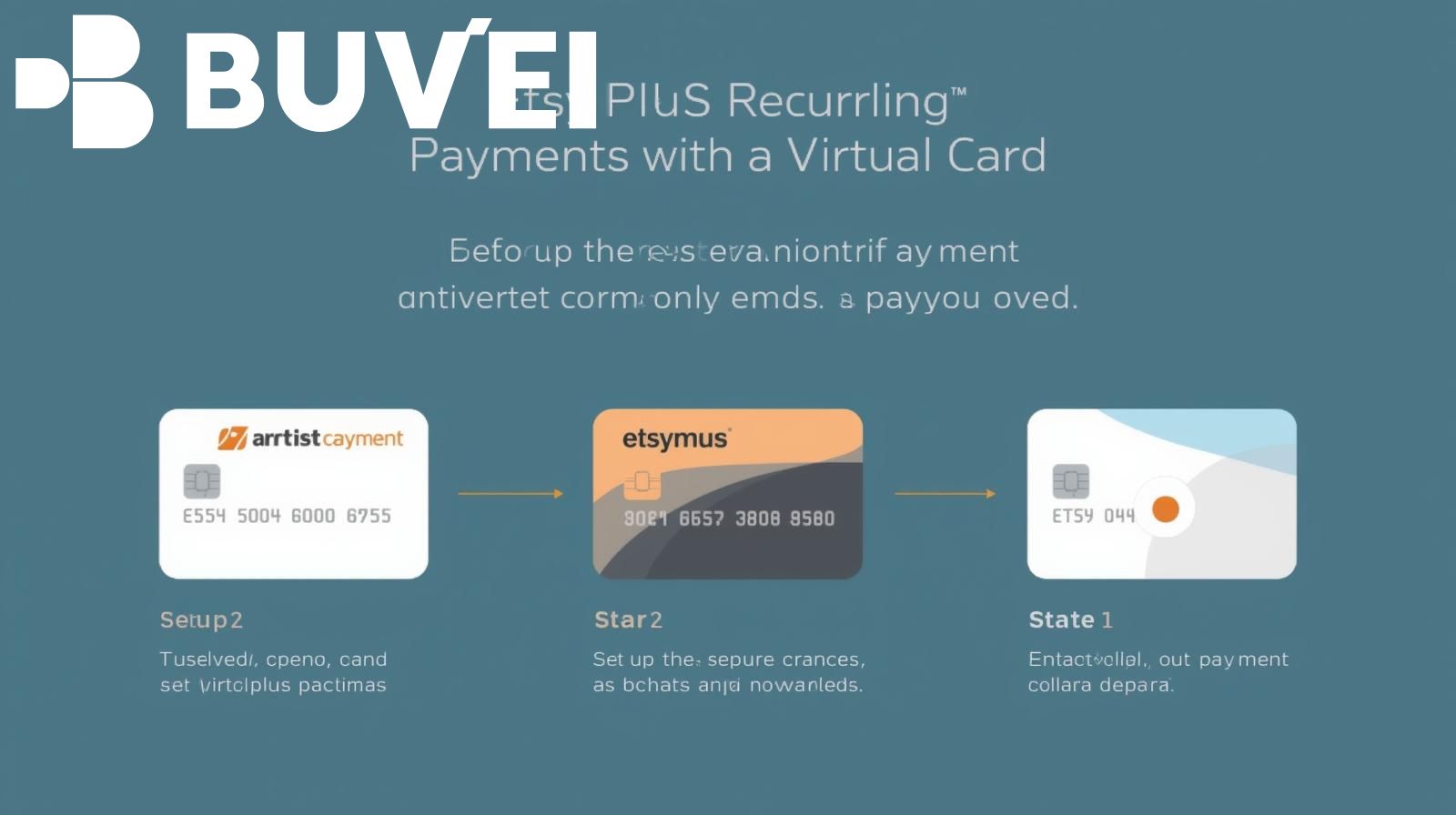
Why Use a Virtual Card for Etsy Plus Payments?
Etsy Plus requires a recurring monthly payment, usually billed directly to a linked credit card or PayPal account. But traditional payment methods have some drawbacks:
-
Security Risks: Directly linking your primary bank card can expose sensitive details in case of breaches.
-
Expense Management: Small businesses often struggle to separate personal and professional transactions.
-
Global Access: For sellers outside the U.S., international card compatibility issues can delay subscription renewals.
A virtual card provides a solution by offering:
-
Temporary or long-term card numbers for subscription billing.
-
Spending limits to avoid unexpected charges.
-
Better control over currency conversion fees for international sellers.
Platforms like Buvei are tailored for online subscriptions, making them an ideal choice for managing Etsy Plus recurring payments.
How to Set Up Recurring Payments for Etsy Plus with a Virtual Card
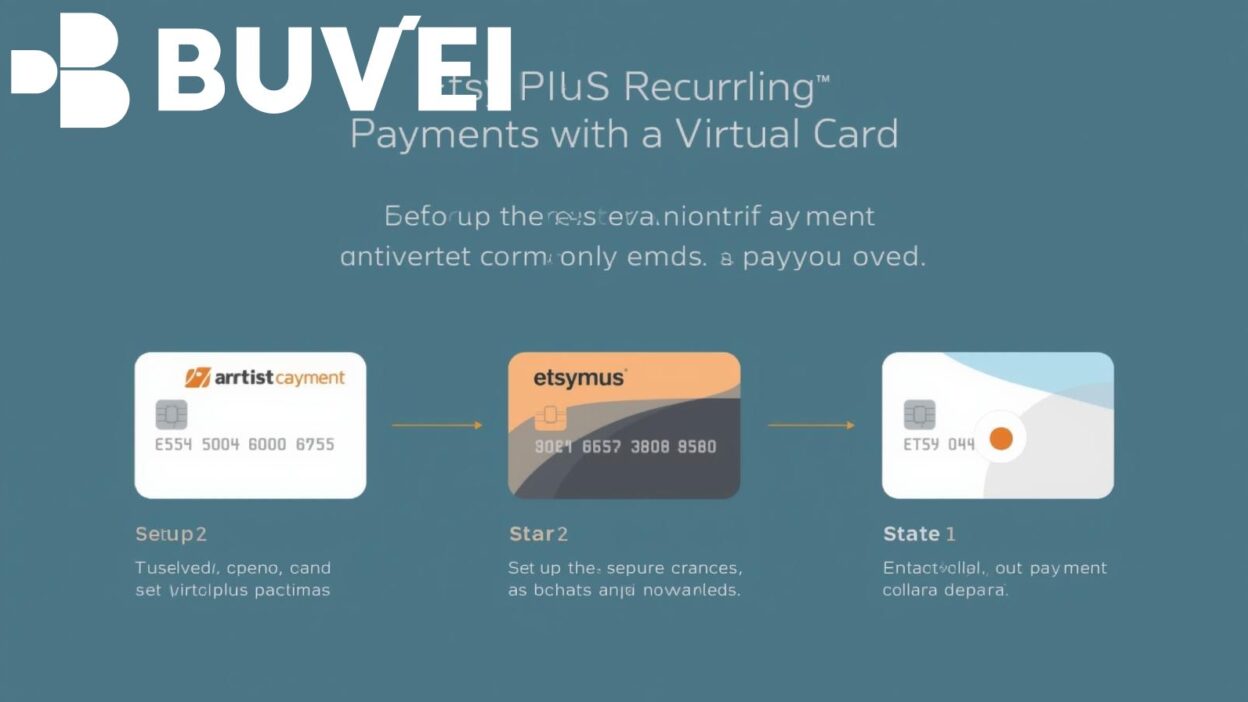
The setup process is straightforward. Here are the key steps:
Step 1: Create Your Virtual Card
-
Sign up with a trusted provider such as Buvei.
-
Generate a virtual card number, CVV, and expiration date.
-
Set a monthly spending limit aligned with Etsy Plus subscription costs.
Step 2: Log In to Your Etsy Account
-
Go to Shop Manager > Settings > Subscriptions.
-
Select Etsy Plus if you haven’t already subscribed.
Step 3: Add Your Virtual Card Details
-
Enter the card number, expiration date, and CVV from your virtual card.
-
Confirm the billing address (use your verified account details).
Step 4: Enable Recurring Payments
-
Etsy automatically sets billing to recurring by default.
-
Verify that your virtual card balance or limit covers the monthly fee.
By following these steps, your Etsy Plus subscription will renew seamlessly each month through the virtual card, without exposing your main credit card.
Policy and Compliance Considerations
When using a virtual card for recurring subscriptions like Etsy Plus, it’s important to consider:
-
Etsy’s Billing Policy: According to Etsy’s Seller Policy, subscriptions renew automatically unless canceled. Ensure your virtual card remains funded to avoid disruptions.
-
Card Issuer Terms: Some virtual card providers restrict recurring billing. Buvei, however, supports recurring subscription charges, making it reliable for long-term use.
-
International Payment Rules: Etsy charges in USD, and depending on your country, banks may impose foreign transaction fees. Virtual cards can help manage or bypass excessive fees.
By staying compliant with these policies, sellers can enjoy uninterrupted access to Etsy Plus benefits.
Advantages of Using Buvei for Etsy Plus Subscriptions
While there are many virtual card providers, Buvei stands out for businesses and individuals who rely on recurring online payments:
-
Global Accessibility: Available to sellers in multiple regions, helping entrepreneurs access Etsy Plus regardless of local banking restrictions.
-
Advanced Security: Each card number is isolated, reducing fraud risk.
-
Subscription Management: Easily generate separate cards for different services (Etsy, Shopify, Amazon Ads) to keep business expenses organized.
-
Flexible Controls: Set spending caps and duration to prevent overcharging.
By choosing Buvei, Etsy sellers can reduce financial risk while ensuring that their subscription payments process smoothly each month.

Conclusion
Setting up recurring payments for Etsy Plus with a virtual card is one of the smartest moves for sellers looking to balance convenience, security, and financial control. With Etsy’s automatic renewal system, it’s essential to use a payment method that safeguards your account while ensuring uninterrupted subscription benefits.
A reliable provider like Buvei offers not only the tools to handle recurring billing but also added advantages such as fraud protection and global accessibility. For creative entrepreneurs building their brand on Etsy, this simple step can make financial management more efficient and secure.