Introduction
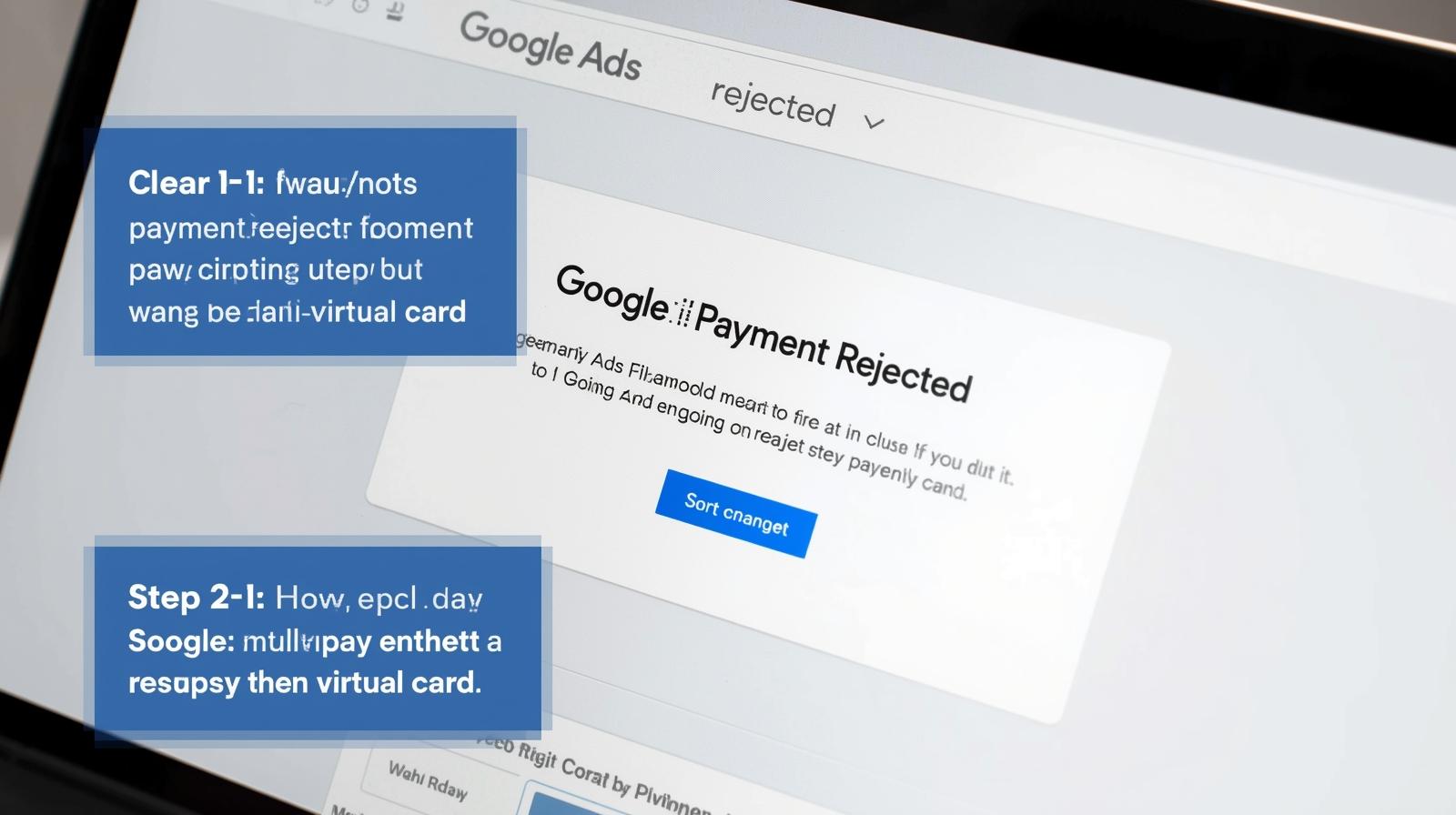
If you’ve ever seen the dreaded “Google Ads payment rejected” message, you know how frustrating it can be. Whether you’re running campaigns for a client, managing multiple accounts, or scaling your business globally, failed payments can disrupt ad delivery and hurt results.
The good news? Many payment issues can be solved by using the right virtual card strategies. This guide will walk you through practical troubleshooting steps to fix rejected Google Ads payments, plus introduce a powerful solution with Buvei—a trusted provider of high-performance virtual cards.
Common Reasons Google Ads Payments Get Rejected
Before troubleshooting, it’s important to understand why payments fail in the first place. Here are the most frequent causes:
-
Invalid Card Details – Expired, incorrect, or unsupported card numbers.
-
Bank Restrictions – Some issuing banks block international or advertising-related transactions.
-
Insufficient Funds – Not enough balance to cover ad charges.
-
Unrecognized BINs – Google Ads often checks card BINs (the first six digits) to confirm legitimacy. If your BIN doesn’t match expected regions, payments may fail.
-
Fraud Prevention Flags – Multiple failed attempts, mismatched billing details, or unusual spending patterns can trigger declines.
Virtual Card Troubleshooting Steps
When your Google Ads payment is rejected, follow these step-by-step solutions:
Step 1: Double-Check Card Information
Ensure the card number, CVV, expiry date, and billing address match perfectly. Even a small mismatch can trigger a decline.
Step 2: Verify Balance Availability
Make sure you’ve topped up enough funds. Keep a buffer in case Google’s billing threshold increases unexpectedly.
Step 3: Switch BIN Regions
Sometimes, payments fail due to region mismatches. Use a virtual card provider that supports multiple BINs (Visa/Mastercard) for better compatibility.
Step 4: Use Stable Virtual Cards
Not all virtual cards work smoothly with ad platforms. Choose providers that guarantee compatibility with Google Ads and other advertising platforms.
Step 5: Contact Support Quickly
If issues persist, reach out to both your card provider and Google Ads billing support. Quick communication can prevent prolonged downtime.
Why Virtual Cards Are the Best Fix
Using virtual cards for ad payments has several key advantages:
-
Flexibility – Issue new cards instantly when one gets blocked.
-
Security – Avoid exposing your primary bank card to international platforms.
-
Control – Set spending limits and manage multiple accounts.
-
Global Reach – Leverage different BINs to match ad platform requirements.
For businesses that manage multiple campaigns or clients, these benefits are essential for keeping ads running smoothly.
How Buvei Simplifies Google Ads Payments
If you’re looking for a reliable virtual card solution, Buvei is designed to solve the exact challenges advertisers face. Here’s why:
-
Multiple BIN Support – Buvei covers global BIN regions, increasing payment success rates on Google Ads and other ad networks.
-
Strong Payment Compatibility – Works across Google Ads, Meta Ads, TikTok Ads, Microsoft Ads, SaaS subscriptions, and even travel bookings.
-
USDT Top-Up (Fast & Low Cost) – Save on remittance fees and enjoy instant balance availability with USDT (TRC20/ERC20) top-ups.
-
Instant Card Issuance – Register, issue, and use cards immediately without lengthy KYC delays.
-
Transparent Fee Structure – No hidden costs; fees are clearly shown in the dashboard.
-
Security & Privacy Protection – Complies with PCI DSS standards, keeping your data safe.
-
Multi-Account Management – Issue and manage multiple cards from one dashboard for teams and agencies.
-
24/7 Real-Time Support – Live chat and dedicated managers to solve issues quickly.
By combining these features, Buvei helps advertisers reduce downtime, minimize risk, and keep campaigns running without payment interruptions.
Summary
When your Google Ads payment gets rejected, don’t panic. First, check the basics—balance, details, and BIN compatibility. Then, leverage the power of virtual cards to bypass restrictions and improve stability.
With a trusted provider like Buvei, you gain access to multi-BIN support, USDT top-ups, instant issuance, and secure account management, making it easier than ever to avoid payment roadblocks and keep your campaigns live.
Ready to stop worrying about Google Ads payment declines? Start using Buvei virtual cards today and enjoy smoother ad spend management.