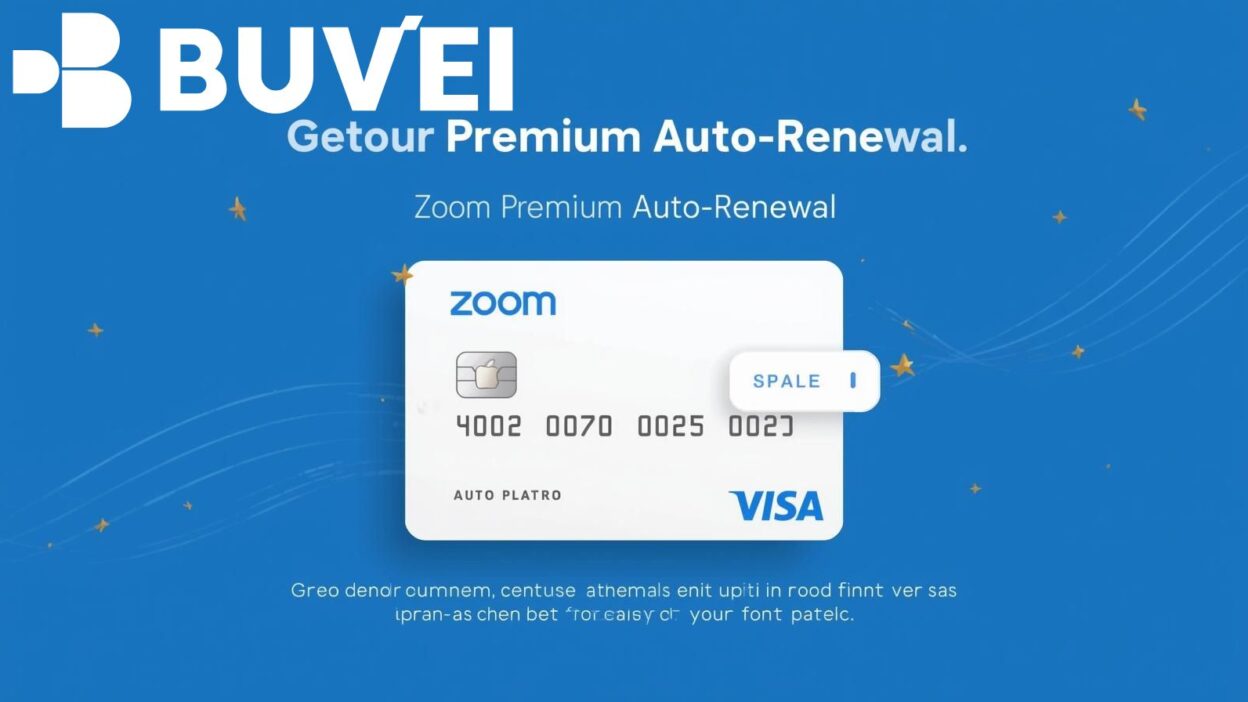
Zoom Premium has become a vital tool for professionals, educators, and businesses requiring seamless online collaboration. To avoid interruptions in service, many users opt for auto-renewal billing. However, using a physical credit card for recurring payments may expose sensitive financial details, making users vulnerable to unauthorized charges. This is where virtual cards come into play. Virtual cards add a layer of security, allow better control over subscriptions, and ensure uninterrupted access to Zoom Premium.
In this guide, we explain how to set up auto-renewal for Zoom Premium using a virtual card, highlight the benefits of secure payments, and introduce how platforms like Buvei can provide reliable virtual card solutions tailored to international subscription needs.
Why Use a Virtual Card for Zoom Premium Auto-Renewal?
Using a virtual card for recurring payments offers multiple advantages:
-
Enhanced security: Virtual cards mask your real bank details, reducing fraud risks.
-
Spending control: Set spending limits or freeze the card if necessary.
-
Global compatibility: Many virtual card providers, including Buvei, support international platforms like Zoom, Netflix, Adobe, and Microsoft.
-
Privacy protection: Ideal for those who want to separate personal banking from online subscriptions.
In many regions, regulators encourage secure online payment practices. For example, under PSD2 in the EU, strong customer authentication is required, and virtual cards comply with these security standards.
Steps to Set Up Auto-Renewal on Zoom Premium with a Virtual Card
Here’s how you can activate Zoom Premium auto-renewal with a virtual card:
-
Get a virtual card
-
Sign up with a provider like Buvei, which offers flexible and secure virtual cards suitable for subscription payments.
-
Complete KYC verification as required by financial regulations.
-
-
Add the card to your Zoom account
-
Log in to your Zoom account.
-
Navigate to Account Management > Billing > Payment Method.
-
Enter your virtual card details (card number, expiration, CVV).
-
-
Enable auto-renewal
-
Choose your desired Zoom Premium plan.
-
Ensure the auto-renewal option is enabled by default.
-
Confirm that the subscription will be charged to your virtual card.
-
-
Manage your subscription
-
Through Buvei’s dashboard, monitor transactions and set monthly limits.
-
If you no longer want auto-renewal, simply freeze or delete the card without affecting your main bank account.
-
Policy and Compliance Considerations
When using virtual cards for auto-renewal payments, consider the following:
-
Financial regulations: Providers must comply with AML (Anti-Money Laundering) and KYC (Know Your Customer) policies. Buvei ensures compliance with international standards.
-
Consumer rights: Subscriptions like Zoom Premium typically allow cancellations before renewal; check Zoom’s Terms of Service to avoid unwanted charges.
-
Cross-border transactions: Virtual cards simplify international payments, ensuring compliance with cross-border remittance rules.
By aligning with policies and financial compliance standards, users gain both security and peace of mind.
Why Choose Buvei for Virtual Cards?
Buvei is designed for global users who require safe, reliable payment methods for digital subscriptions. Its key advantages include:
-
Multi-platform compatibility: Works seamlessly with Zoom, Canva, Spotify, Adobe, and more.
-
User control: Instantly create, manage, or cancel cards.
-
Global reach: Suitable for users in regions where international card access is limited.
-
Secure compliance: Operates under strict KYC and AML frameworks.
By using Buvei, Zoom Premium users can activate auto-renewal confidently, ensuring uninterrupted access without exposing sensitive bank details.

Conclusion
Setting up auto-renewal for Zoom Premium using a virtual card is a smart and secure choice. It prevents service interruptions, enhances data protection, and offers full financial control. With providers like Buvei, users gain additional benefits such as flexible management, compliance with international standards, and compatibility with multiple subscription platforms.
For professionals and businesses relying on Zoom Premium, integrating a virtual card solution like Buvei is the most efficient way to safeguard recurring payments and ensure uninterrupted service.