
A fast, secure way to pay with Apple Pay
Add supported Buvei virtual cards to Apple Pay and pay securely in stores, online, and in apps.
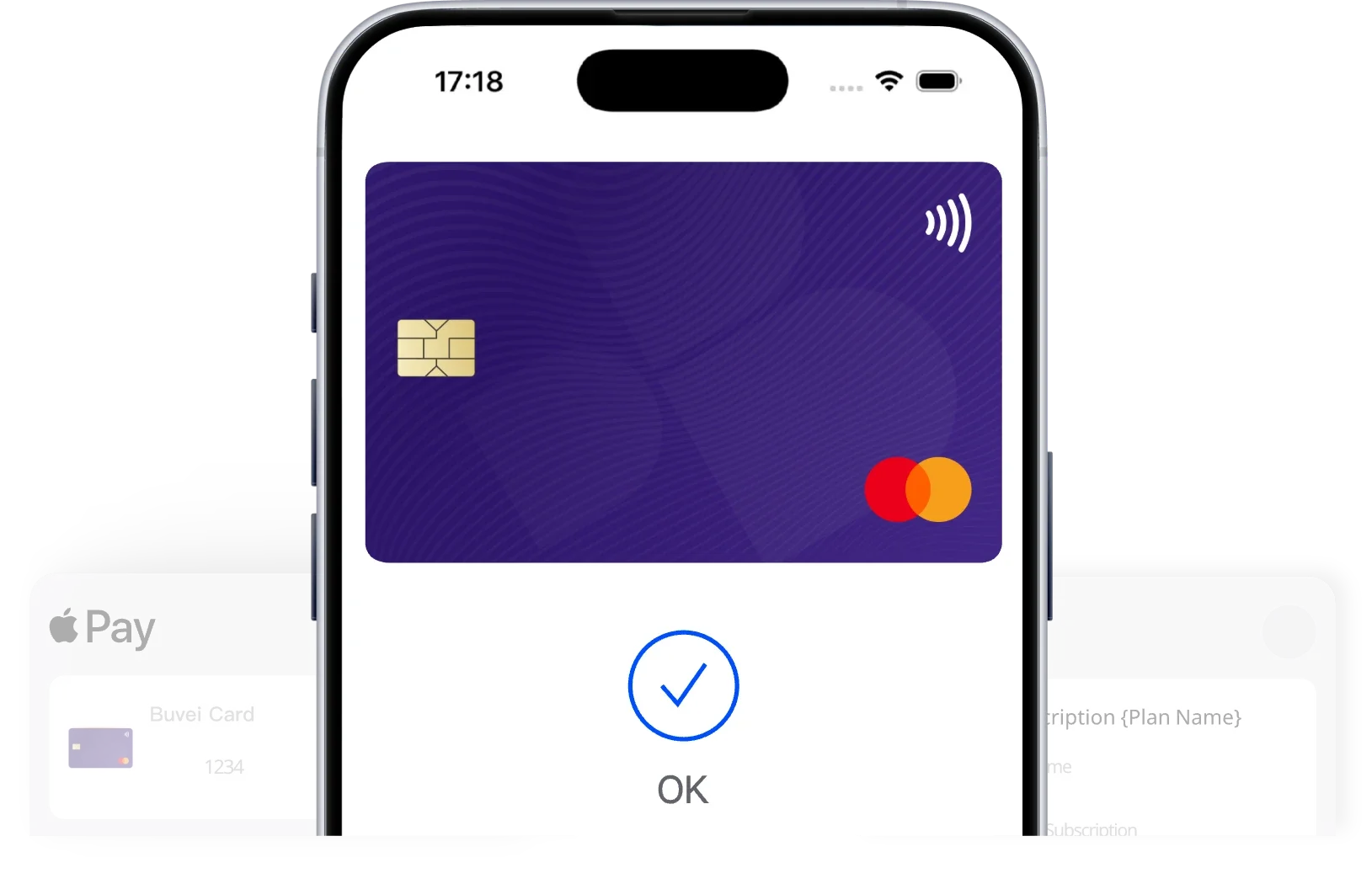
Where You Can Use Apple Pay

In-store payments
Tap to pay at supported contactless terminals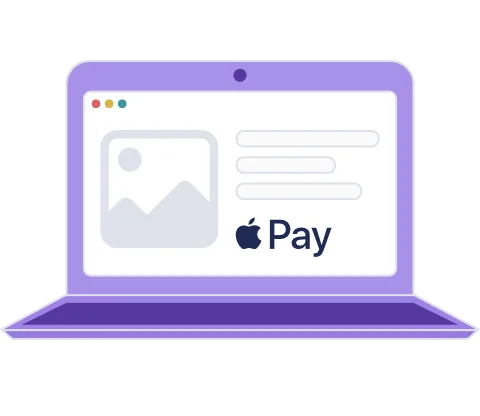
Online payments
Pay on websites that support Apple Pay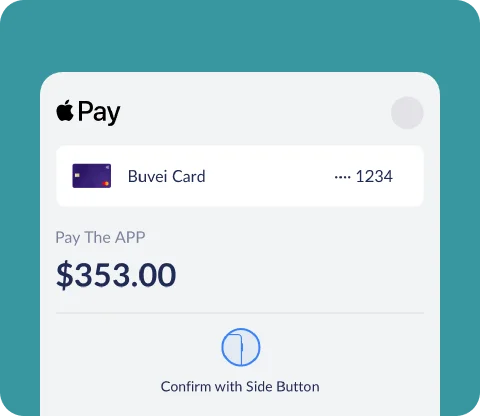
In-app payments
Complete payments inside supported appsAvailability depends on merchant acceptance.
How to Add Your Buvei Card to Apple Pay
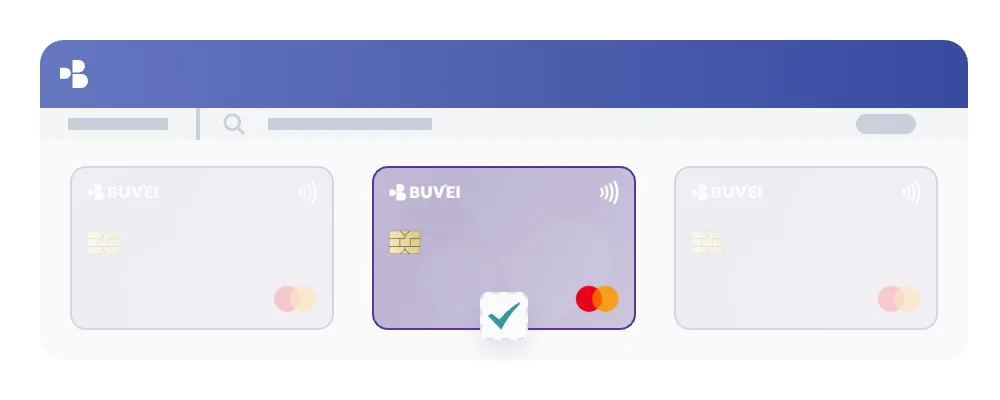
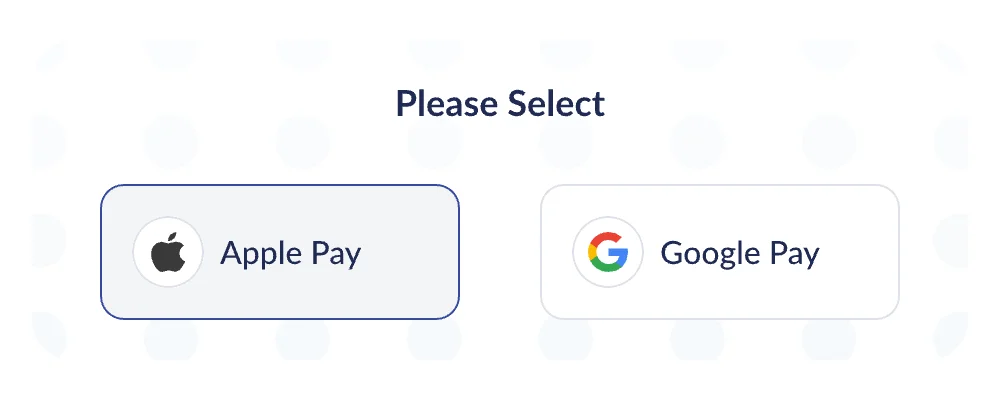
Select Apple Pay & Google Pay on the card issuance page

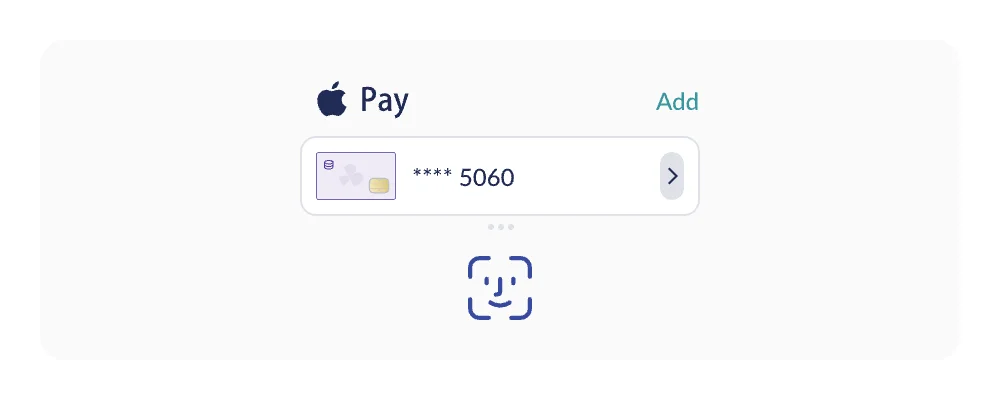
Add the card to Apple Wallet and complete verification
Security & Control


Tokenized payments via Apple Pay


Full control from your Buvei dashboard


Card-level spending limits


Face ID / Touch ID authentication


Freeze or delete cards anytime
Important Notes
Not all merchants support Apple Pay

Some transactions may require additional verification
**** ****

Apple Pay works only on supported Apple devices

Get Started with Buvei
Issue a virtual card and connect it to Apple Pay in just a few steps.